
• Log In

HLLT Tripoli International Airport V3

for Microsoft Flight Simulator 2024

A Reborn Airport, Built for the Next Generation of MSFS!

Tripoli International Airport has undergone significant redevelopment in recent years, and Azrsim brings its modernized layout and architectural details directly into MSFS 2024. Experience a scenery built from the ground up to take full advantage of the simulator’s visual engine, weather systems, and performance capabilities.

Key Features:

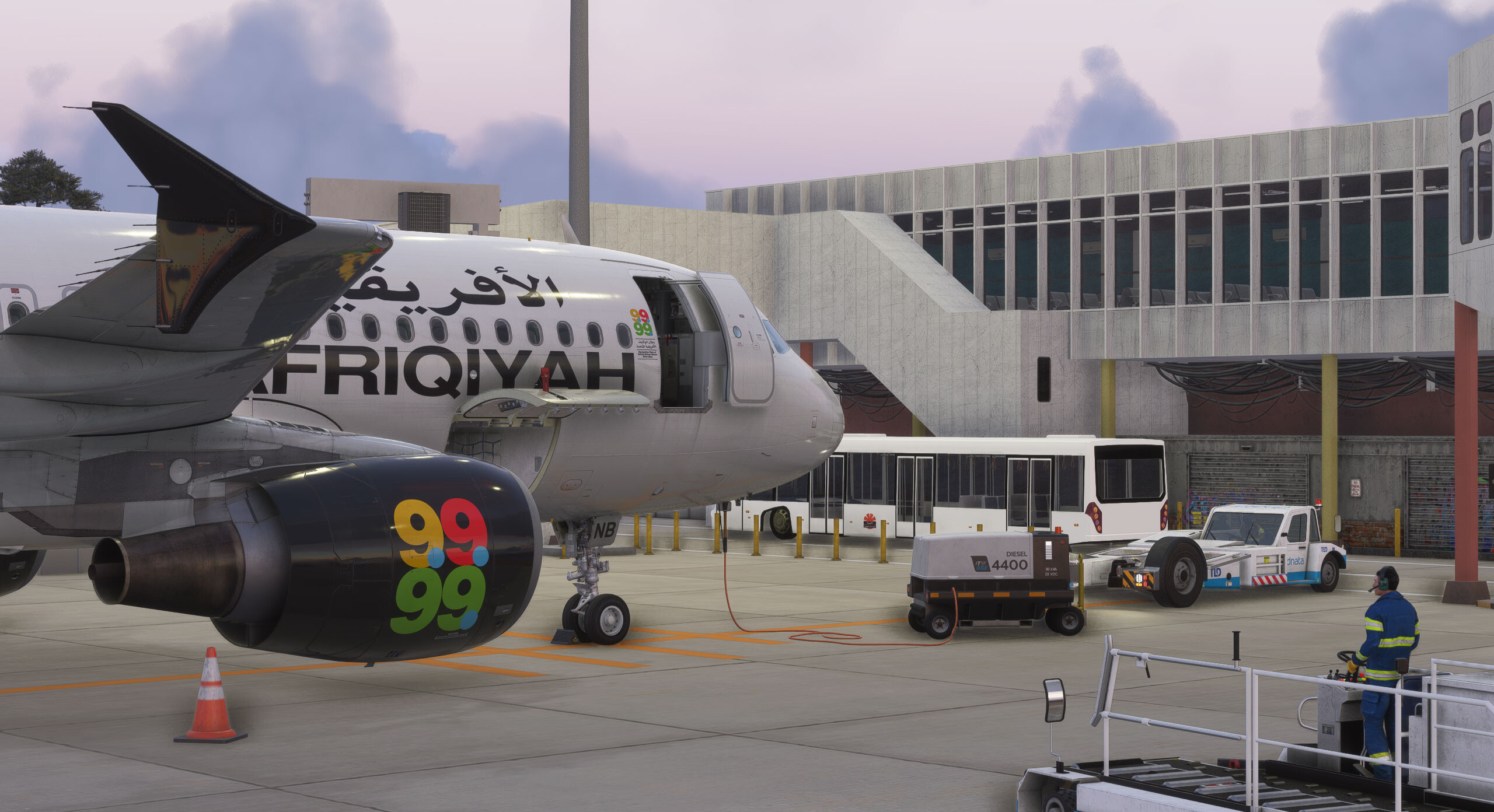
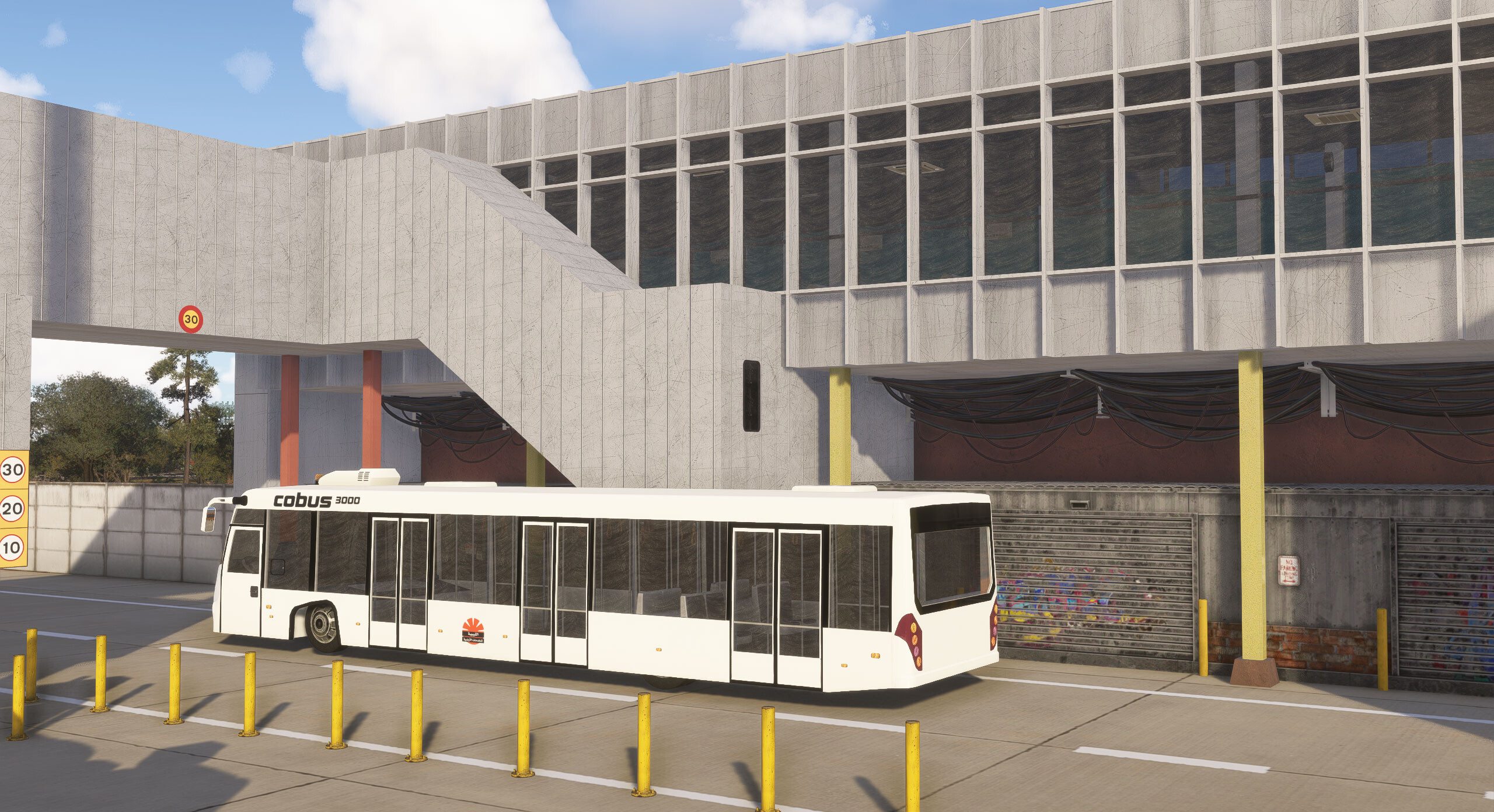
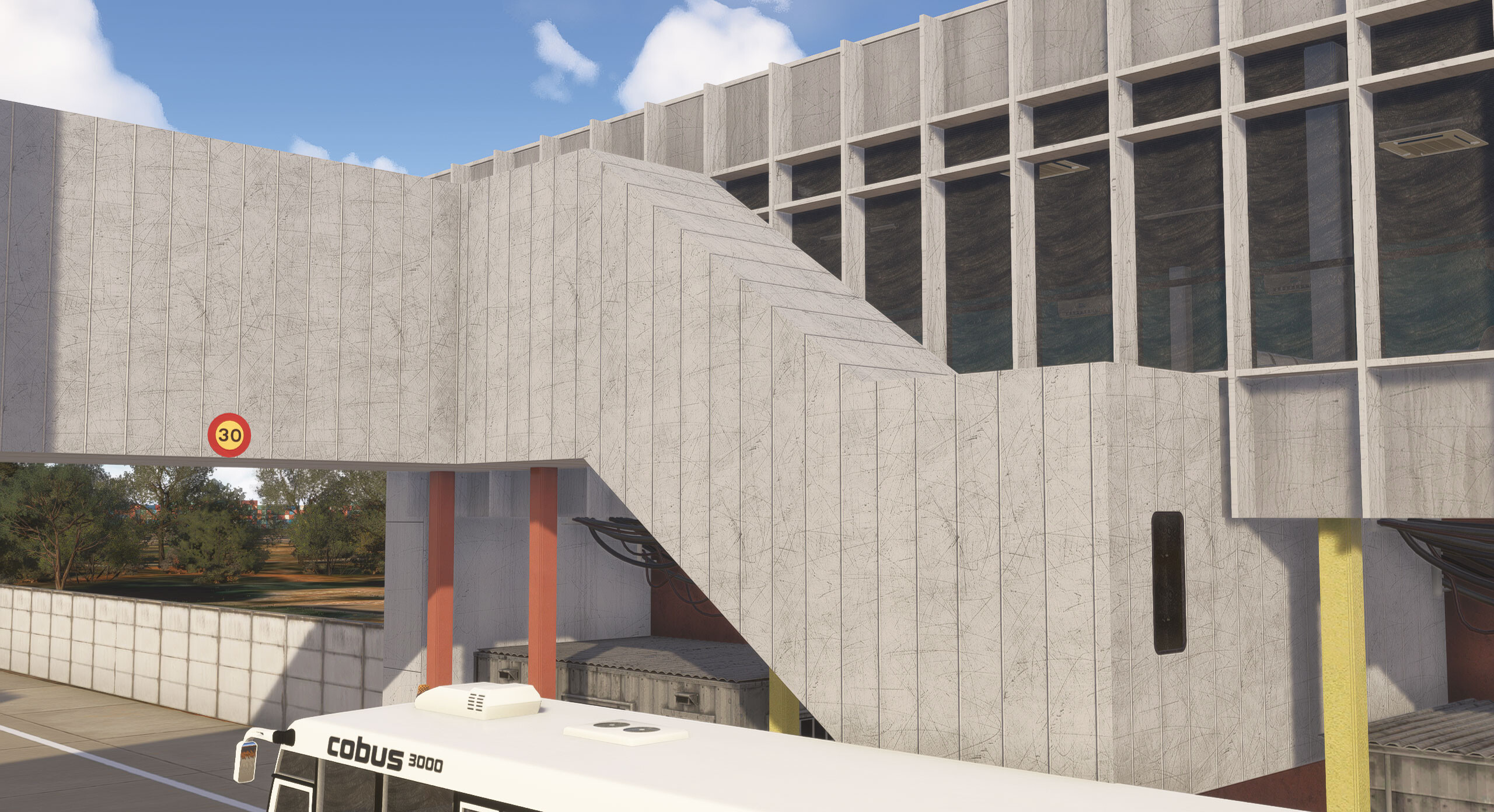
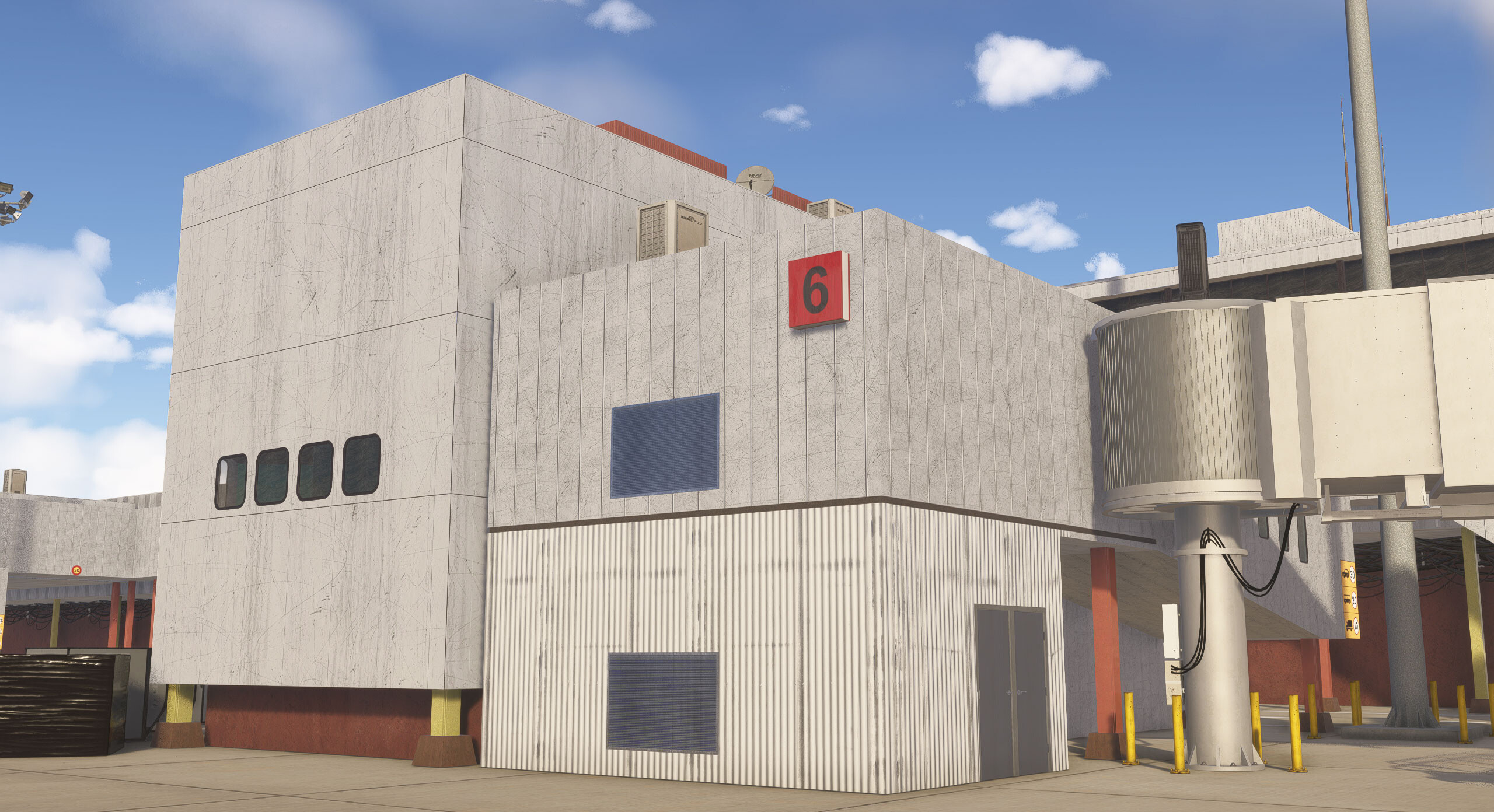
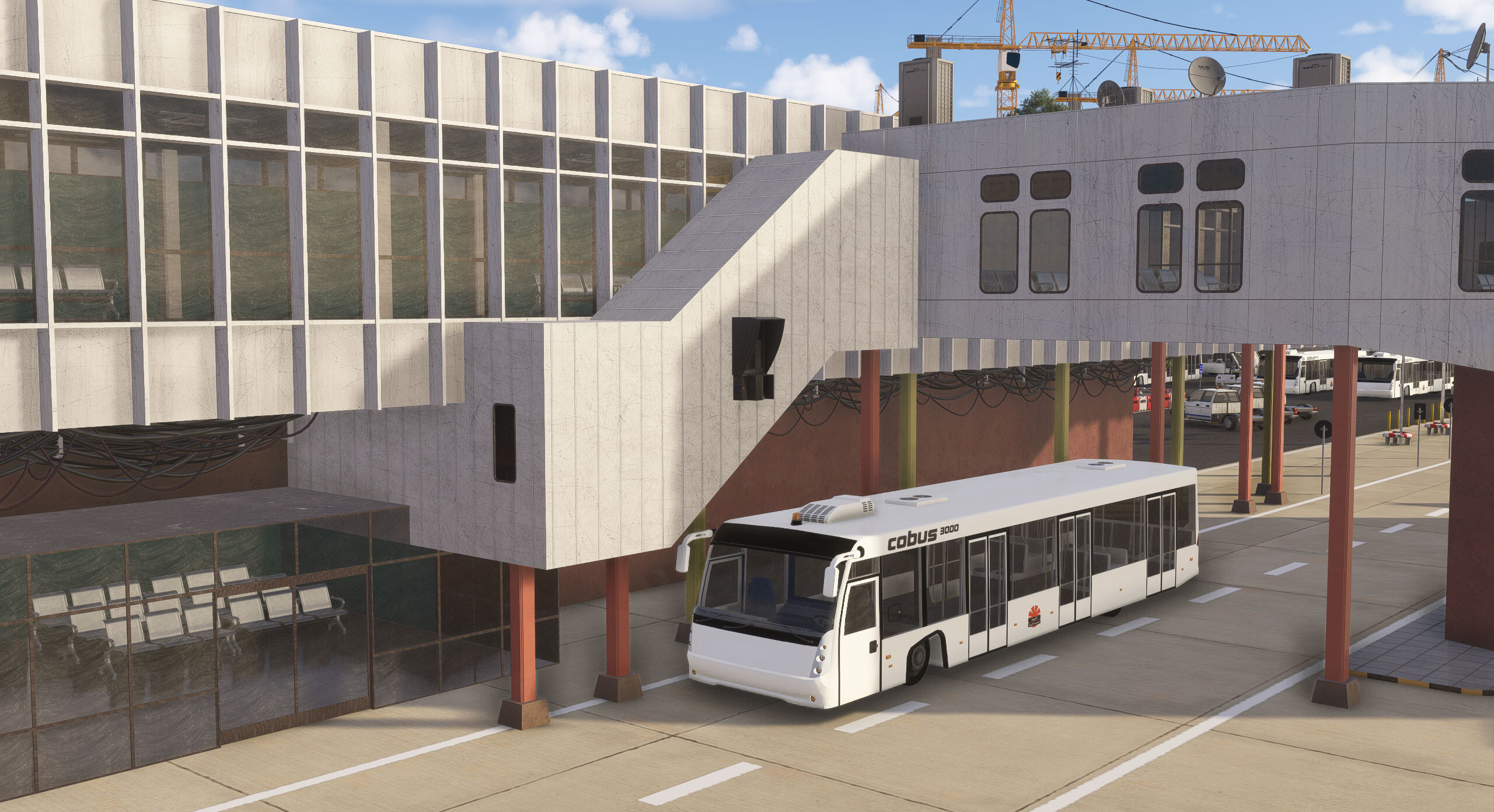
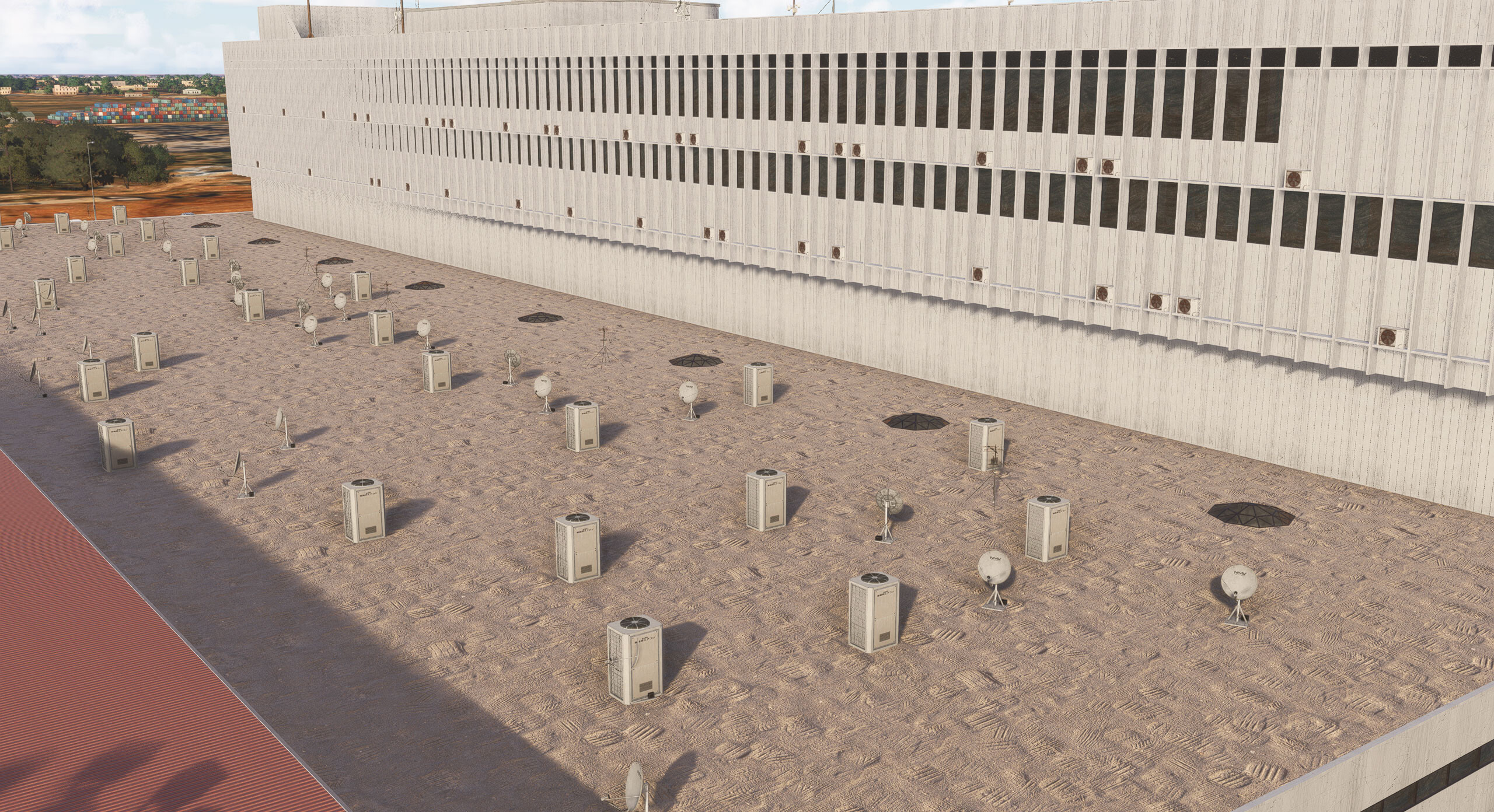
Ultra-Detailed Terminal Models (Old & New)

  • High-fidelity 3D models and HD textures capture every unique contour, facade, and structural detail.

Optimized Performance for Smooth Flying

  • Crafted with efficient modeling and smart LODs to ensure exceptional performance on both high-end and modest systems.

Immersive Night Environment

  • Realistic PBR lighting, terminal interior glows, floodlights, and taxiway illumination deliver a stunning after-dark experience.

Dynamic Ground Environment

  • Crisp ground textures, custom-painted runway/taxiway markings, and weather-aware materials that respond naturally in MSFS 2024.

Authentic Libyan Atmosphere

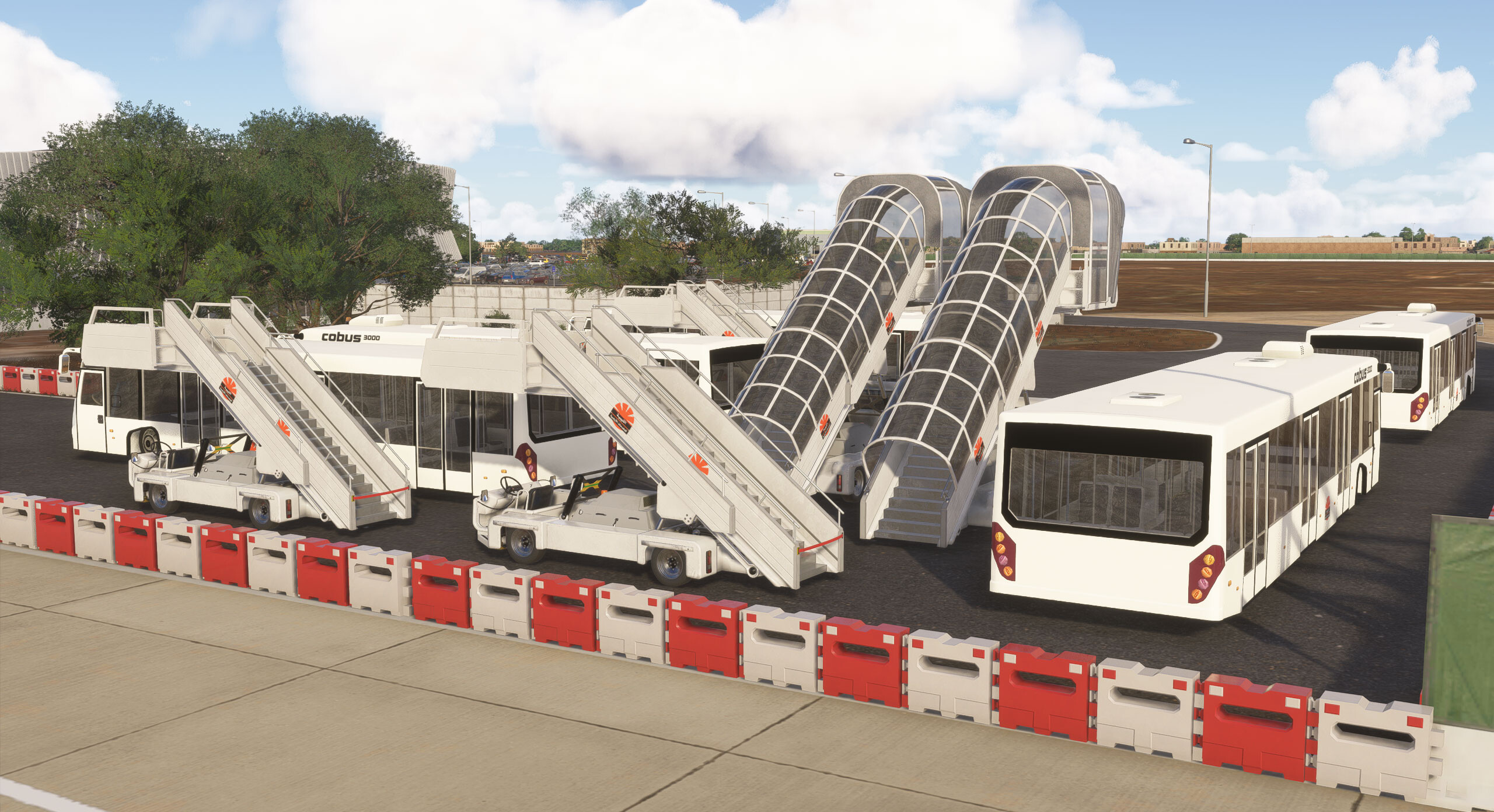
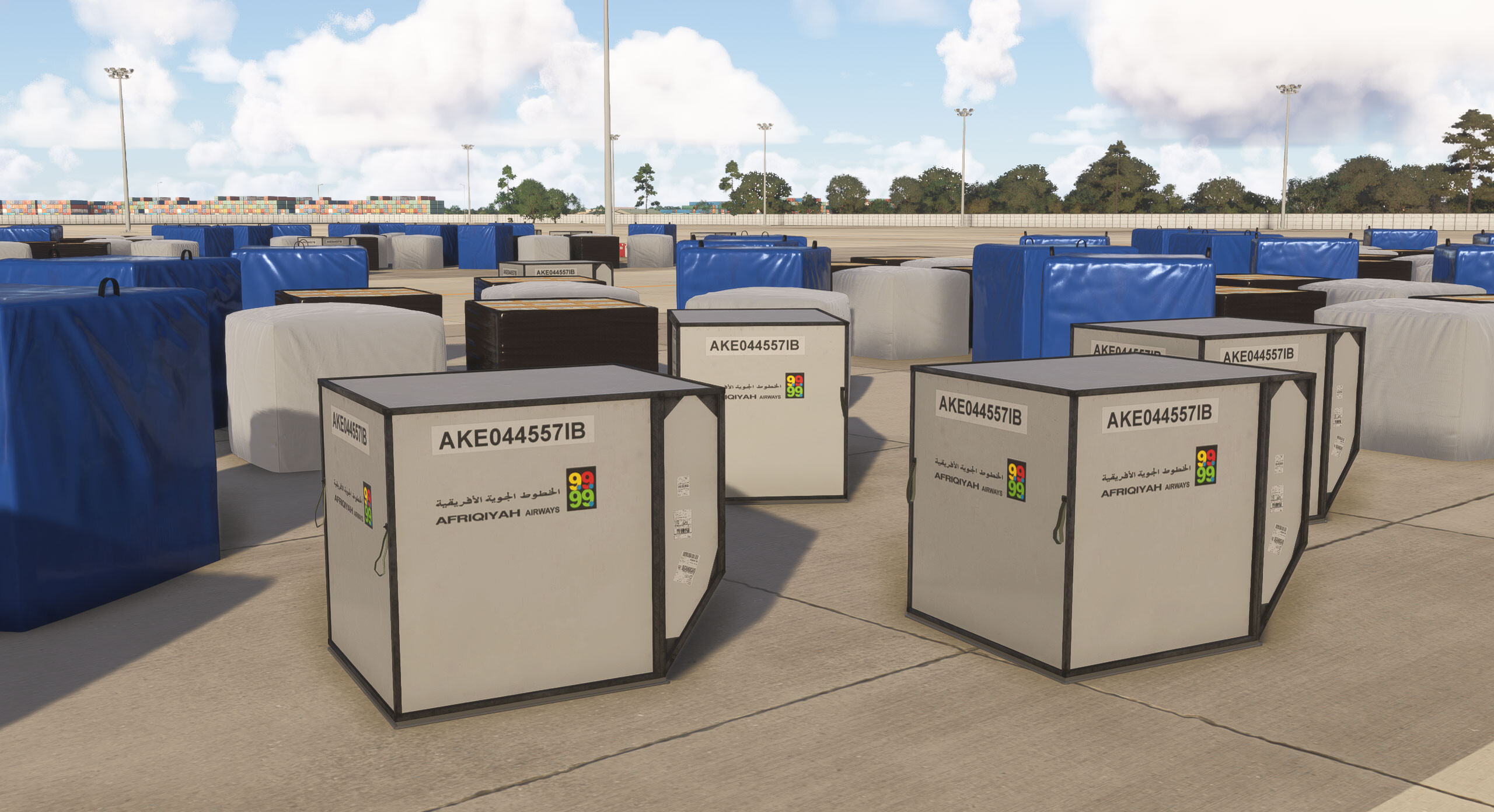
  • Custom objects, clutter, static vehicles, and regional design elements create a true sense of place unique to Tripoli.

Full AI & ATC Compatibility

  • Designed for seamless integration with AI traffic and MSFS native ATC routing.

Perfect for All Types of Pilots. Whether you're flying long-haul commercial routes into North Africa, regional operations across the Mediterranean, or humanitarian and cargo missions, Tripoli Intl Airport 2024 delivers a visually stunning, highly accurate environment that elevates every approach and departure.

Key Features

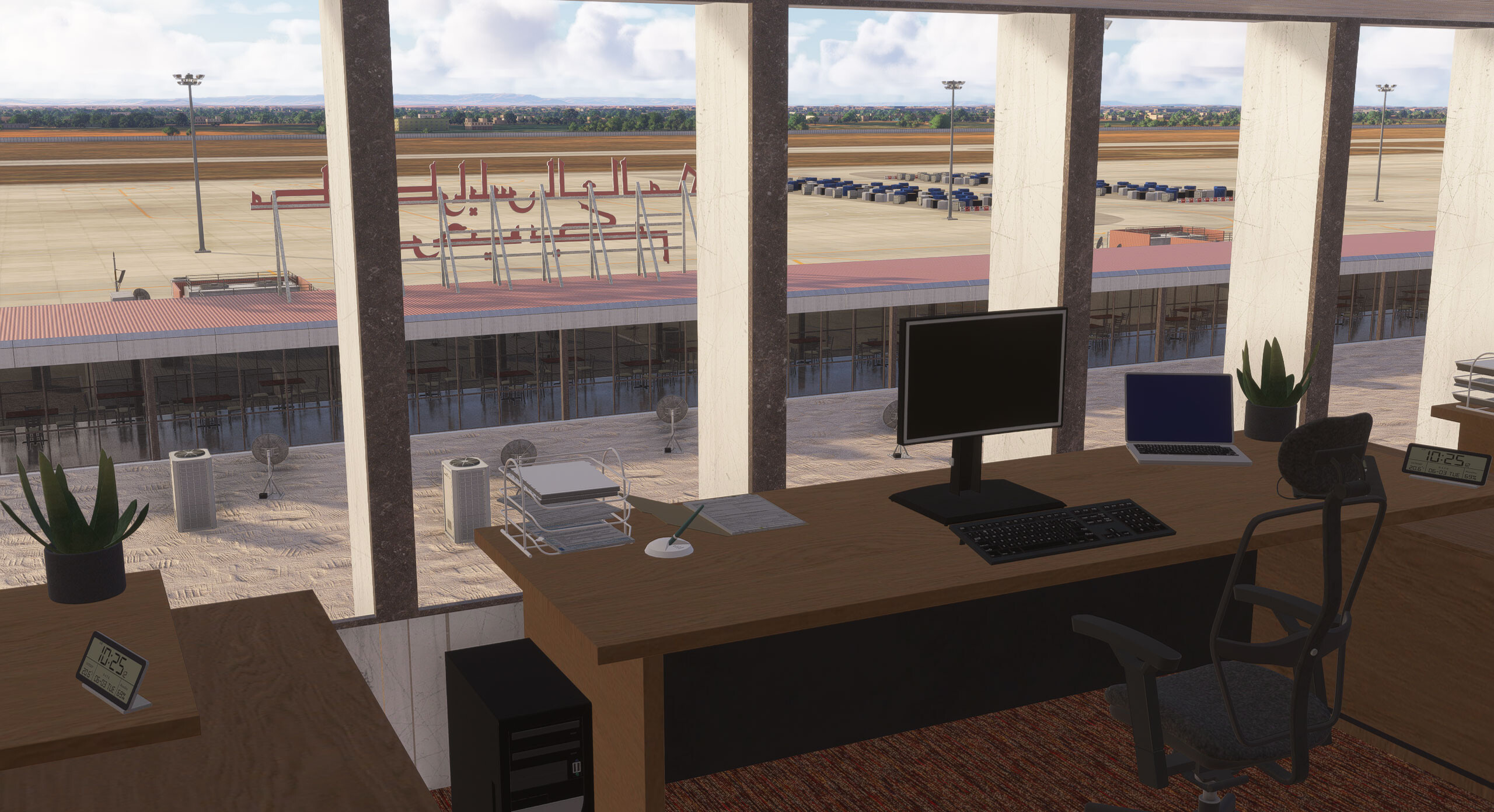
  • Interiors on 90% of the models
  • FPS friendly
  • Photo-realistic textures
  • Realistic modeling
  • Custom GSE models with interiors
Purchase $38.00 AUD
Sales tax will be calculated at checkout where applicable.
US$25.23 | €21,47 | £18.86
This purchase will earn you 16 Orbs!


Screenshots


Developer

This product has been produced by Azrsim. For Azrsim product support, please go to https://discord.gg/jYYauKnQQc

View Azrsim on OrbxDirect


Compatibility

General

You will need Orbx Central to download and install this product. Orbx Central runs on Windows 7+, macOS and Linux. An internet connection is also required.

The download size of this product is 1.27 GB. It uses 2.30 GB when installed.

Supported Simulators

This product is compatible with the following simulators:

  • Microsoft Flight Simulator 2024

Supported Operating Systems

This product is compatible with the following operating systems:

  • Windows