
RJTT Tokyo Haneda Airport

for X-Plane 12

This is the most ambitious airport Axonos has ever built.

Tokyo Haneda (RJTT) is one of the busiest, most demanding airports on the planet: Tokyo's primary gateway, sprawled across reclaimed land in Tokyo Bay, where domestic shuttles and long-haul heavies share one of aviation's great hubs.

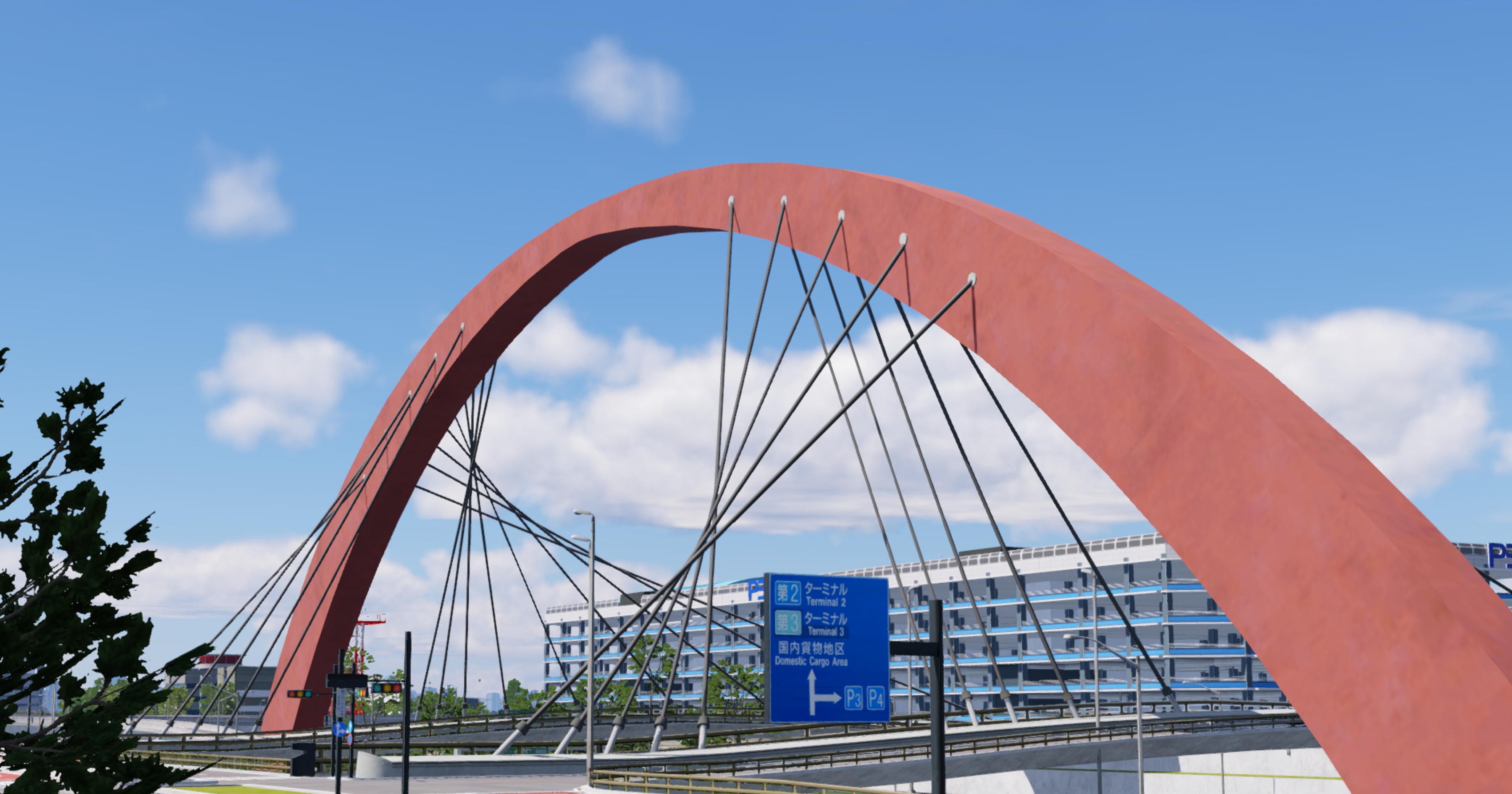
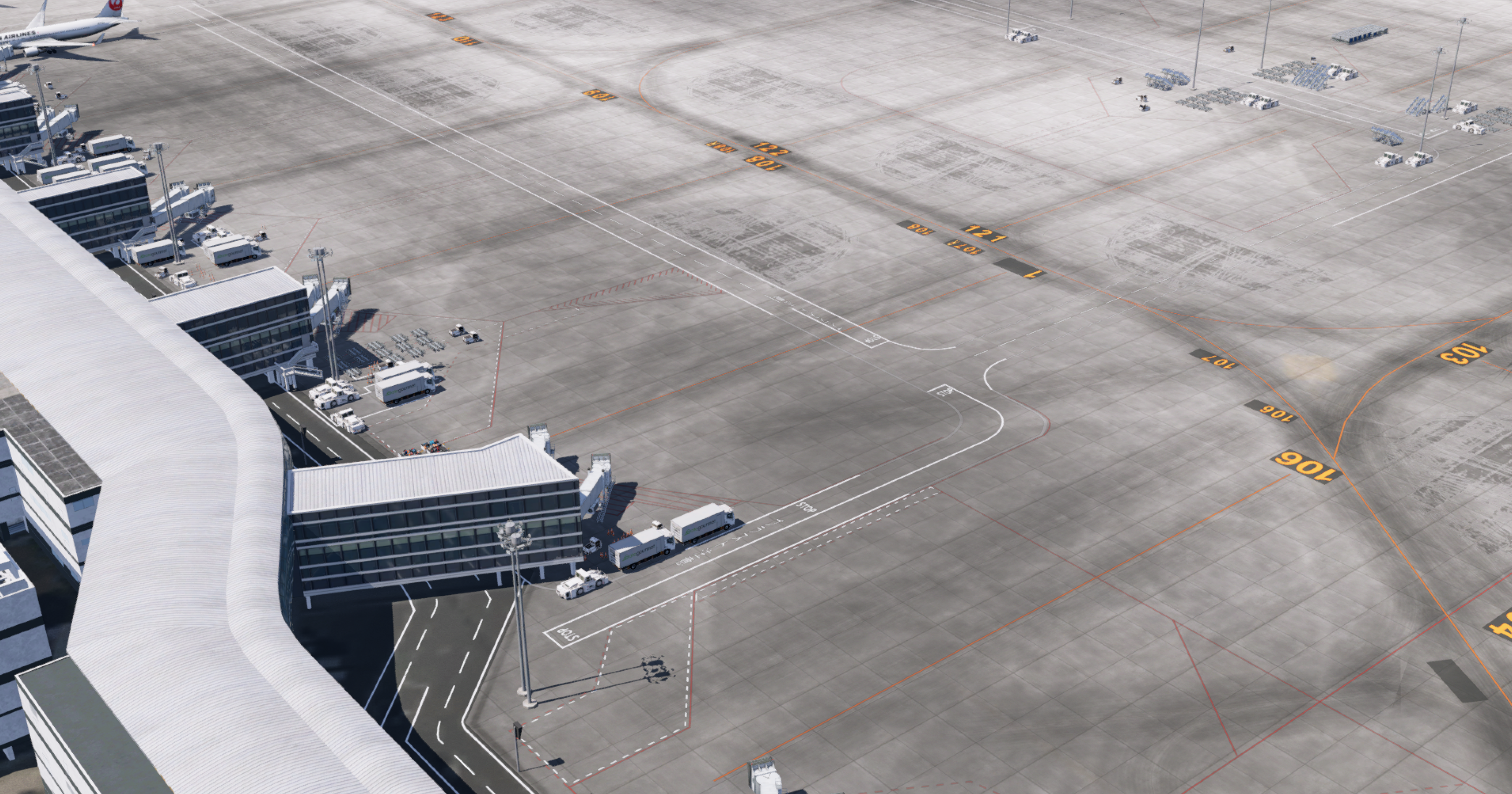
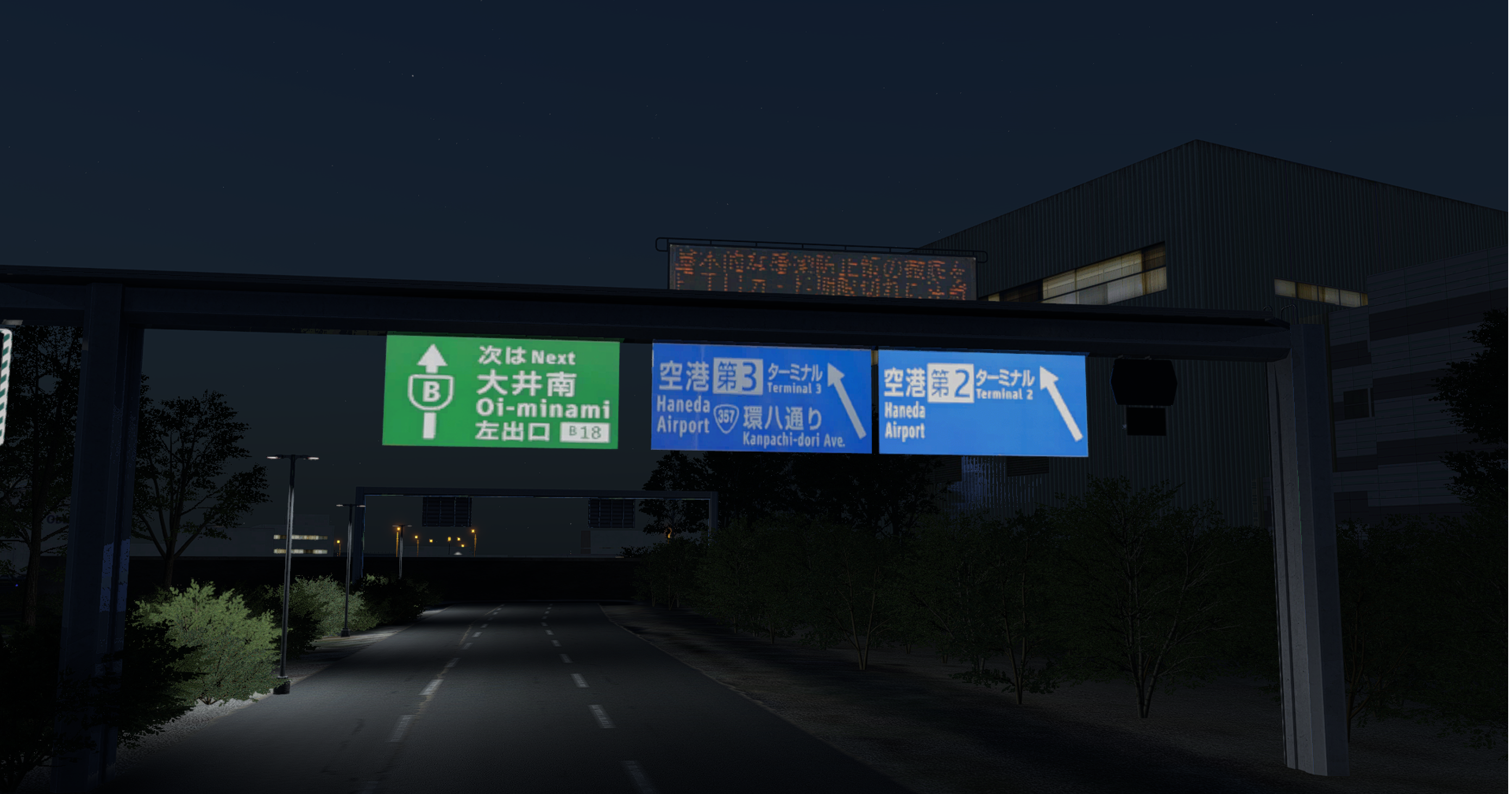
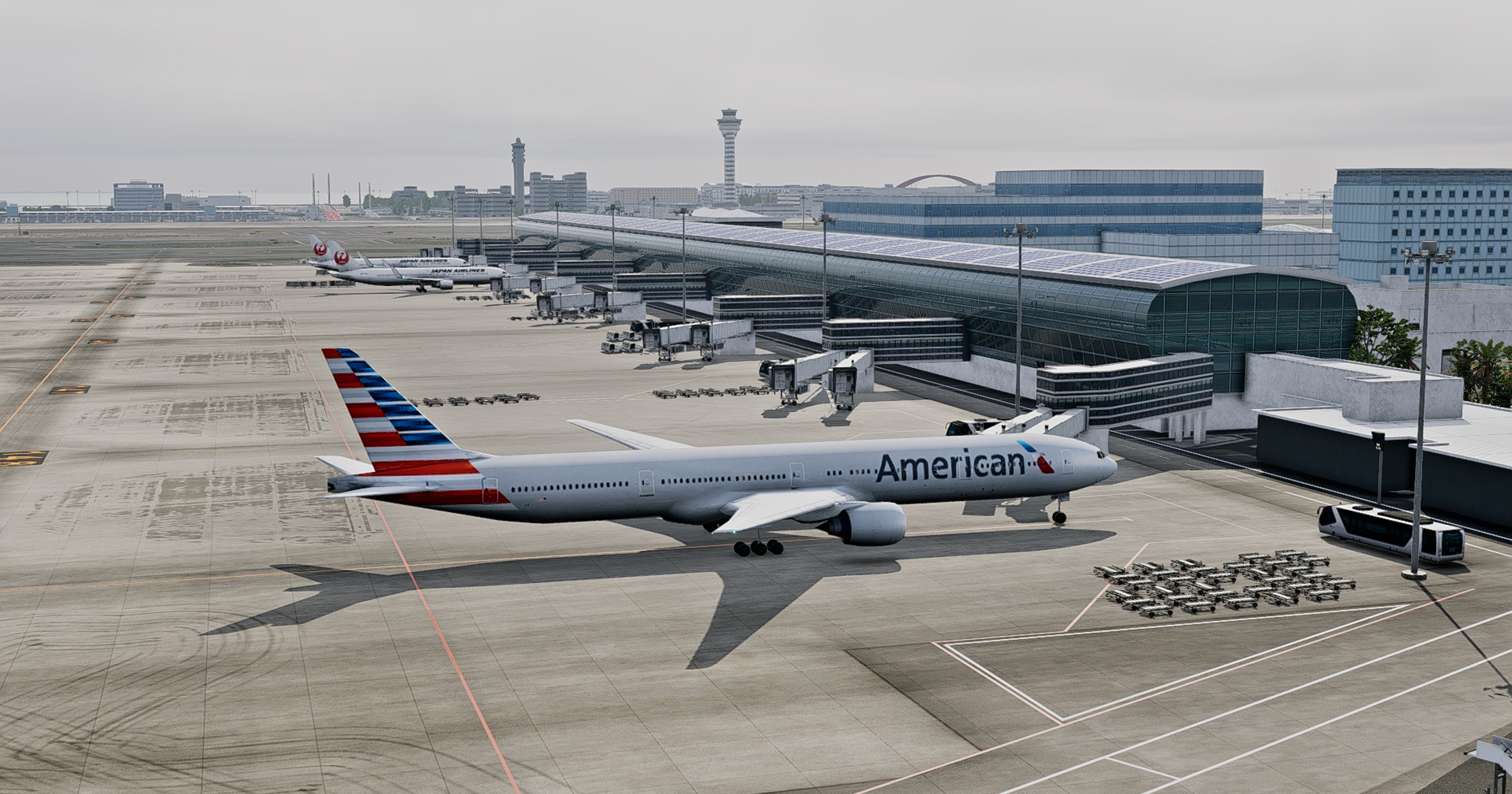
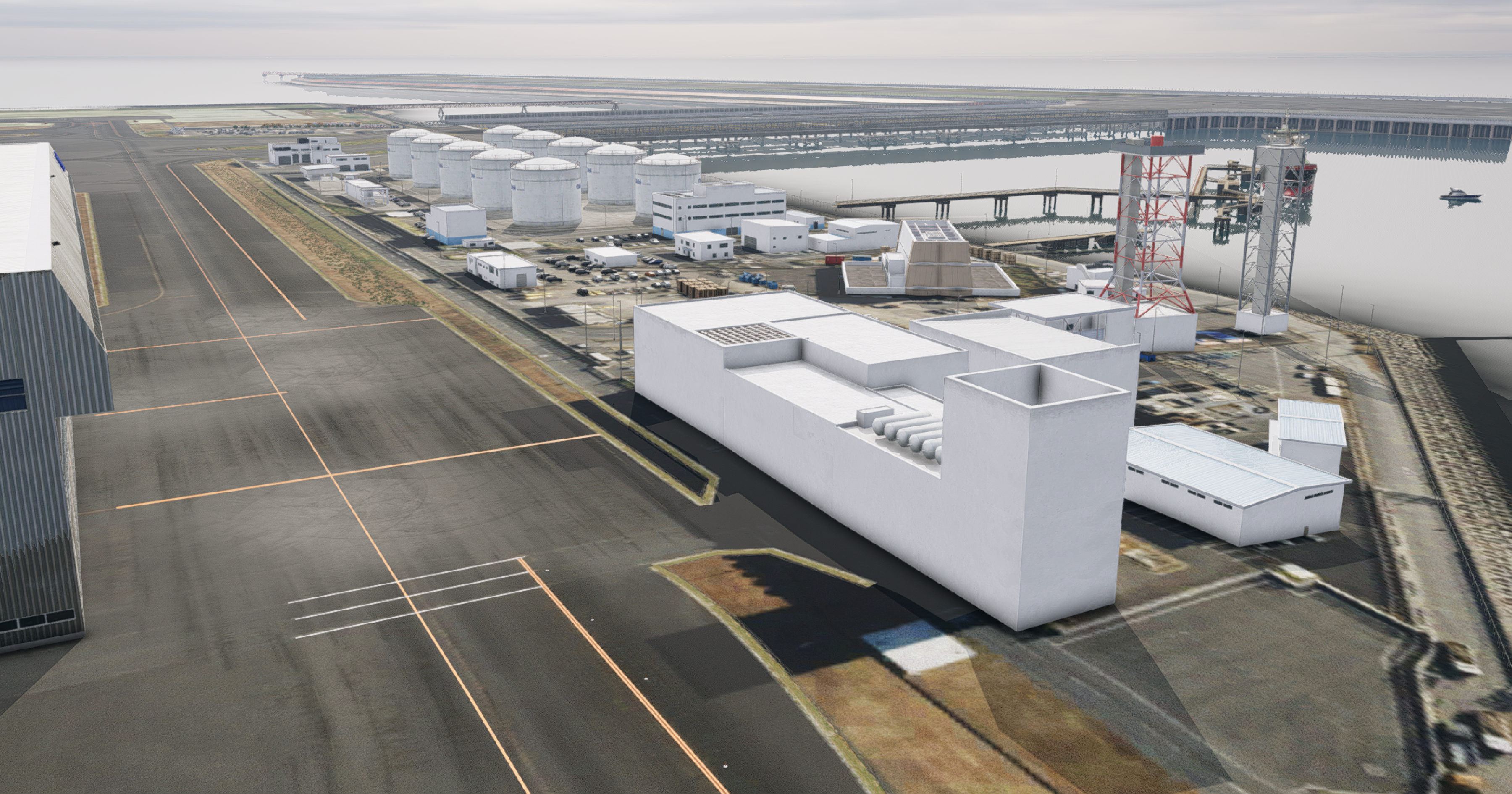
Hundreds of buildings, modelled by hand. A custom-sculpted island with the signature uphill slope to the bridge. Authentic Japanese ground markings beneath your wheels. PBR materials, hand-placed weathering, and bespoke night lighting that transform the airport from a sterile diagram into a living, breathing place. Every detail was obsessed over so that the moment you arrive, you know you're at Haneda.

This is Tokyo Haneda as you've never seen it in the sim. Now it's yours to fly!

Key Features

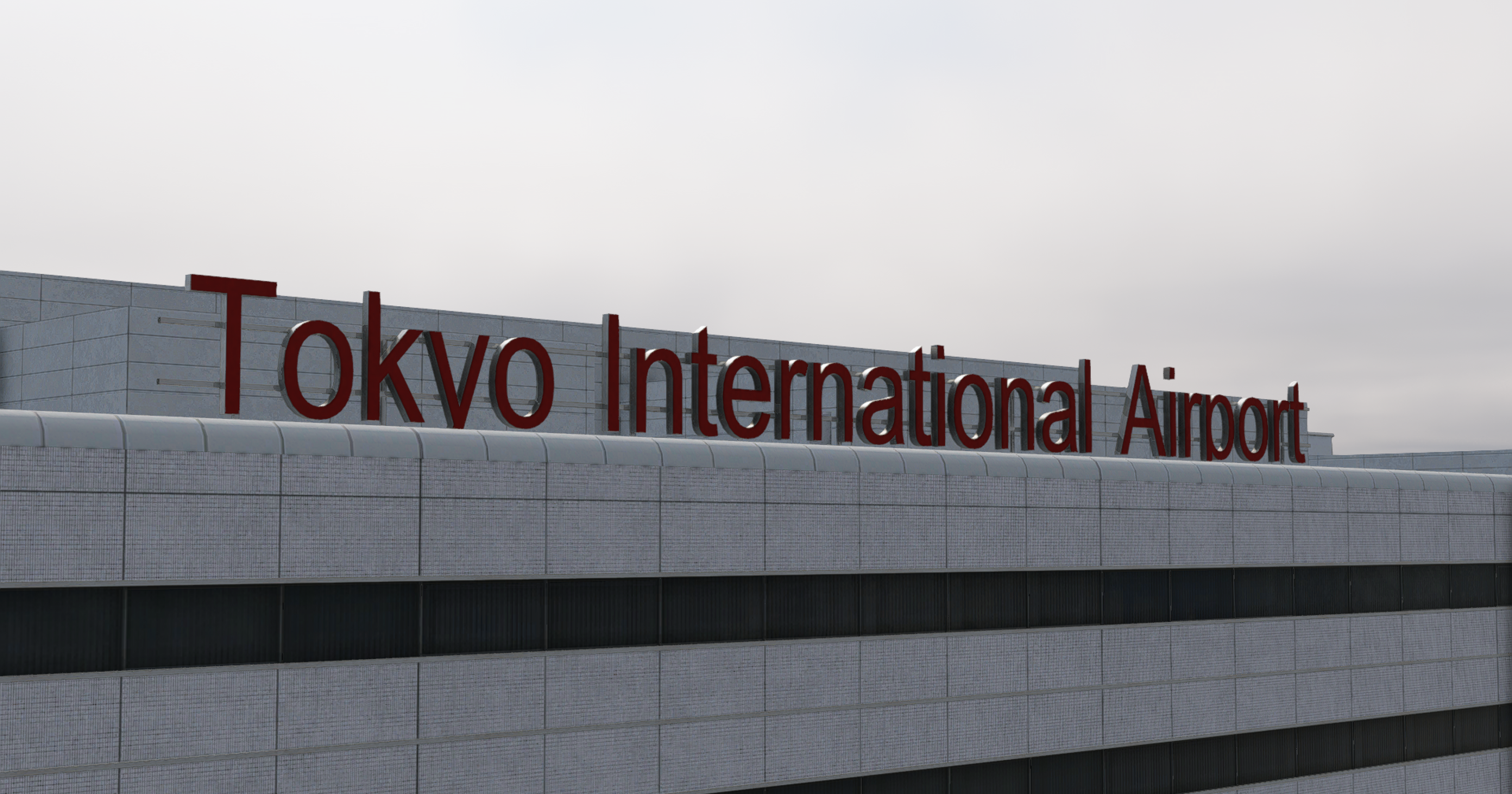
  • Hundreds of custom-modelled buildings and assets — virtually the entire airport is built by hand, with almost nothing left to default. Every terminal, hangar, and structure across Haneda has been recreated for total fidelity
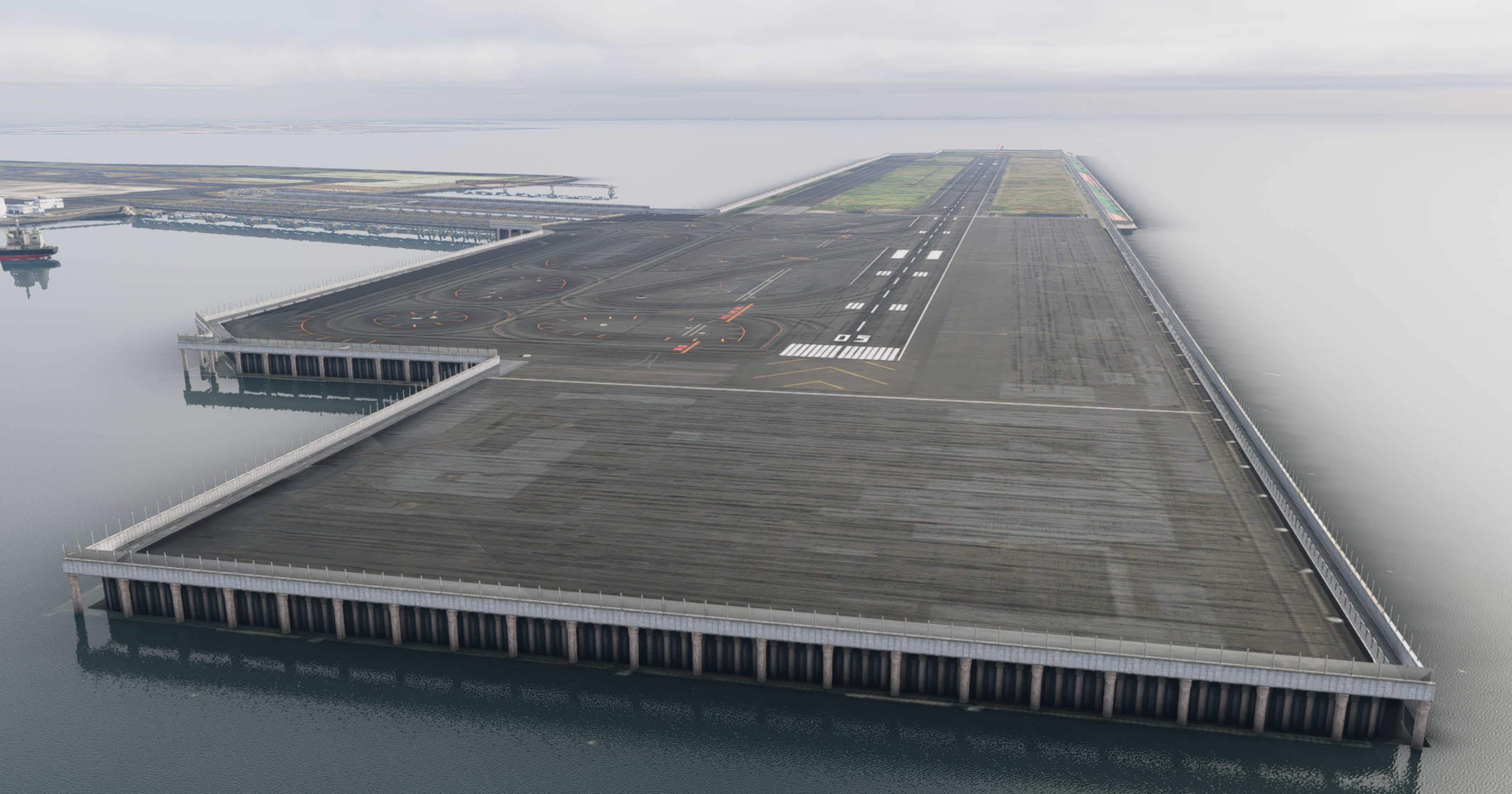
  • Highly accurate custom terrain mesh — faithfully recreating Haneda's artificial island and the signature uphill slope to the bridge
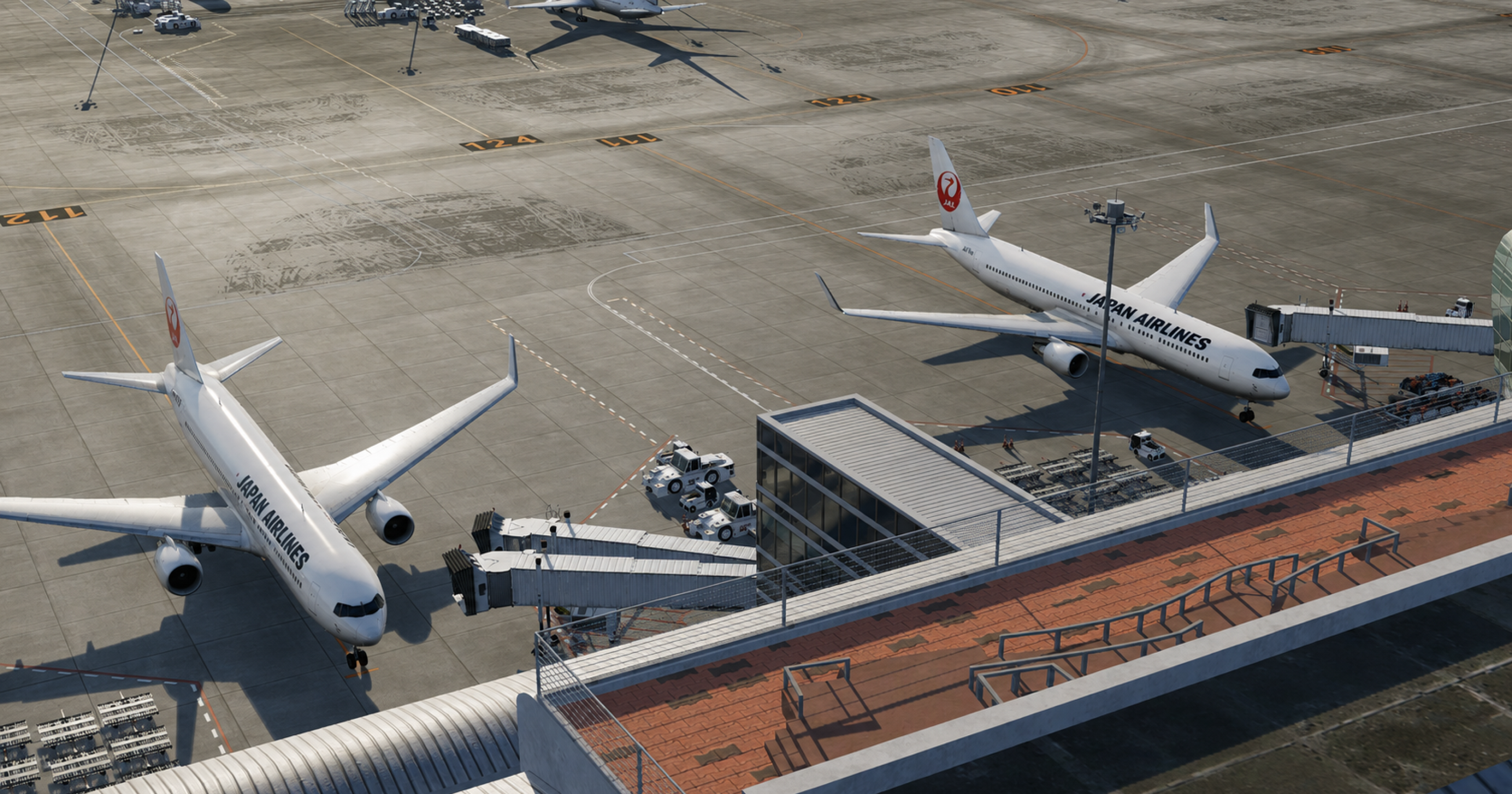
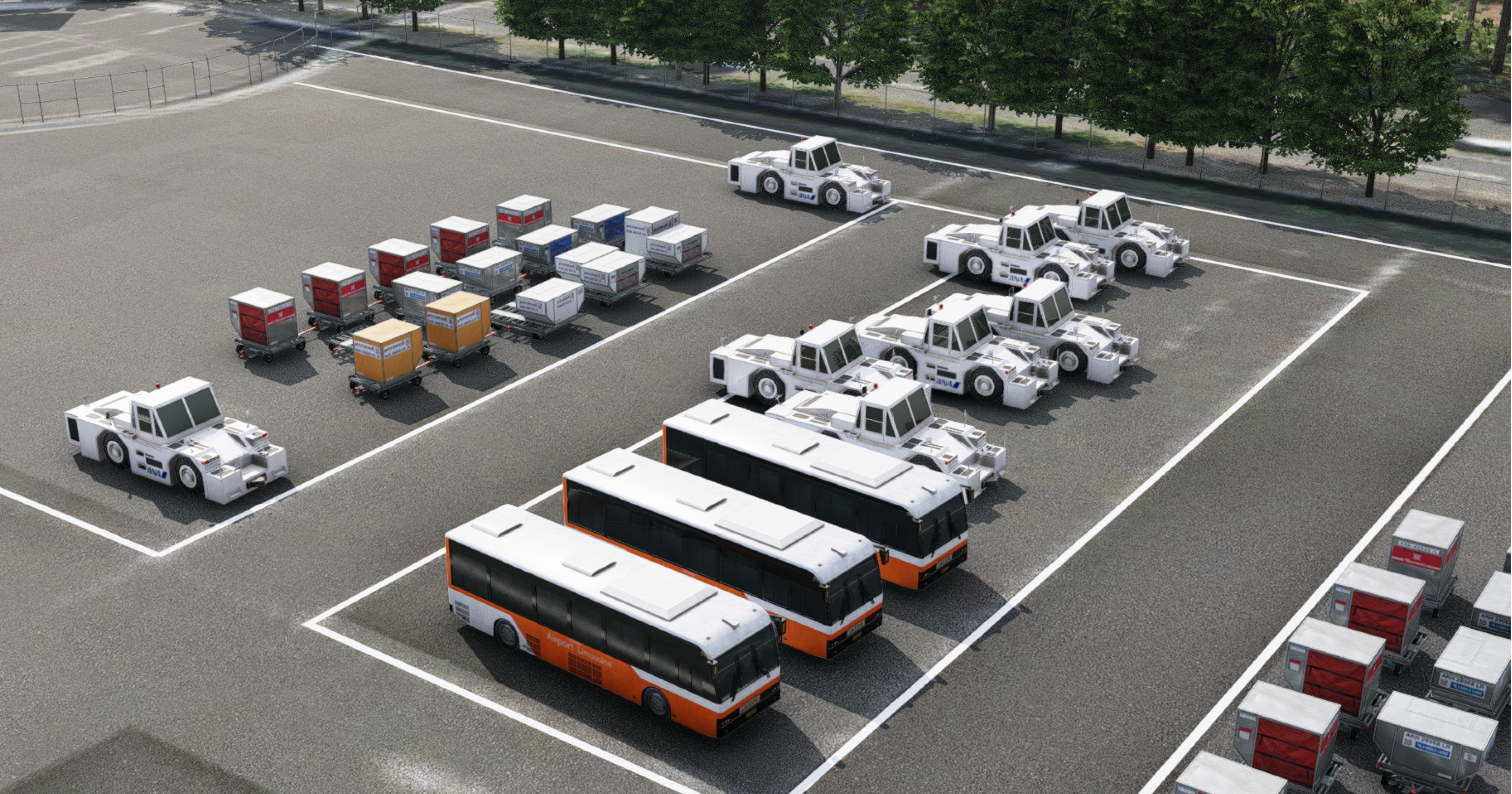
  • Authentic ground detail — all ramp, vehicle, and apron markings, plus ground signage, modelled with precision
  • Genuine Japanese signage throughout — including real-world ground markings such as "Caution — Jet Blast" and "Stop Here."
  • PBR materials across the entire airport for true-to-life surfaces and lighting response
  • Hand-crafted grunge & weathering that captures the lived-in authenticity of a working hub
  • Fully detailed surroundings — vegetation, rocks, trash bins, and environmental clutter for total immersion
  • Custom night lighting for terminals, hangars, and airport buildings
  • Iconic points of interest modelled in detail, including the Tower of Winds and observation decks
  • Custom-modelled island integration blended seamlessly into the X-Plane 12 world

Screenshots


Developer

This product has been produced by Axonos. For Axonos product support, please go to https://discord.gg/WfKebUM

View Axonos on OrbxDirect


Compatibility

General

You will need Orbx Central to download and install this product. Orbx Central runs on Windows 7+, macOS and Linux. An internet connection is also required.

Supported Simulators

This product is compatible with the following simulators:

  • X-Plane 12

Supported Operating Systems

This product is compatible with the following operating systems:

  • Windows
  • macOS
  • Linux