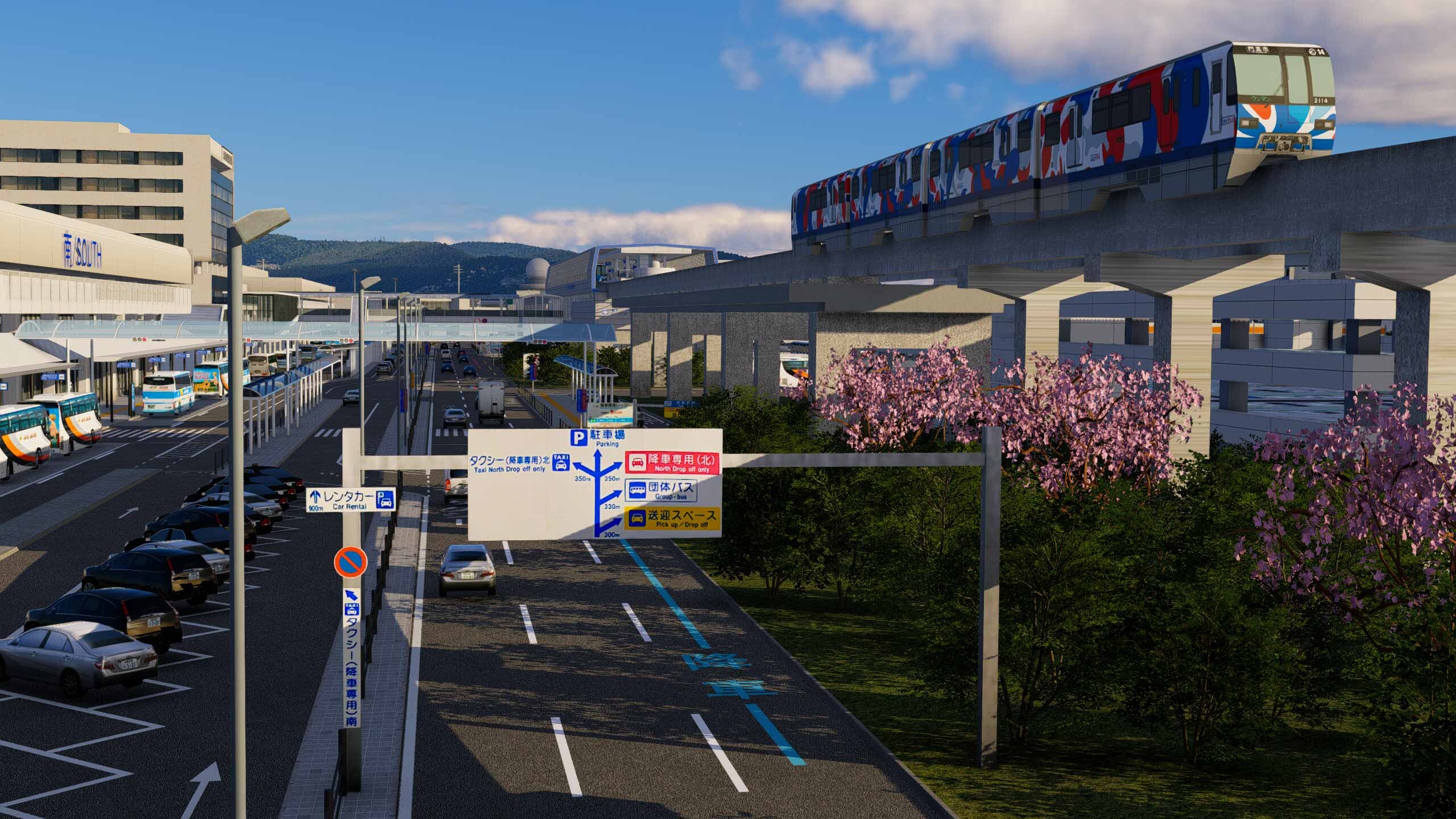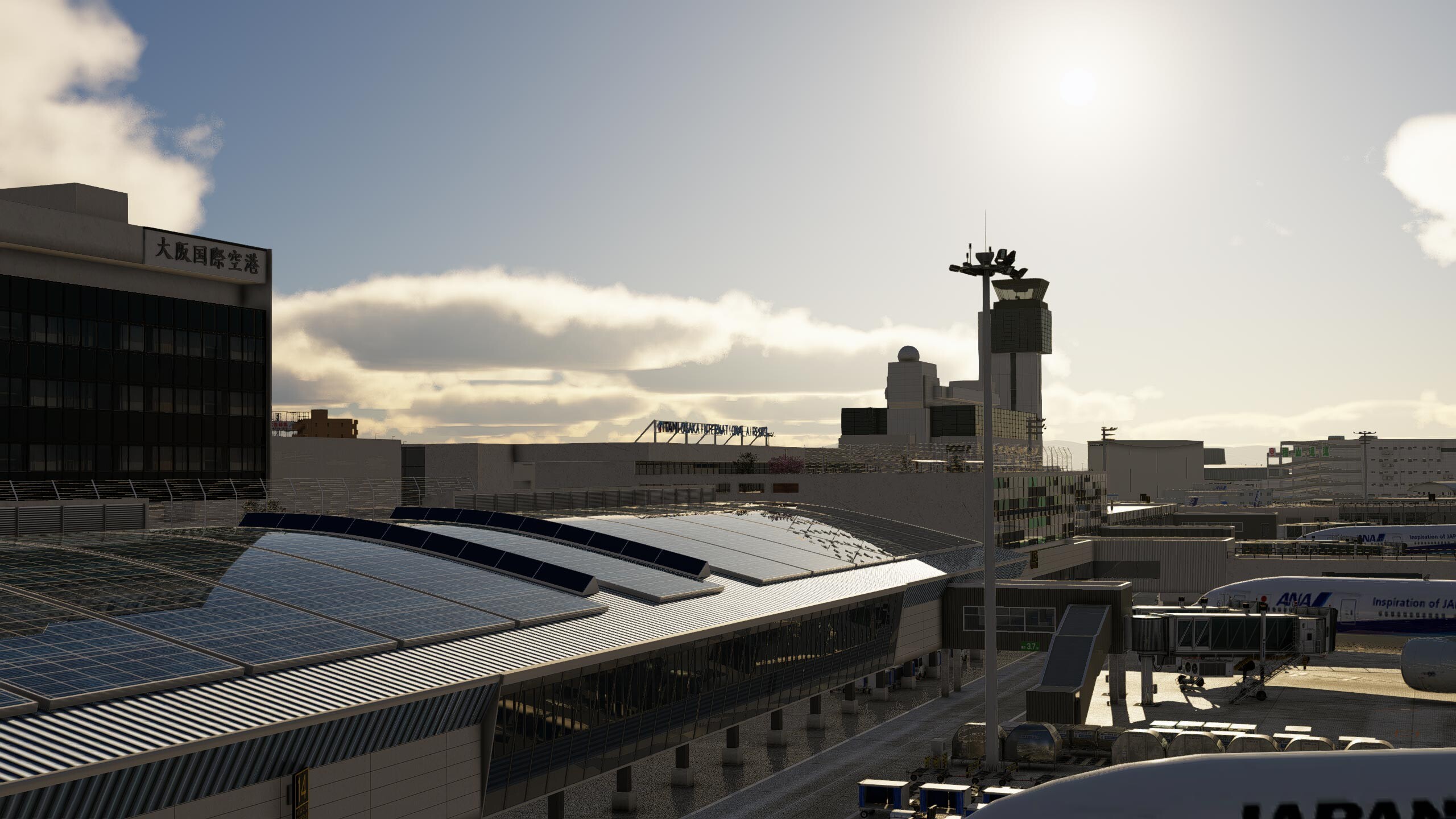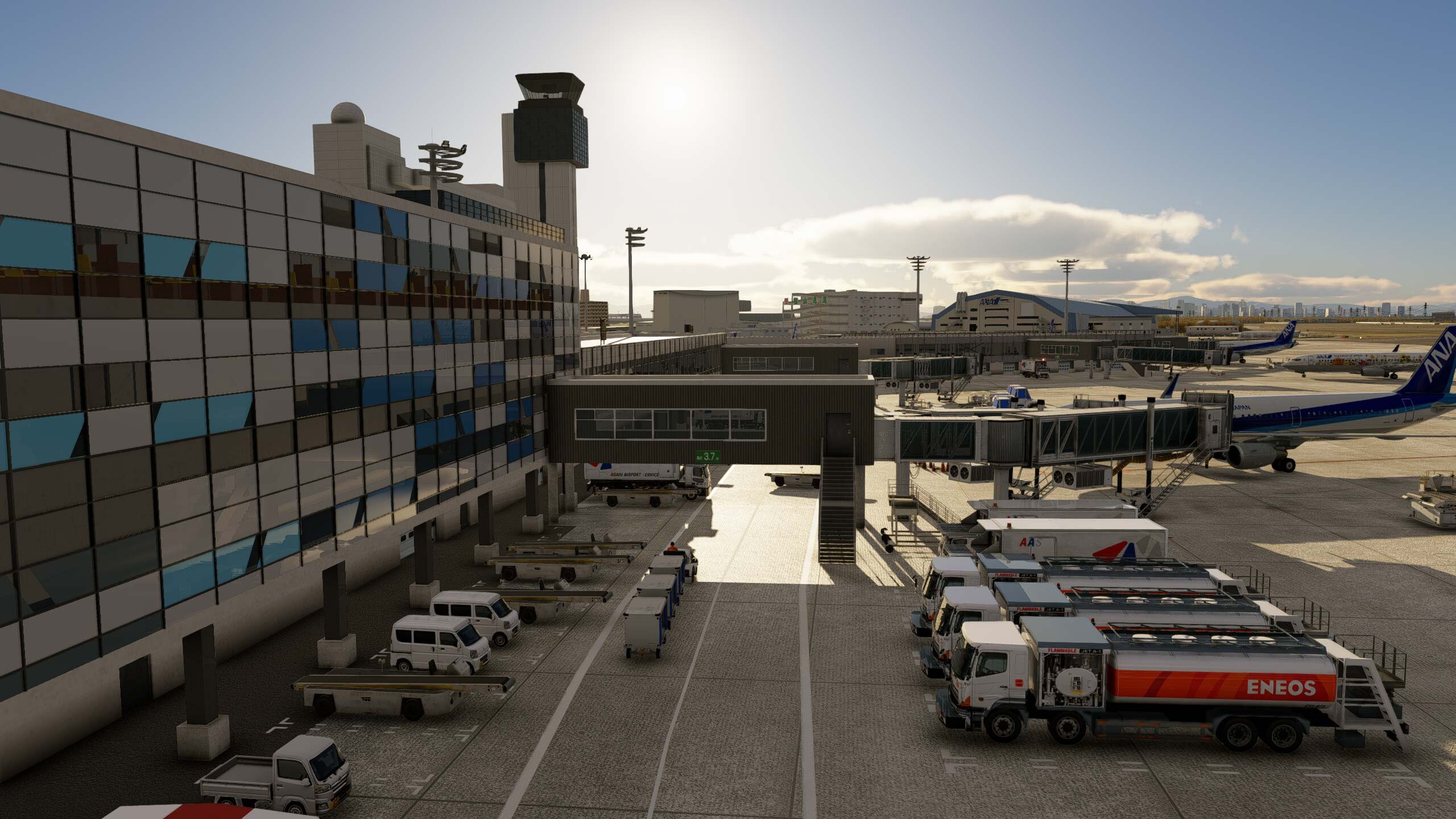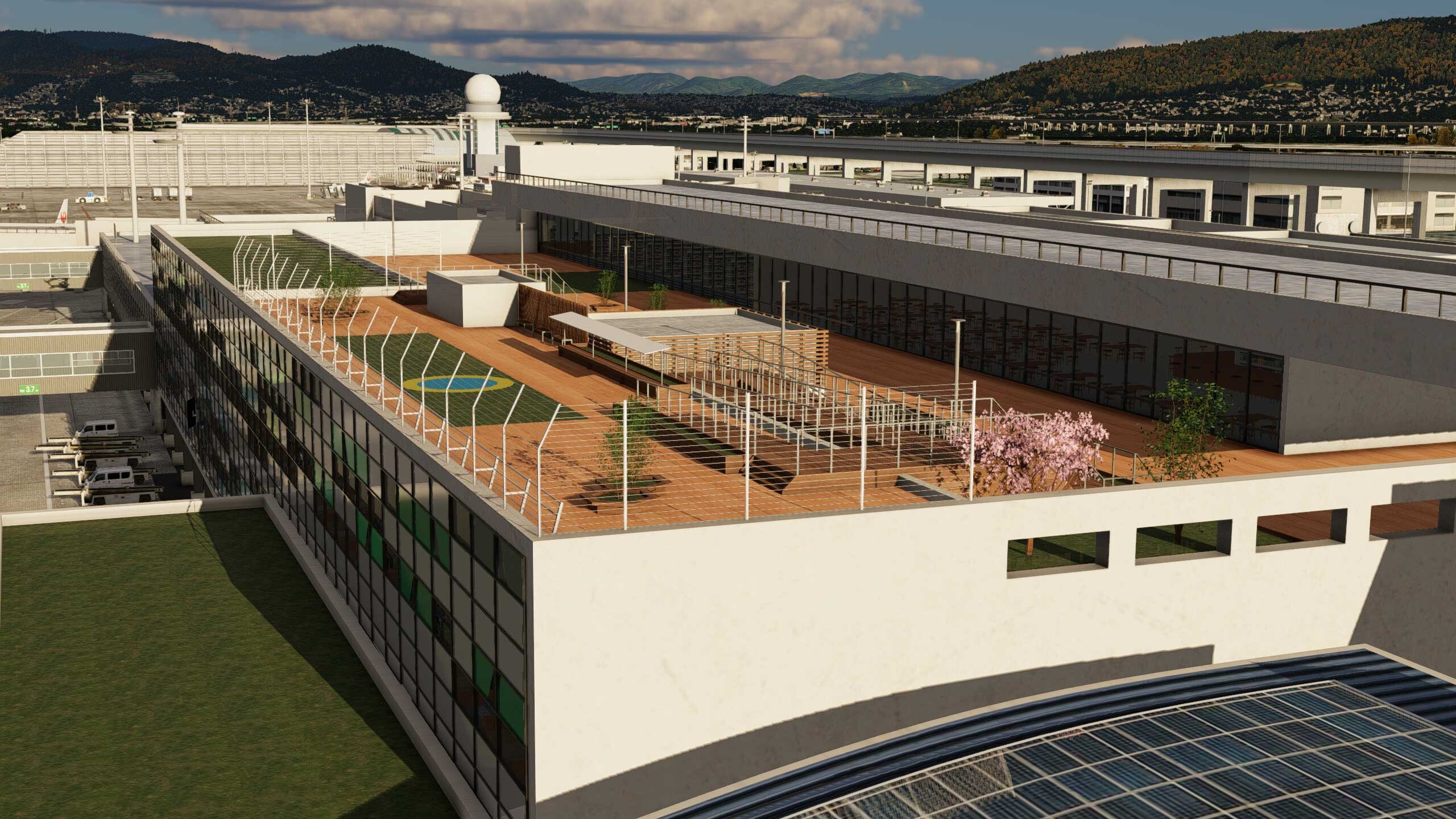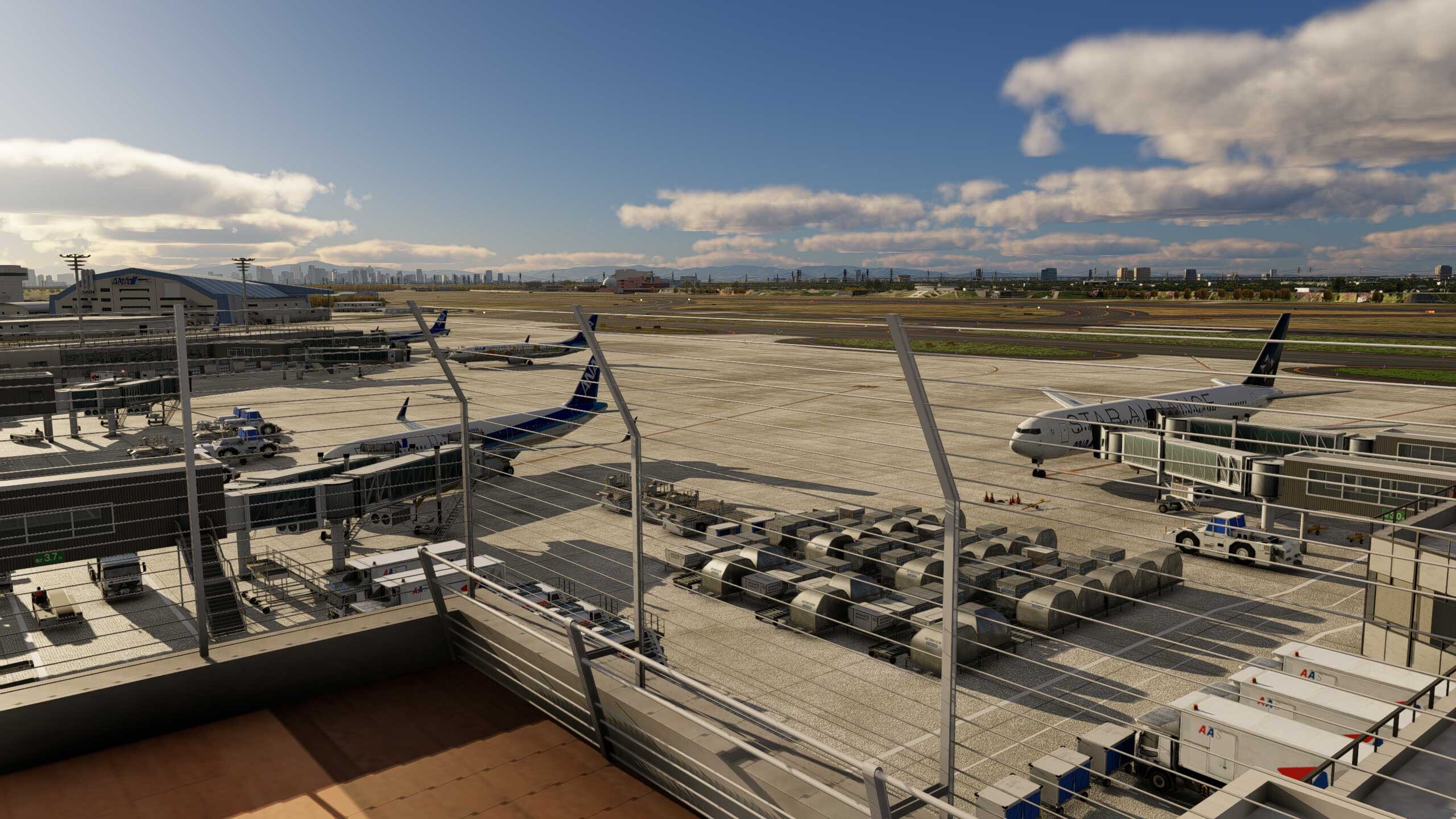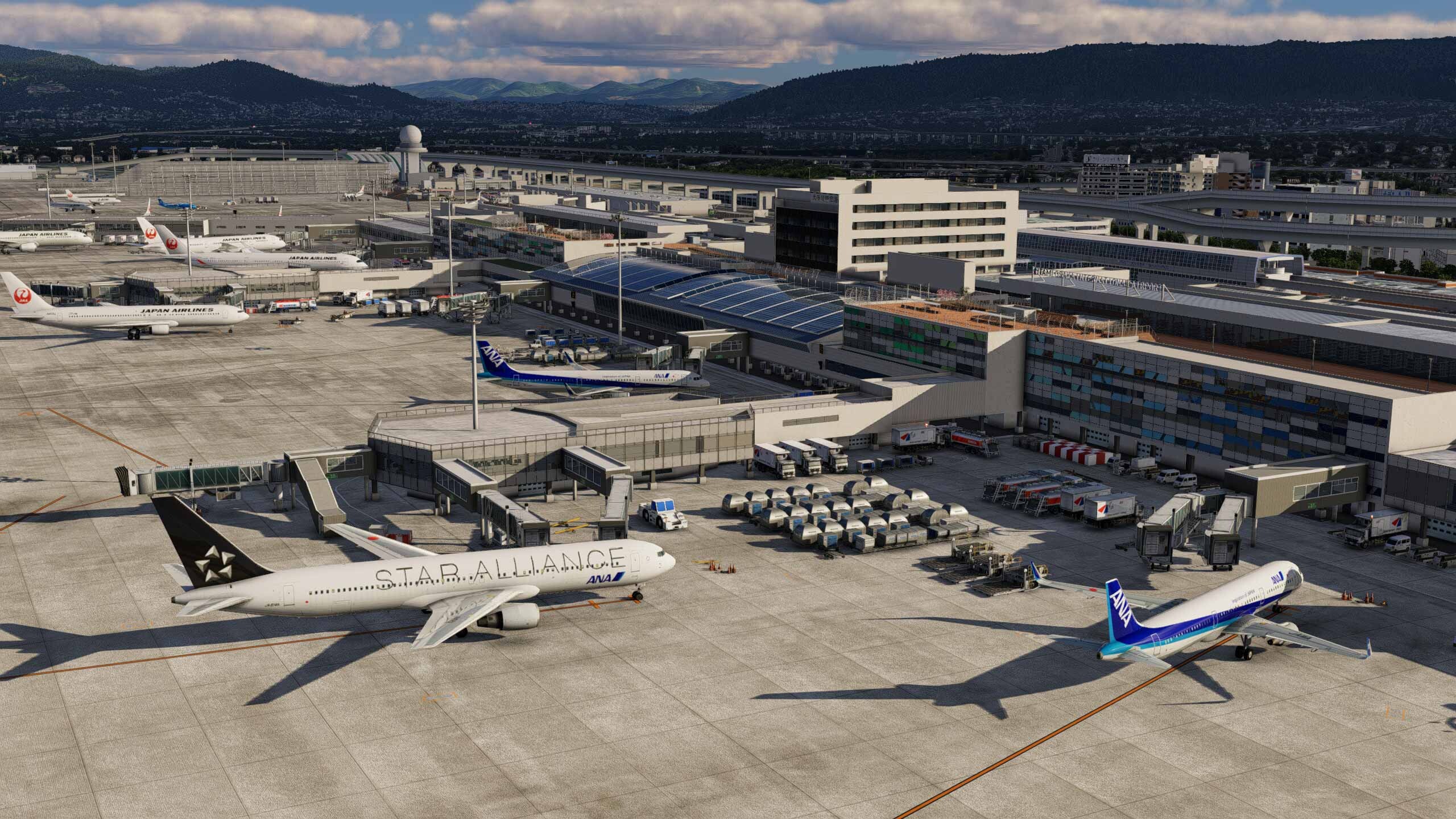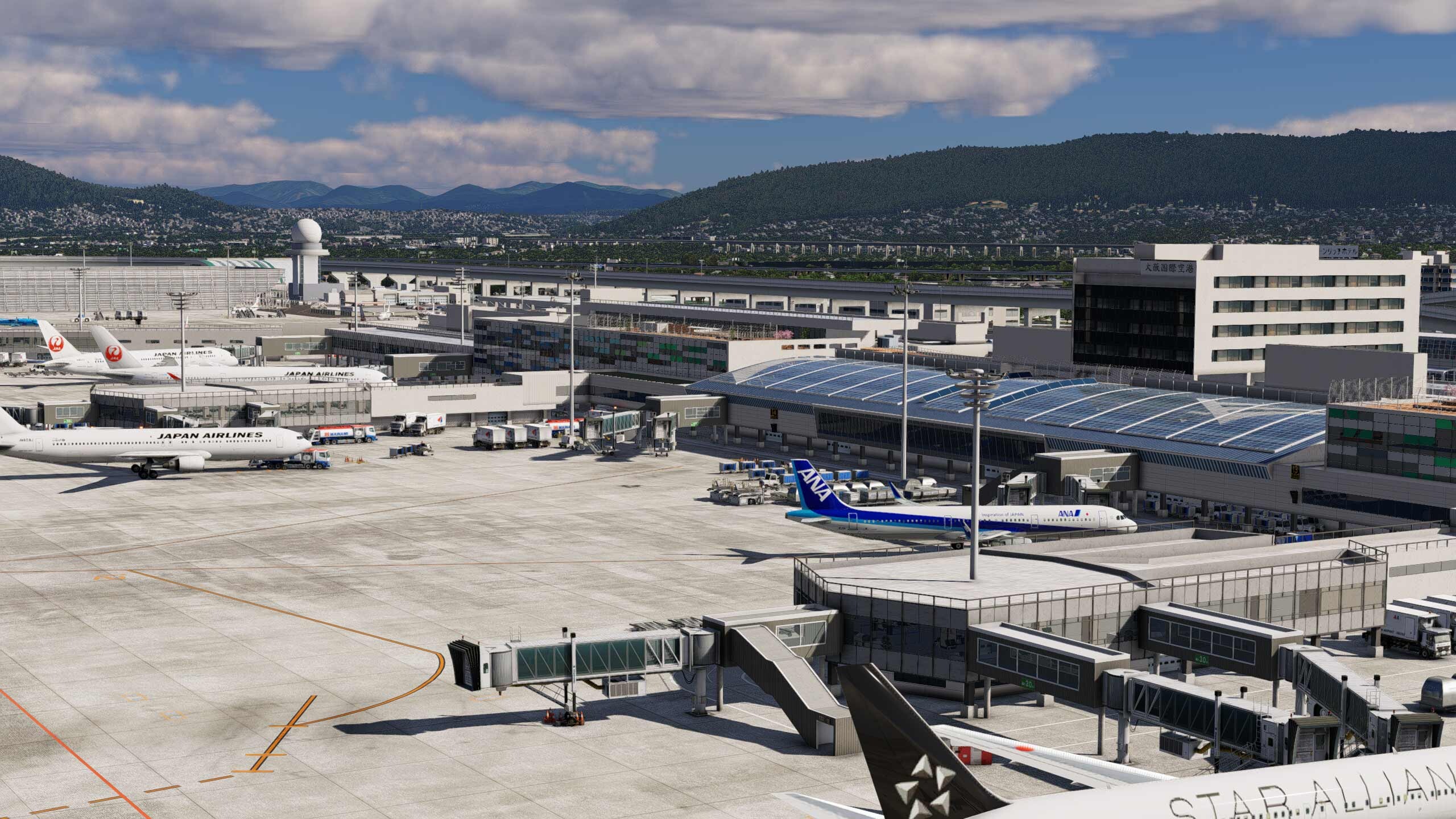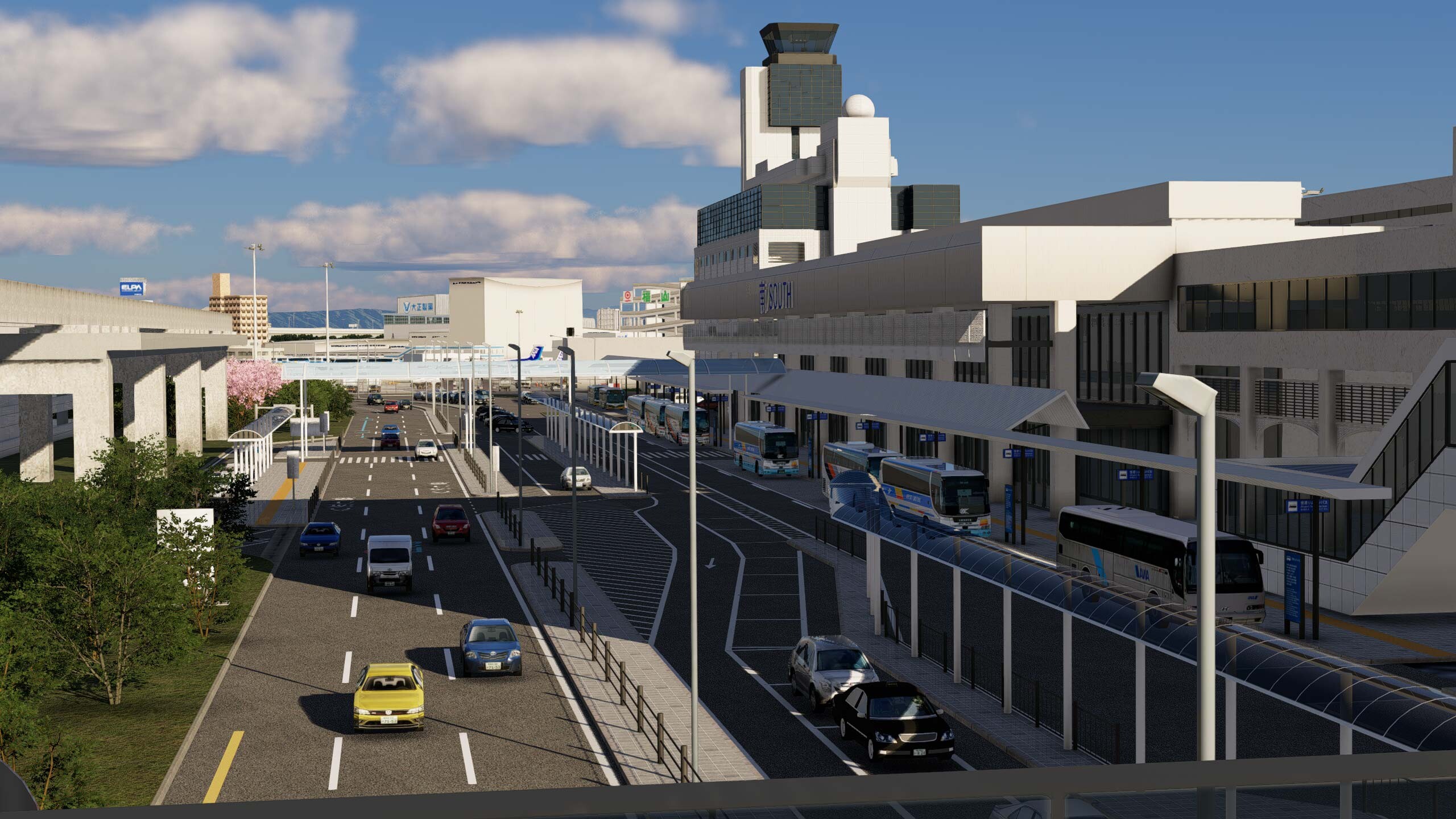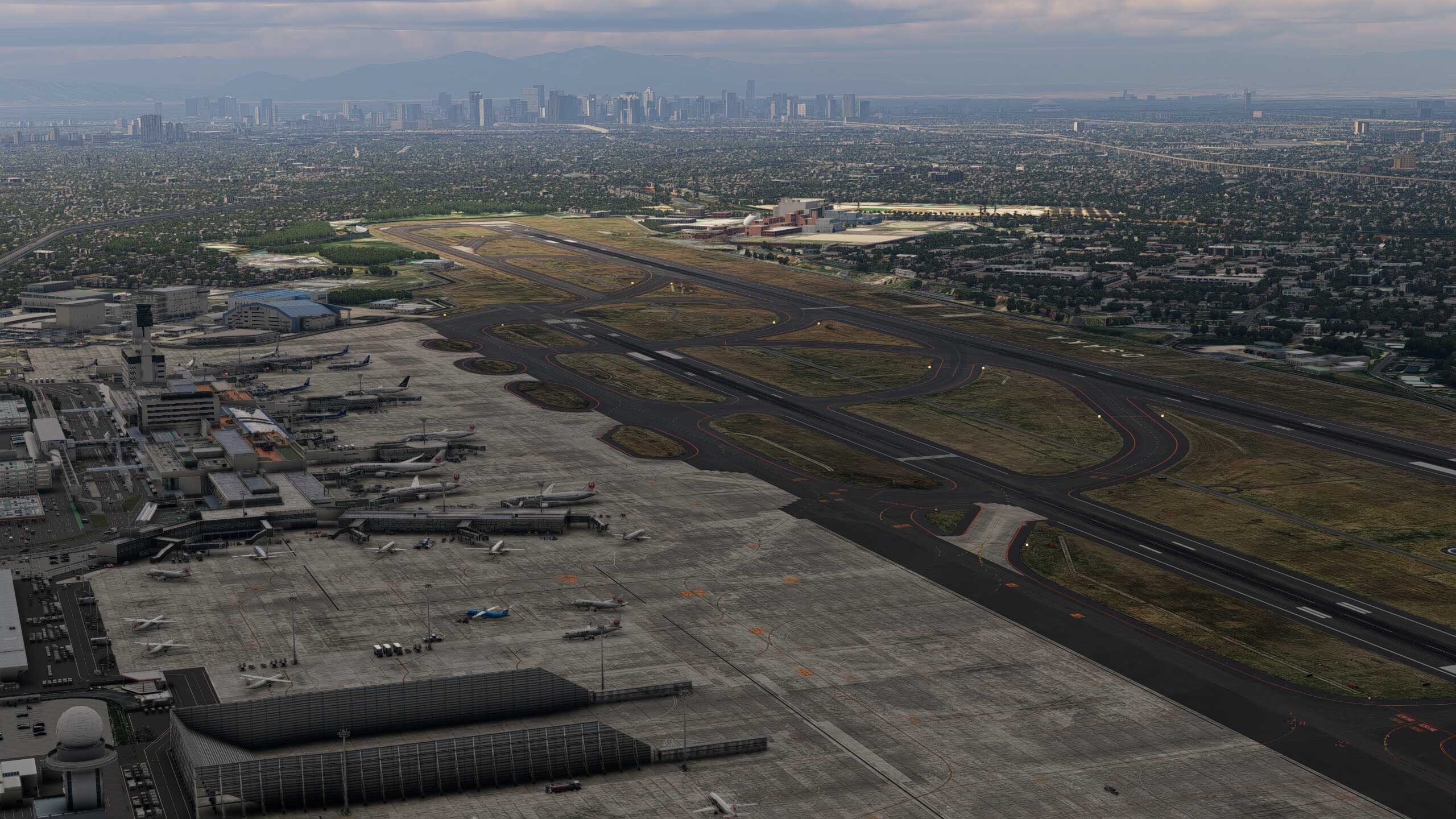

RJOO Osaka International Airport

for X-Plane 12

Located 11–15 km from central Osaka at the junction of Toyonaka, Ikeda, and Itami cities, it is the closest major airport to the city center in the Kansai region.

As one of Japan's key hubs, it handles 16–17 million passengers annually. Its excellent accessibility—reaching Umeda in about 30 minutes via monorail or bus—makes it highly convenient for both business and leisure travel. Together with Kansai and Kobe airports, it forms the Kansai three-airport system and serves as a vital node in Japan's aviation network.

IMPORTANT:

This airport makes use of openSAM for Jetways, which can be downloaded HERE.

This airport makes use of LST (Living Scenery Technology), which is free to download for X-Plane 12 HERE.

Key Features

  • 4K high-definition textures
  • Fully customized ground markings, taxiway signs, parking guidance lines, and other surface details
  • High-quality custom textures for taxiways and runways
  • Custom apron lighting system that delivers a stunning and realistic night-time atmosphere
  • Highly detailed, carefully modeled buildings with authentic Japanese architectural style
  • Immersive surrounding scenery featuring lifelike Japanese-style streets and urban environments
  • Thoughtfully designed arrival areas, landmarks, and points of interest ready for exploration
  • Authentic animated ground vehicles and equipment from real Japanese brands for maximum immersion
  • Full support for default X-Plane jetways — no additional plugins required
  • Precise taxiway and runway layouts based on the latest AIRAC data
  • Accurate night approach lighting (VOR-A Approach Guidance Lights) for the famous "Itami Curve" approach
Purchase $27.99 AUD
Sales tax will be calculated at checkout where applicable.
US$18.57 | €16,92 | £14.17
This purchase will earn you 13 Orbs!


Screenshots


Developer

This product has been produced by DarkBlue Scenery. For DarkBlue Scenery product support, please go to https://www.darkbluescenery.cn/

View DarkBlue Scenery on OrbxDirect


Compatibility

General

You will need Orbx Central to download and install this product. Orbx Central runs on Windows 7+, macOS and Linux. An internet connection is also required.

The download size of this product is 1.67 GB. It uses 0.00 B when installed.

Supported Simulators

This product is compatible with the following simulators:

  • X-Plane 12

Supported Operating Systems

This product is compatible with the following operating systems:

  • Windows