
• Log In

NZAA Auckland International Airport

for Microsoft Flight Simulator
MSFS 2024 Compatible

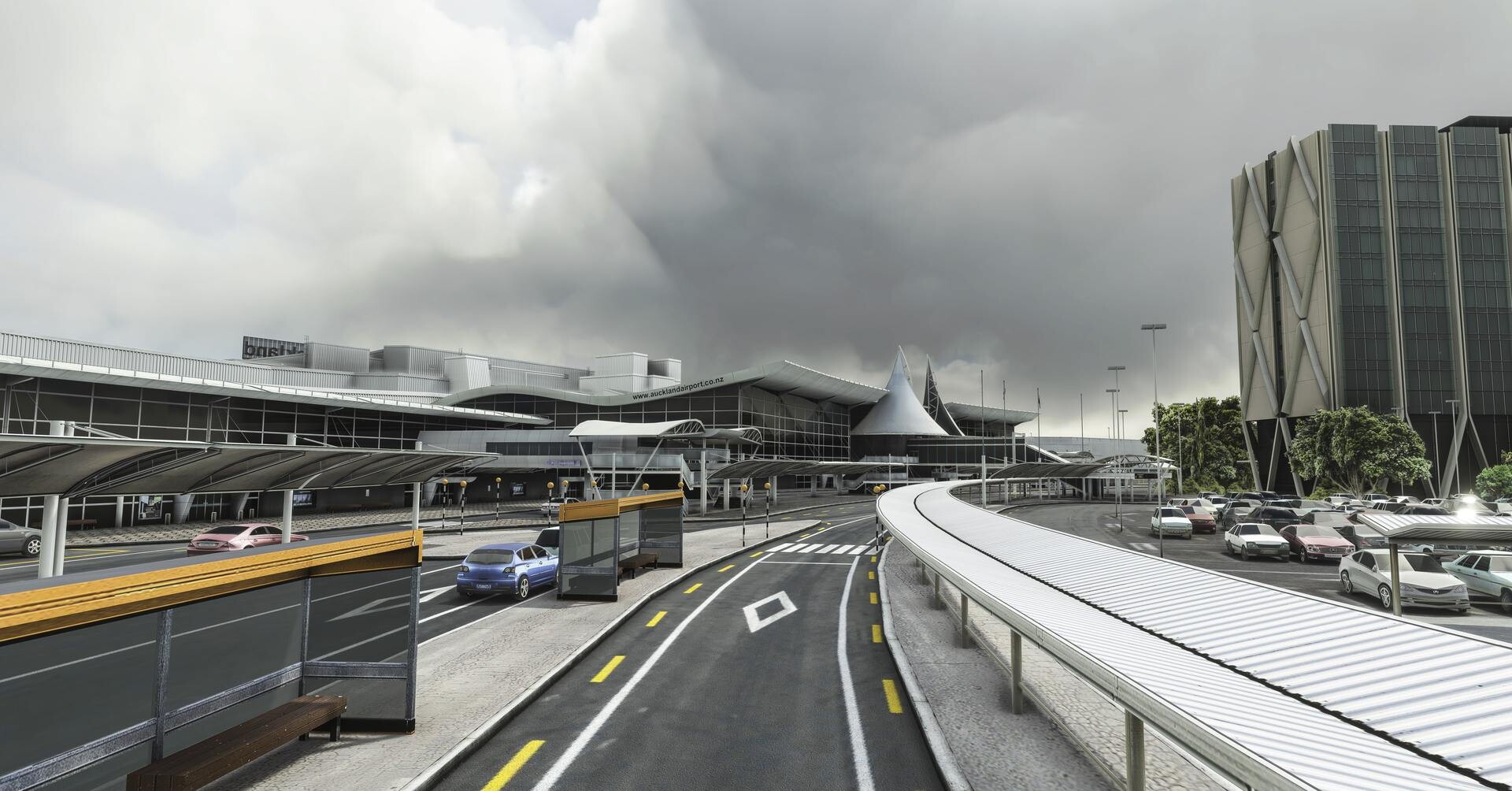
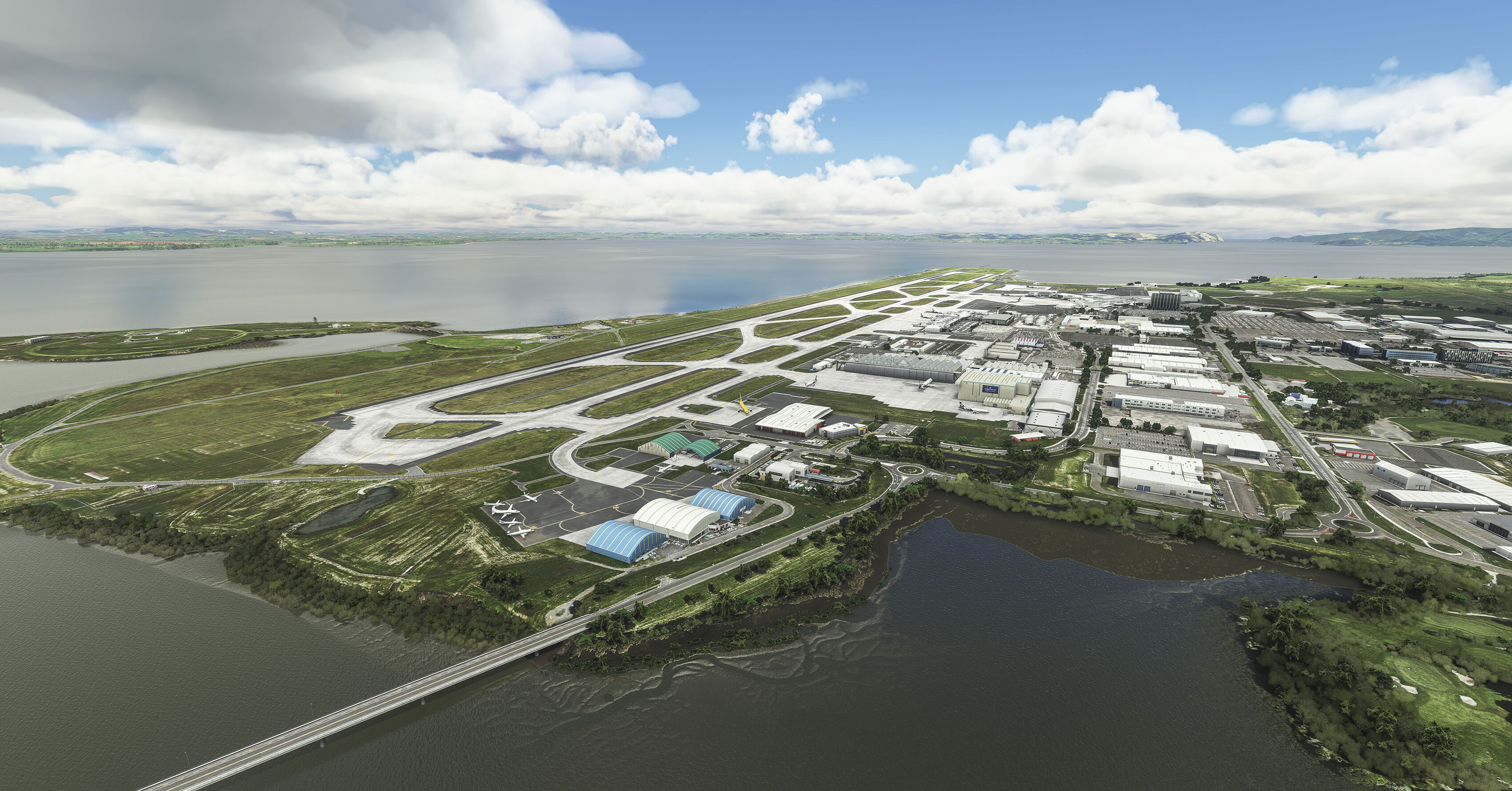
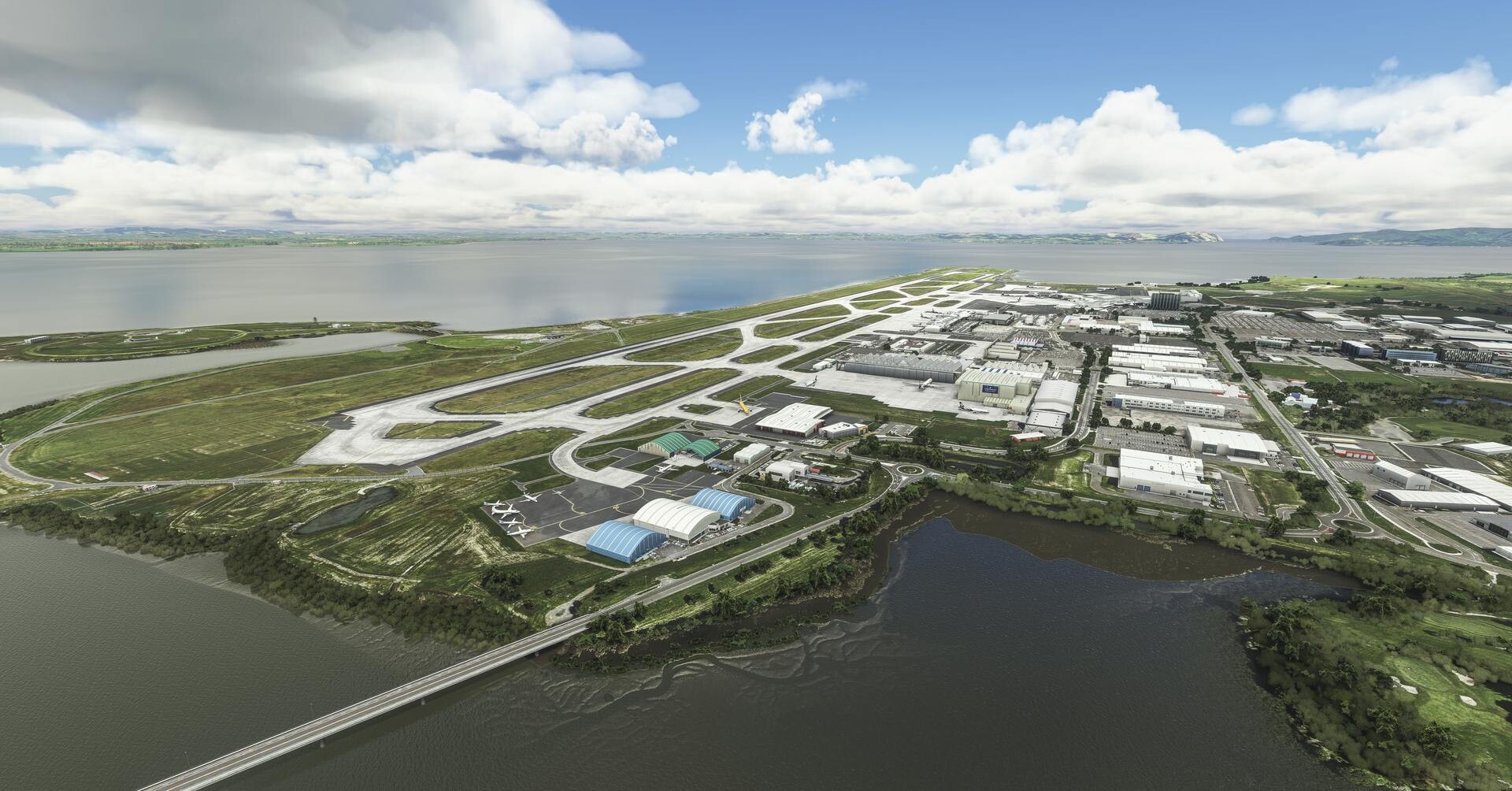
Kia ora and welcome to Auckland International Airport (NZAA), the heart of New Zealand and the busiest airport in the country with over 21 million passengers a year. Located only 13 miles (21km) from the city center, Auckland Airport is a massive hub for international travel with destinations served all over the world.

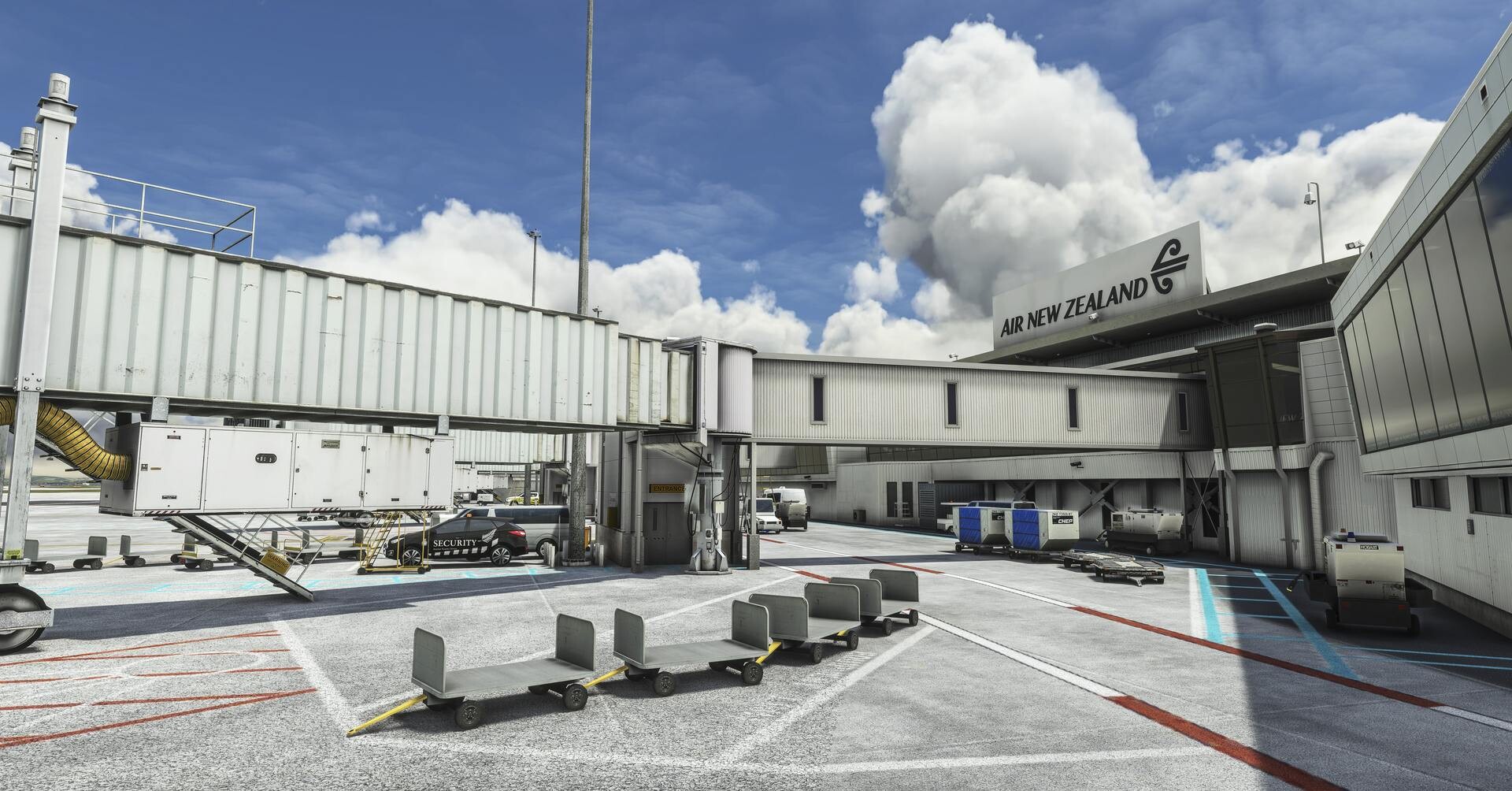
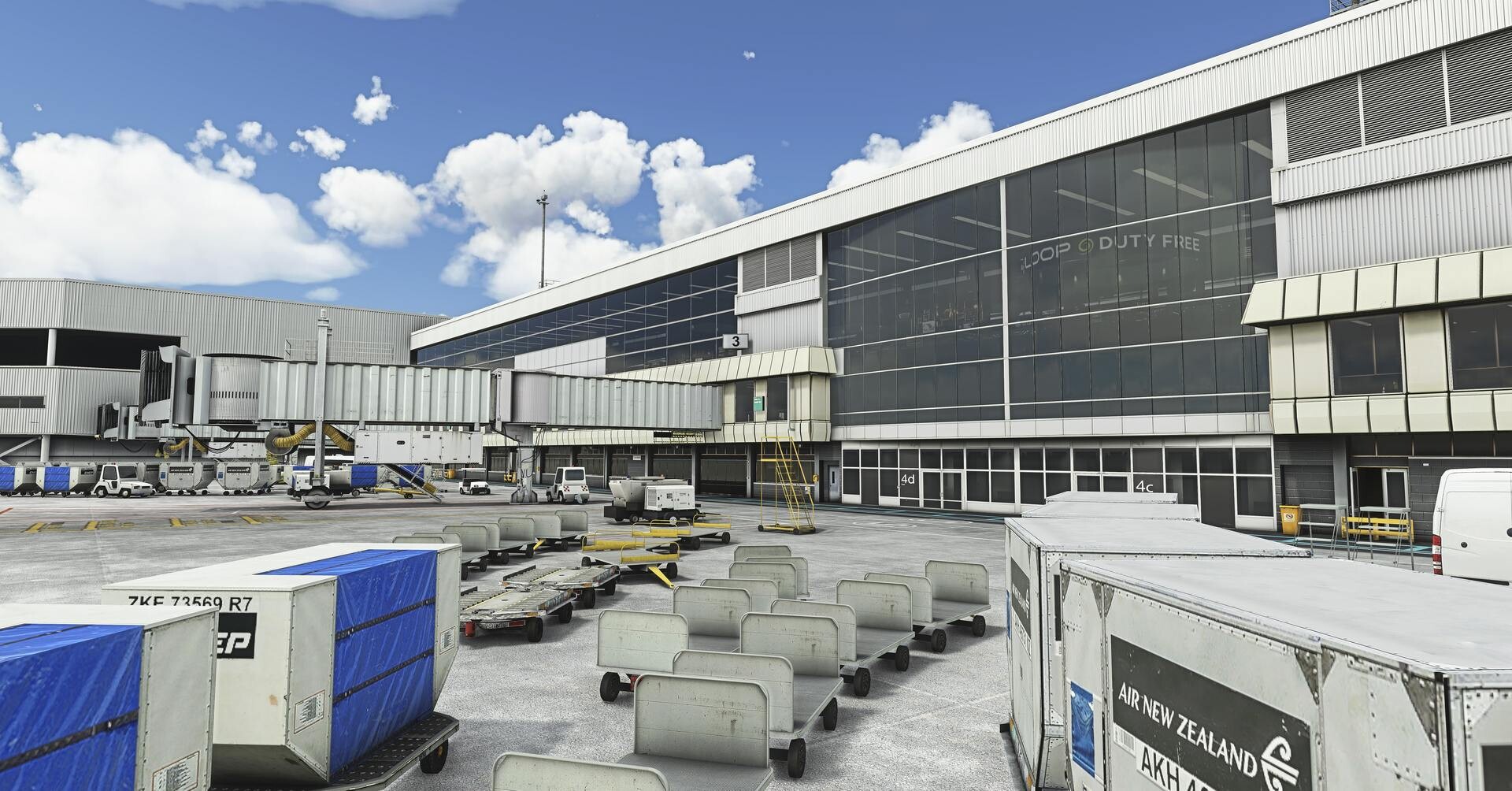
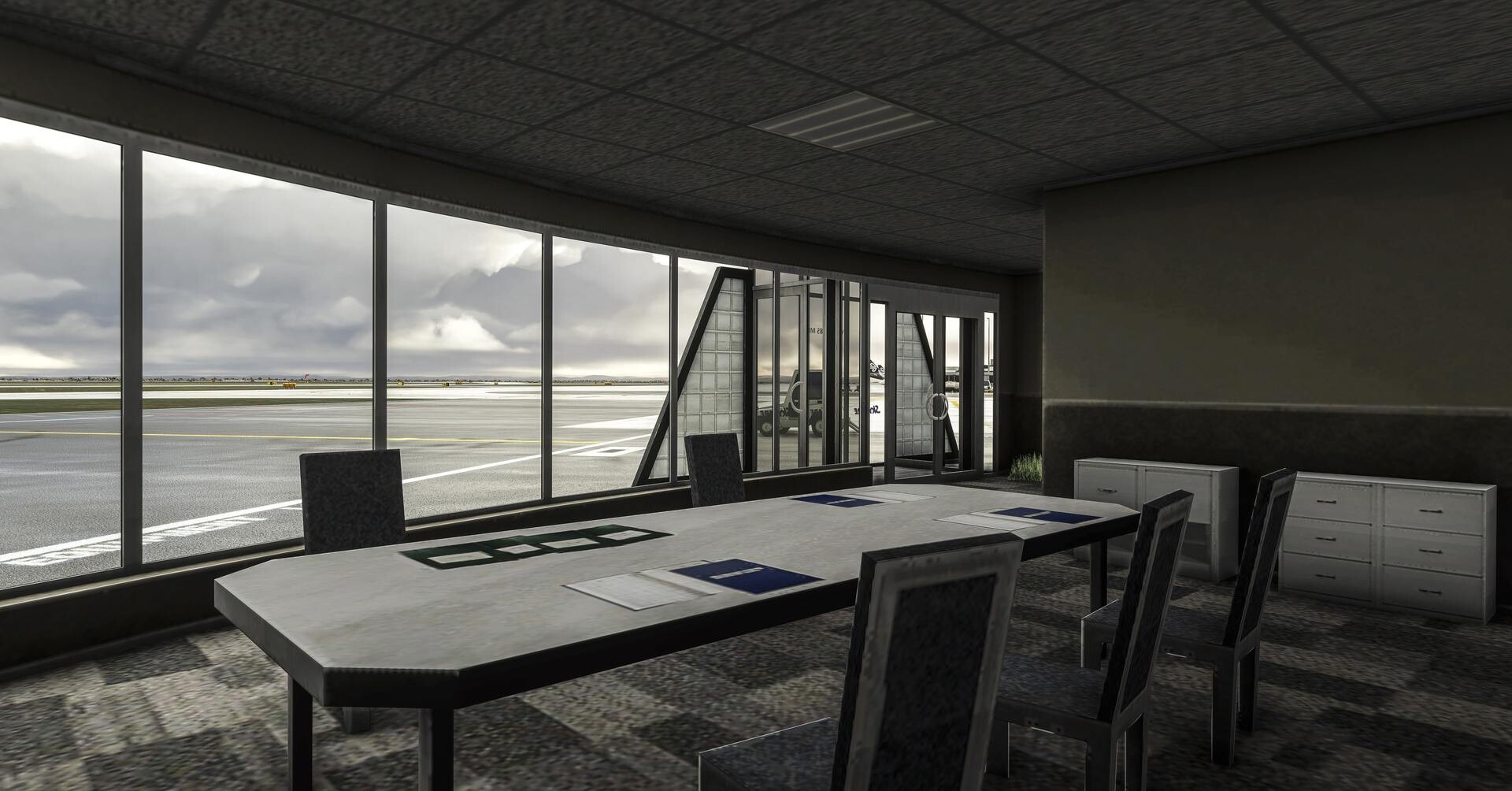
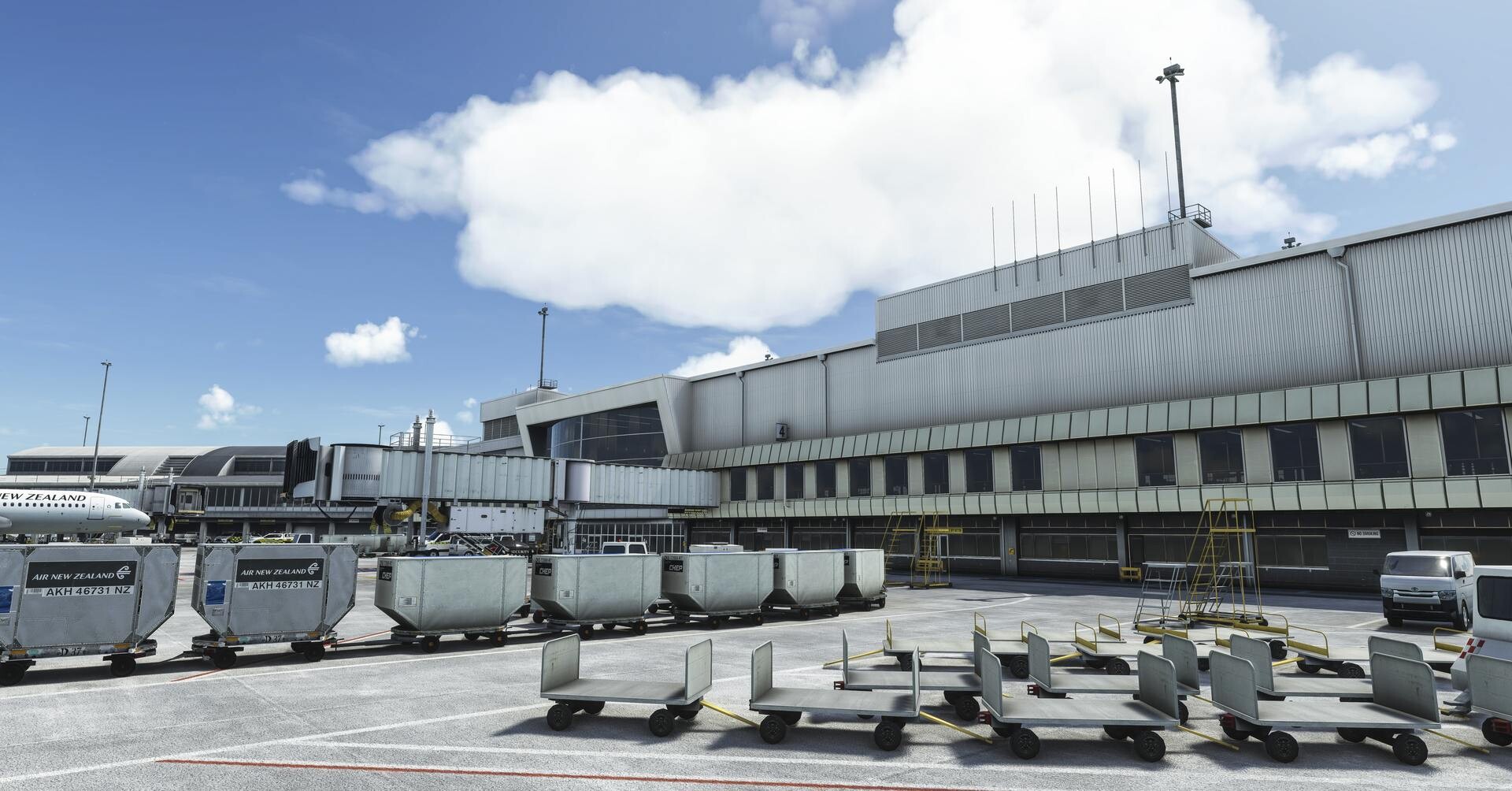
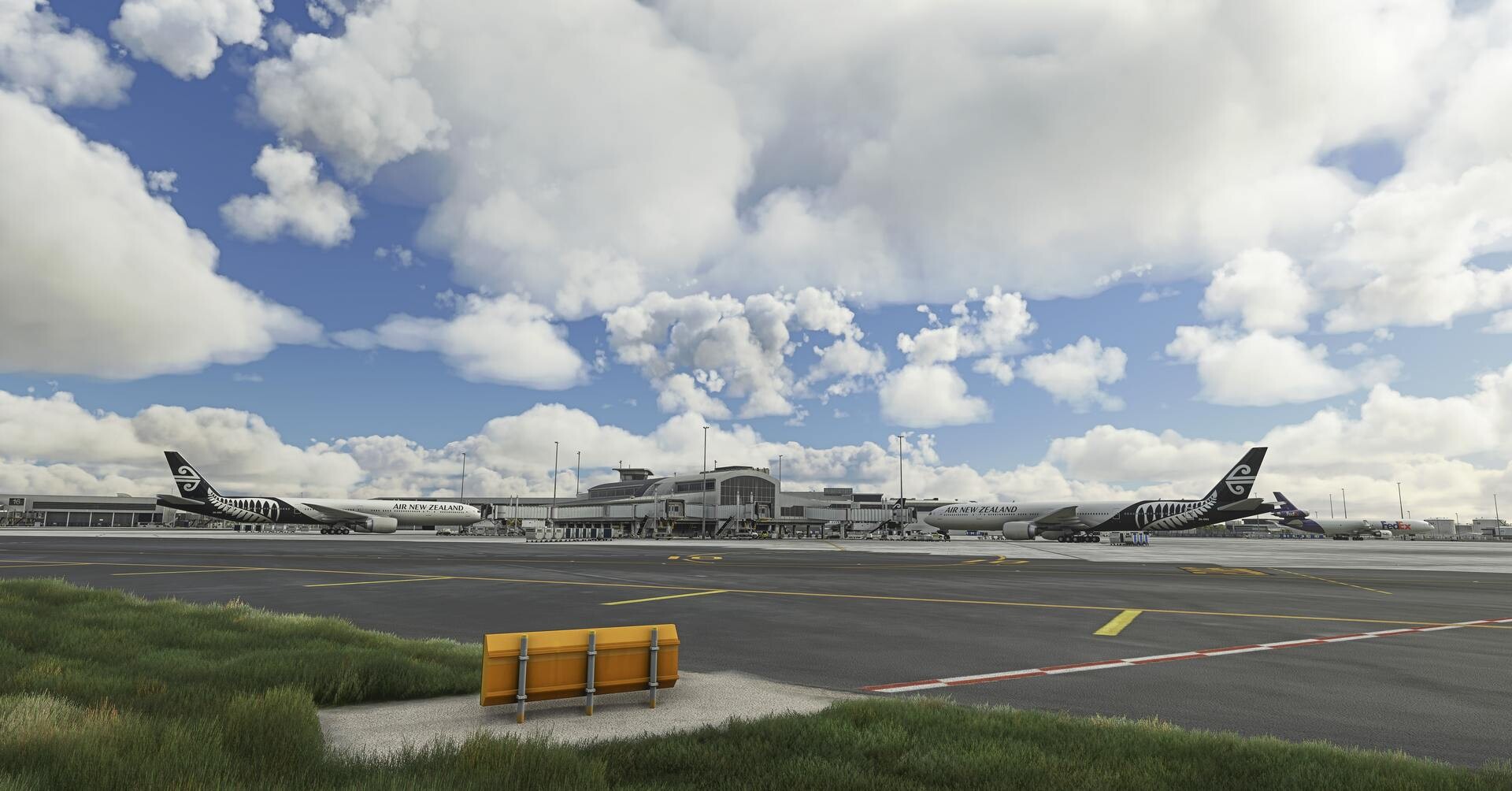
NZAA is our most detailed product released to date, with a full airside survey done in cooperation with airport officials. In addition to hand-painted close-up details, you'll experience immersive details on approach or departure, featuring densely detailed control tower interiors, hand painted PBR materials and MUCH more! Packed all into one, highly-optimized product designed to run as smooth as possible on your system.

Key Features

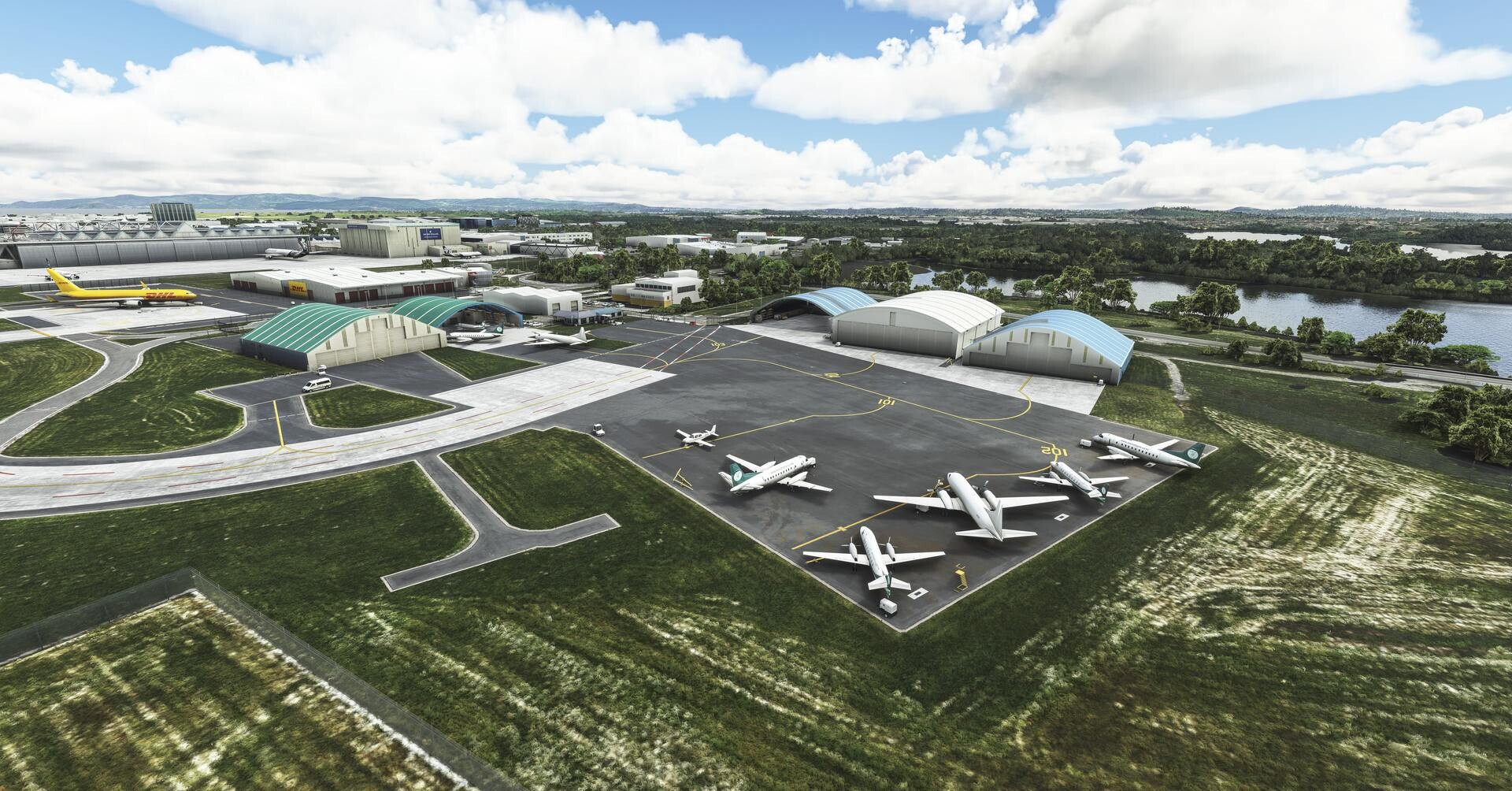
  • Wide variety of custom static aircraft, from DHL to FEDEX and more
  • Elaborately detailed and realistic 4096x4096 textures with carefully crafted PBR materials
  • Multi-layered, realistic hand-painted ground textures with PBR and custom decals
  • All new Gen-5 Flightbeam Jetways, packed with astounding detail, wear & tear and precision guidance
  • Control Tower interiors, comprehensive modeling and perfect for virtual plane-spotting or virtual ATC operations
  • Key terminal interiors modeled for an exceptional immersive view from the cockpit
  • Massive, high-resolution ground imagery included, surrounding the outskirts of the airport
  • Custom-made taxiway lights and runway approach lighting
  • Hand placed custom apron night lights and glows for night time ops
  • Aggressive LOD optimization, ensuring smooth performance even for modest systems
  • Kiwi-approved product, with the vast majority of beta-testers being local to the airport

Screenshots


Videos


Developer

This product has been produced by Flightbeam Studios. For Flightbeam Studios product support, please go to https://shop.flightbeam.net/apps/help-center

View Flightbeam Studios on OrbxDirect


Compatibility

General

You will need Orbx Central to download and install this product. Orbx Central runs on Windows 7+, macOS and Linux. An internet connection is also required.

Supported Simulators

This product is compatible with the following simulators:

  • Microsoft Flight Simulator
  • Microsoft Flight Simulator 2024

Supported Operating Systems

This product is compatible with the following operating systems:

  • Windows