
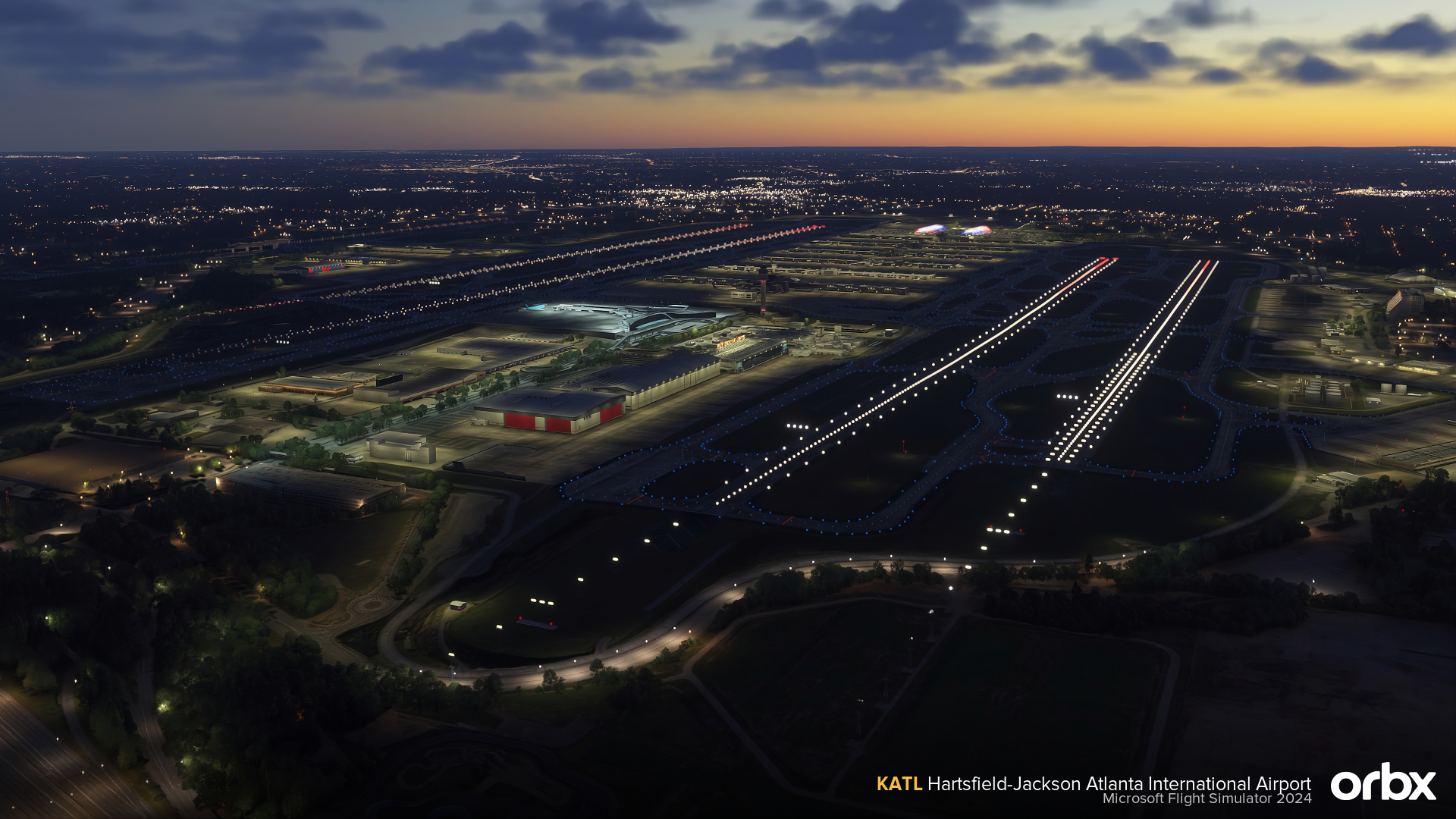
KATL Hartsfield-Jackson Atlanta International Airport

for Microsoft Flight Simulator 2024

Matteo Veneziani's KATL Hartsfield-Jackson Atlanta International Airport

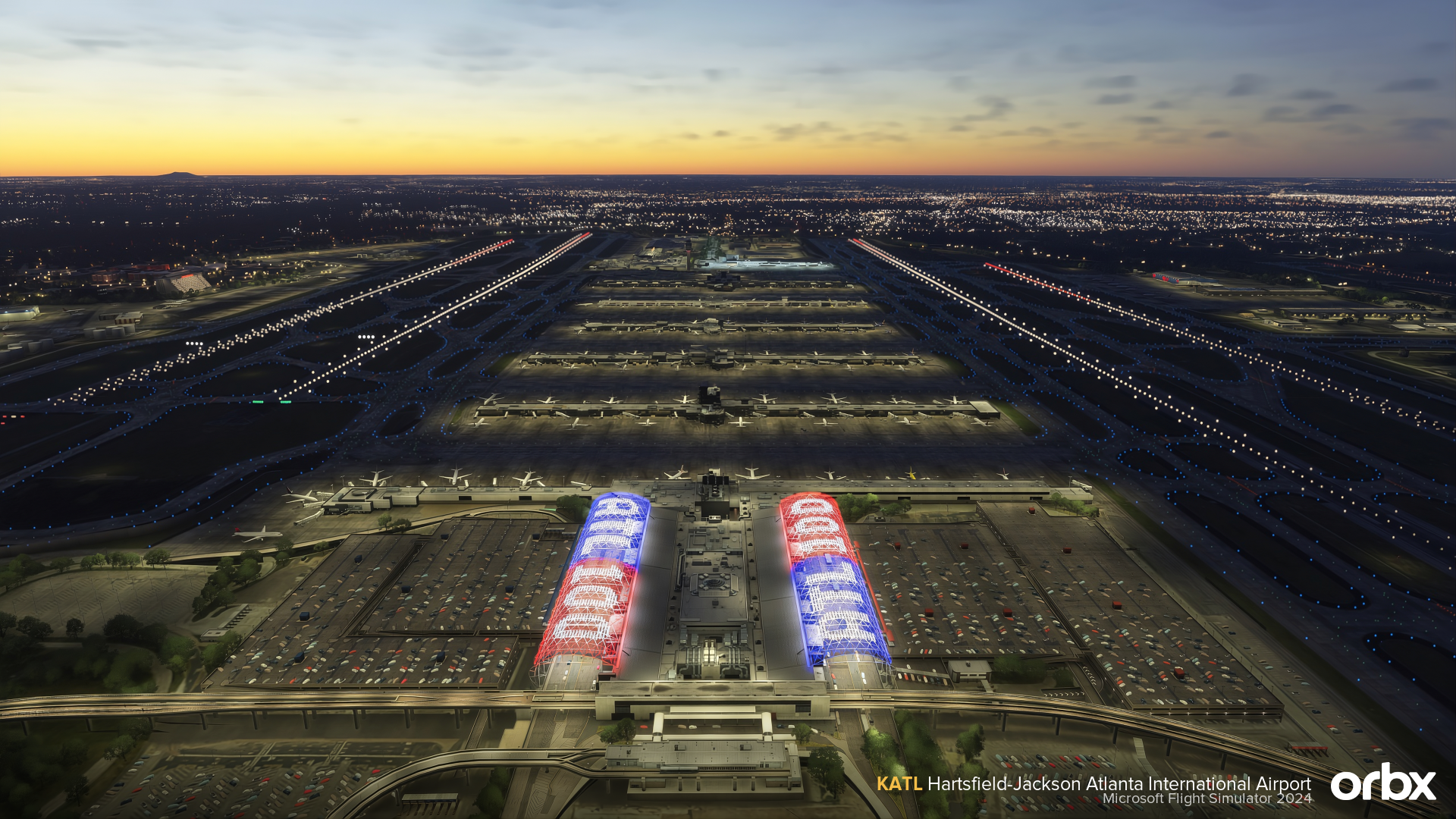
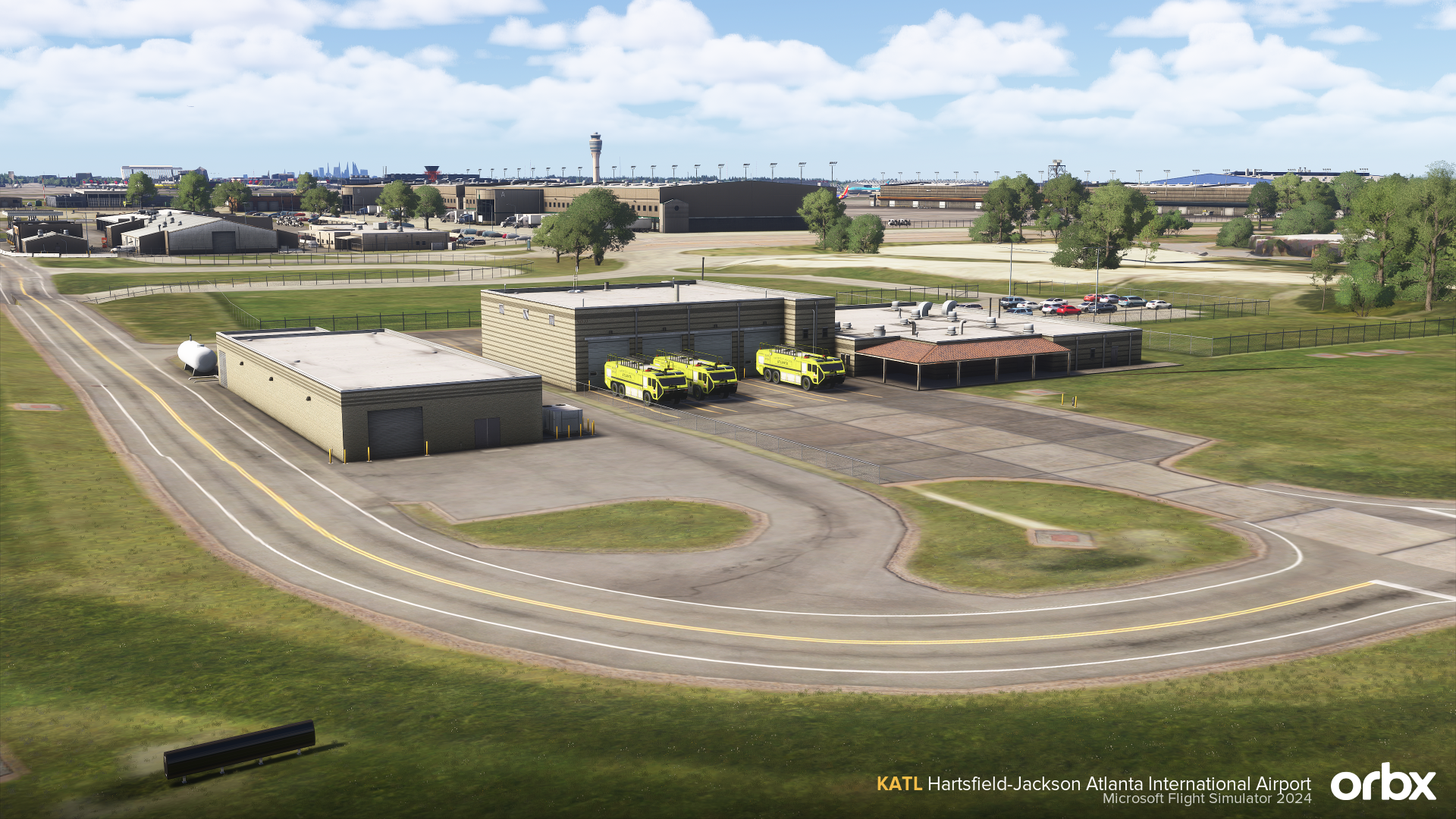
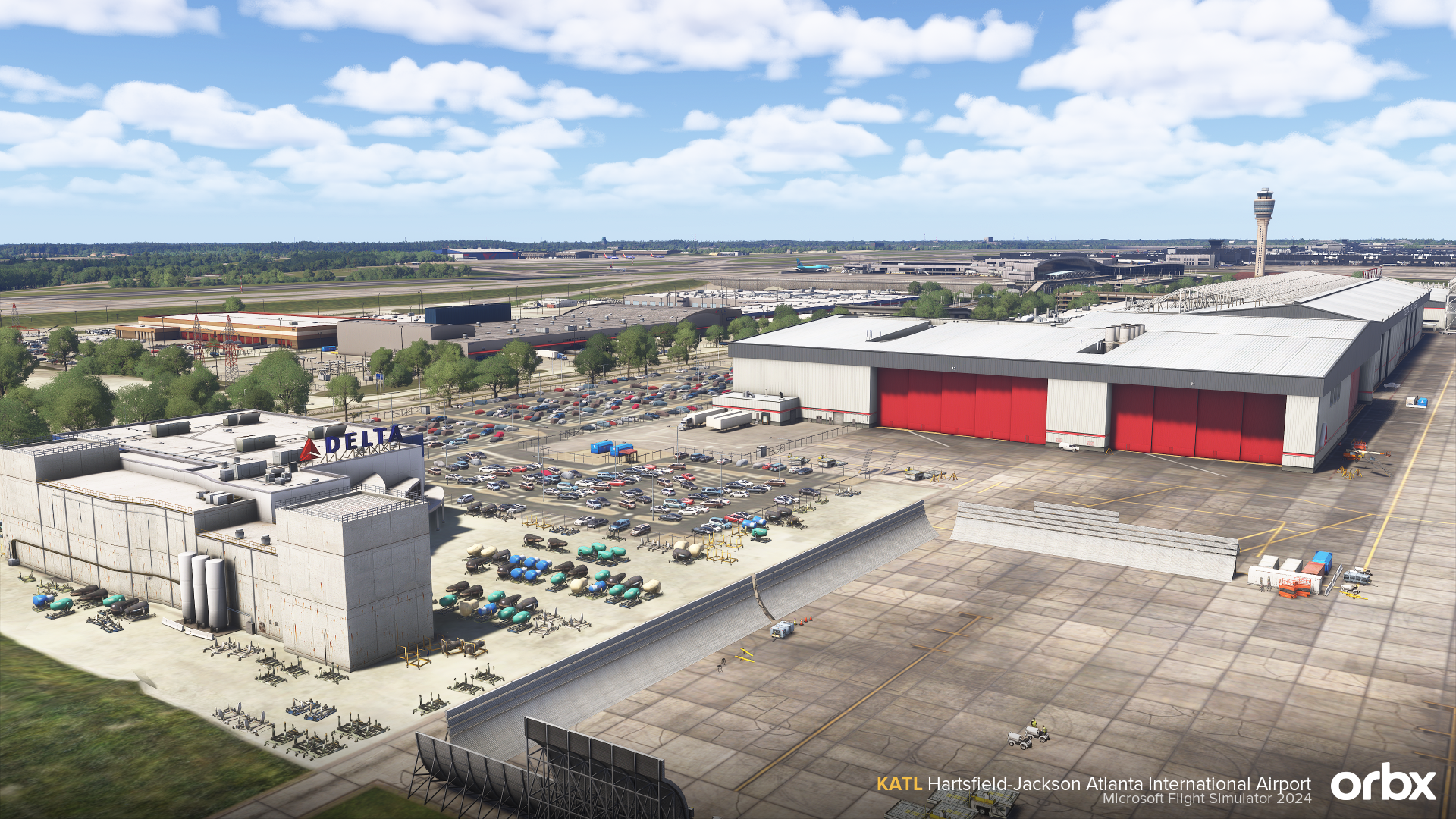
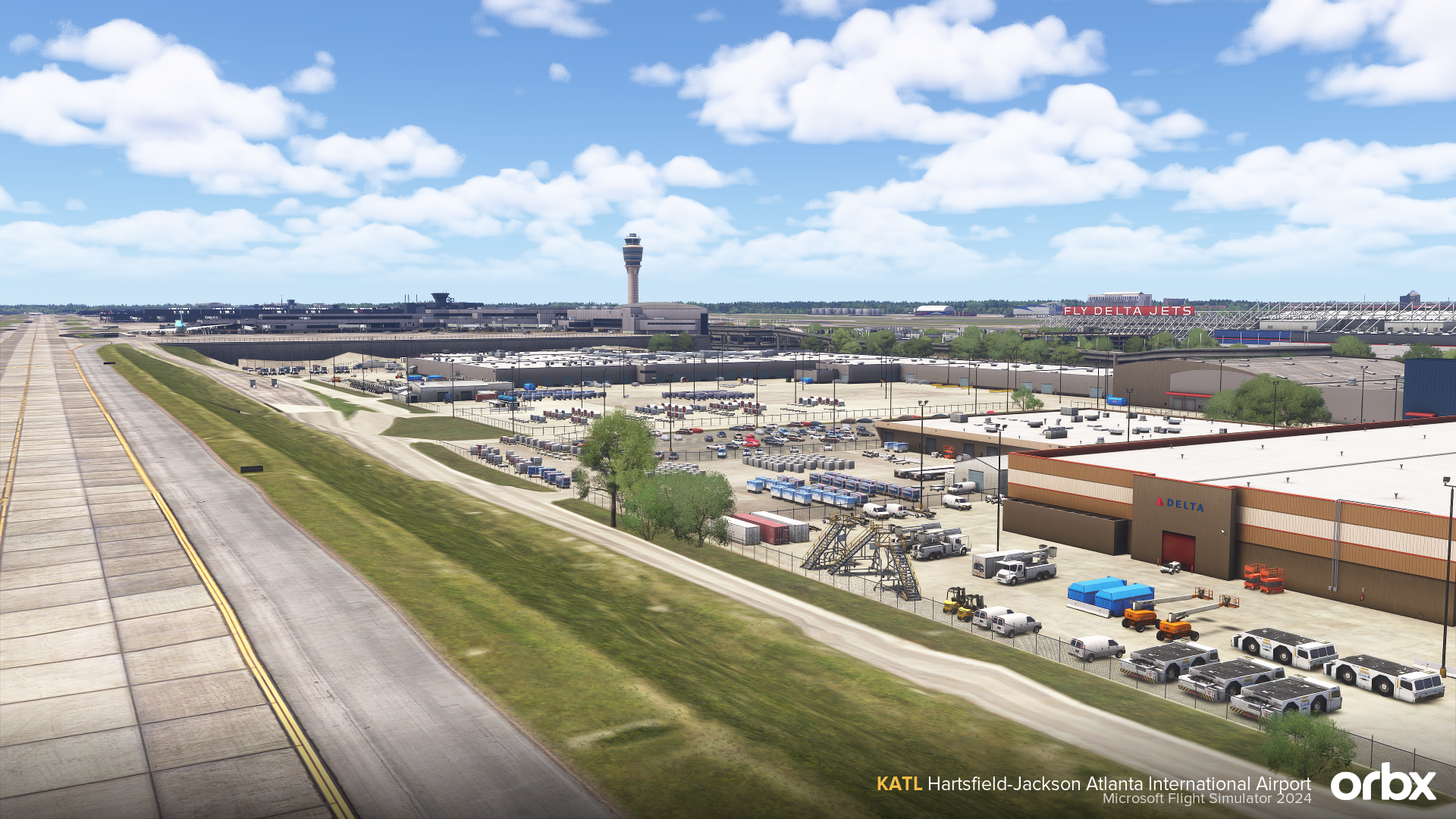
Hartsfield-Jackson Atlanta International Airport comes to Microsoft Flight Simulator 2024 in an exceptionally detailed recreation by Matteo Veneziani.

As one of the busiest airports in the world, KATL is a demanding environment for both scenery design and simulator performance. This release focuses on capturing the scale, atmosphere, and complexity of Atlanta while maintaining strong optimisation throughout. Built entirely by a single developer, the airport delivers a consistent visual style across textures, modelling, lighting, and ground detail, with careful attention paid to real-world references throughout.

From Atlanta’s distinctive sloped runway profiles and terminal interiors to animated transport systems, custom ground operations, and handcrafted airport infrastructure, this is a comprehensive recreation of one of aviation’s most iconic hubs.

IMPORTANT - PLEASE READ

KATL Atlanta International Airport requires customers to activate the product via the included DRM. To do this, follow the instructions below:

  1. Install the product via Orbx Central.
  2. After installation is complete, navigate to your Community folder and open the "orbx-airport-katl-atlanta" folder.
  3. Launch the DRM "L3SimGuard_Launcher.exe".
  4. Follow the installation prompts and activate the product with your Serial Key. (Your key can be found via the email receipt or via your account page here.)
  5. After successfully activating the product, keep L3SimGuard running.
  6. Start your Simulator.
  7. The DRM should automatically disable the default KATL from Asobo. It's recommended to verify this in your content manager, within the sim.

Note: L3SimGuard was created by land3simulations. The program will and MUST stay open while the simulator is running. Any support requests for DRM-specific issues should be forwarded to [email protected].

Note: A Custom GSX Profile can be located within the Airport folder! Simply copy the two files to your GSX Folder.

Options: You can configure multiple performance options via Orbx Central by selecting the "Configure" button after installation.

Key Features

  • Detailed recreation of KATL Hartsfield-Jackson Atlanta International Airport for Microsoft Flight Simulator 2024
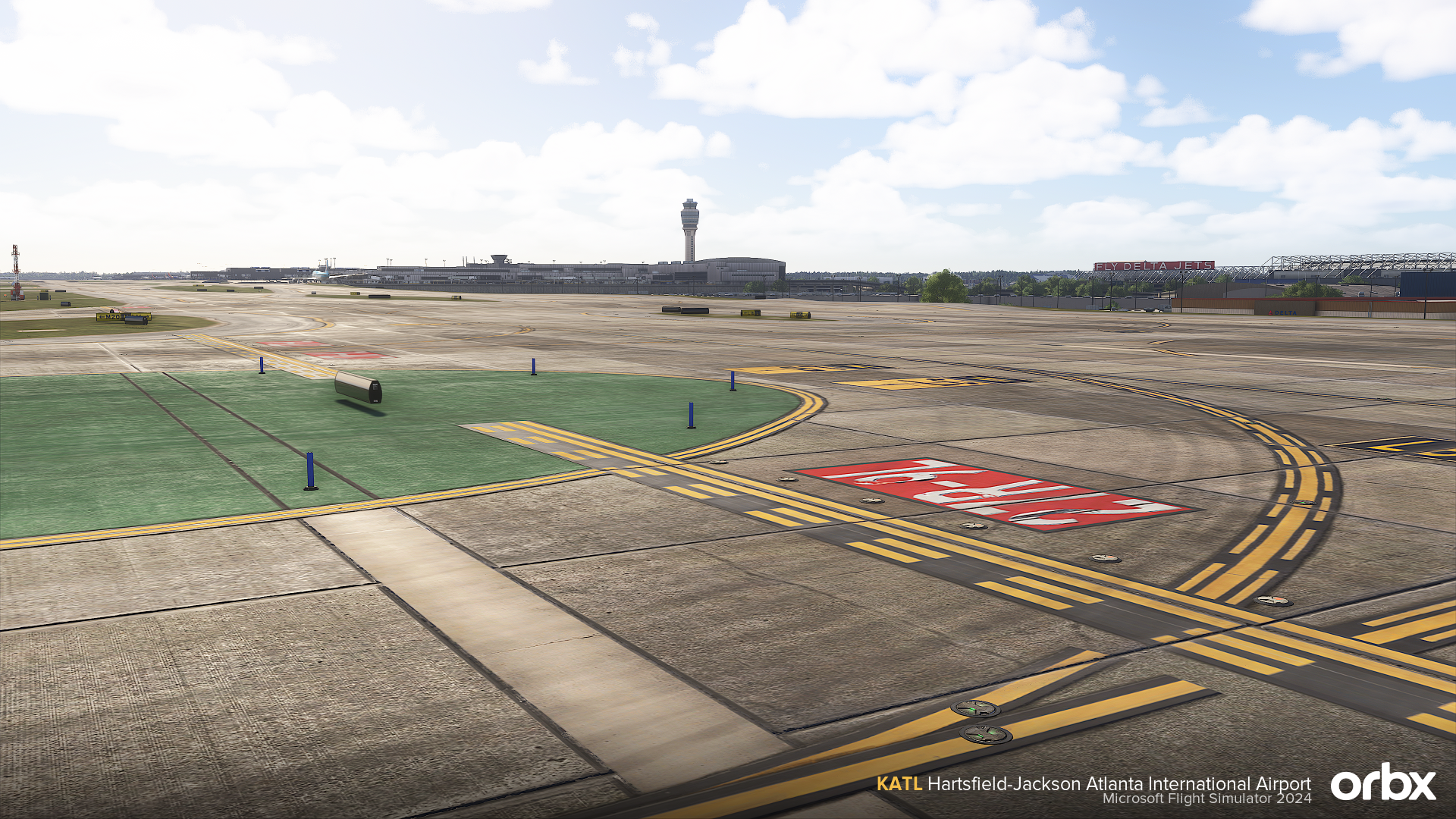
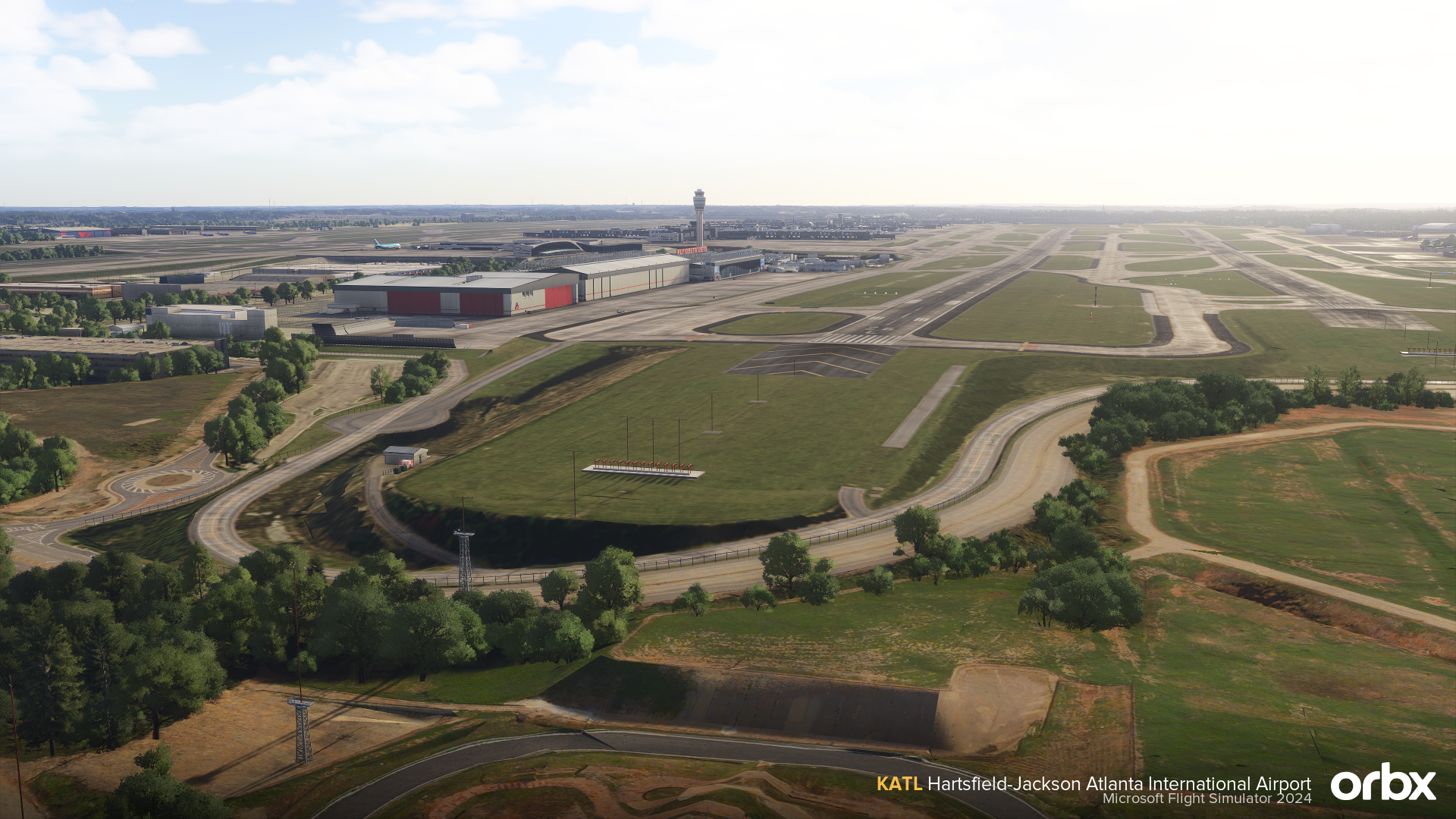
  • Accurate airport elevation profile, including Atlanta’s distinctive sloped runway layout
  • Detailed terminal interiors based on real-world references
  • Animated Atlanta SkyTrain and Atlanta Metro systems with detailed station areas
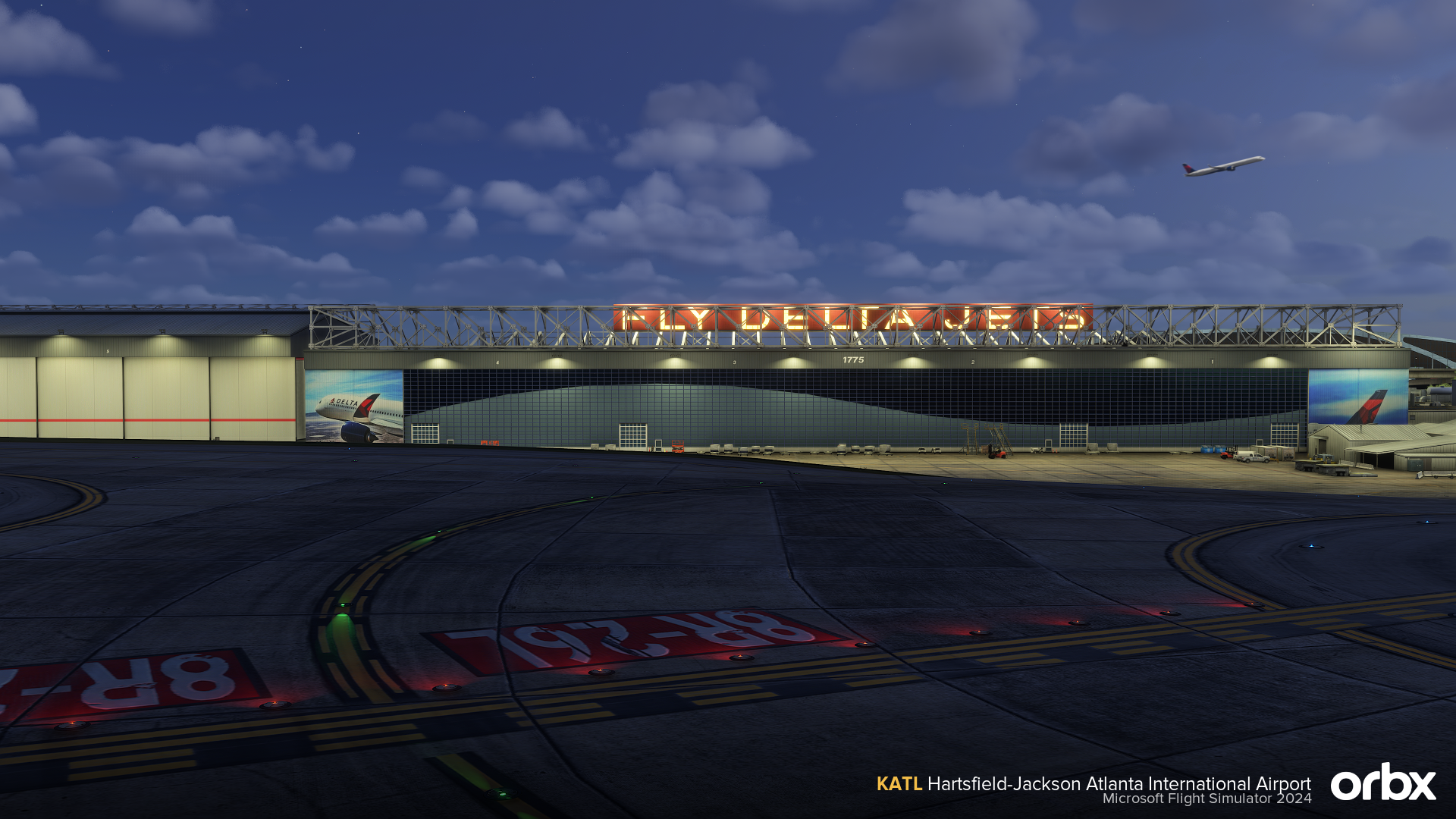
  • Custom airport lighting, including approach, taxiway, and ground lighting
  • Handcrafted ground textures with realistic wear and surface detail
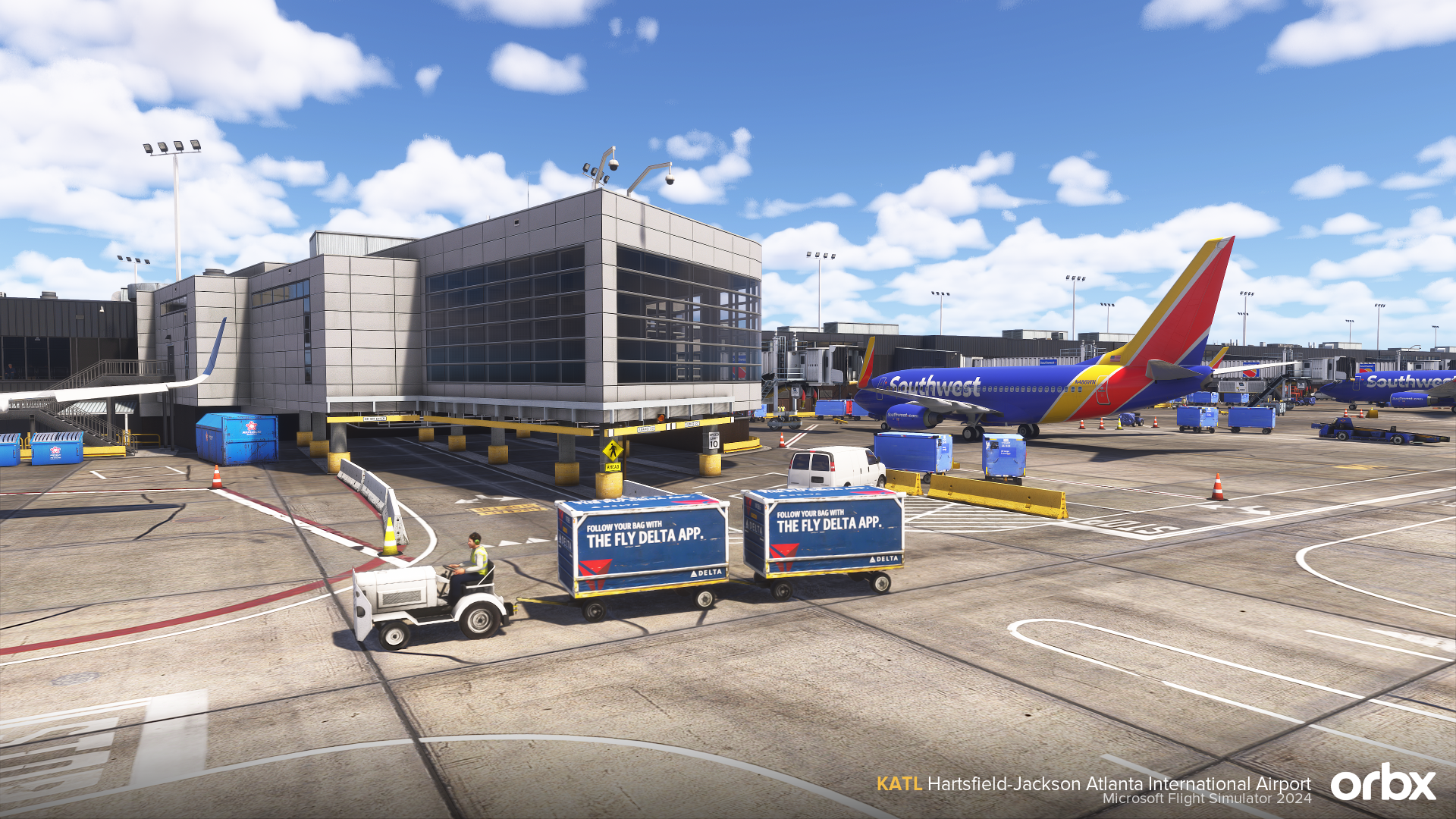
  • Animated ground operations, including service vehicles, ramp workers, passengers, and branded jetways
  • Custom VDGS docking guidance system
  • Detailed recreation of the Renaissance Concourse Atlanta Airport Hotel
  • Detailed recreation of the Delta Flight Museum and Delta Air Lines headquarters
  • Correct airline gate assignments for realistic AI traffic
  • Custom GSX profile by AviationBros
  • Built with performance optimisation in mind

Screenshots


Compatibility

General

You will need Orbx Central to download and install this product. Orbx Central runs on Windows 7+, macOS and Linux. An internet connection is also required.

Supported Simulators

This product is compatible with the following simulators:

  • Microsoft Flight Simulator 2024

Supported Operating Systems

This product is compatible with the following operating systems:

  • Windows