
KATL Hartsfield-Jackson Atlanta International Airport

for X-Plane 12

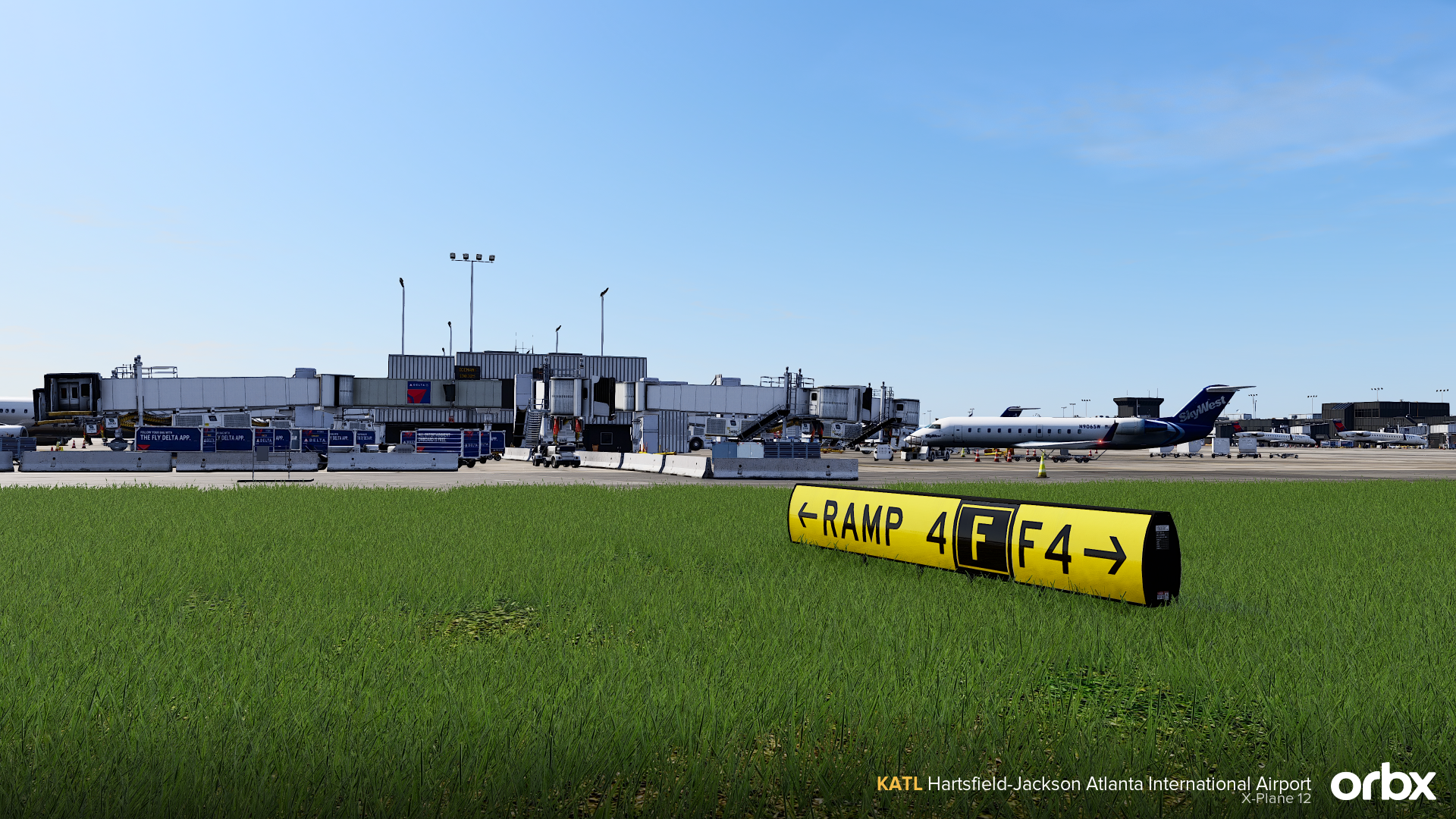
Welcome to KATL Hartsfield-Jackson Atlanta International Airport, now for X-Plane 12!

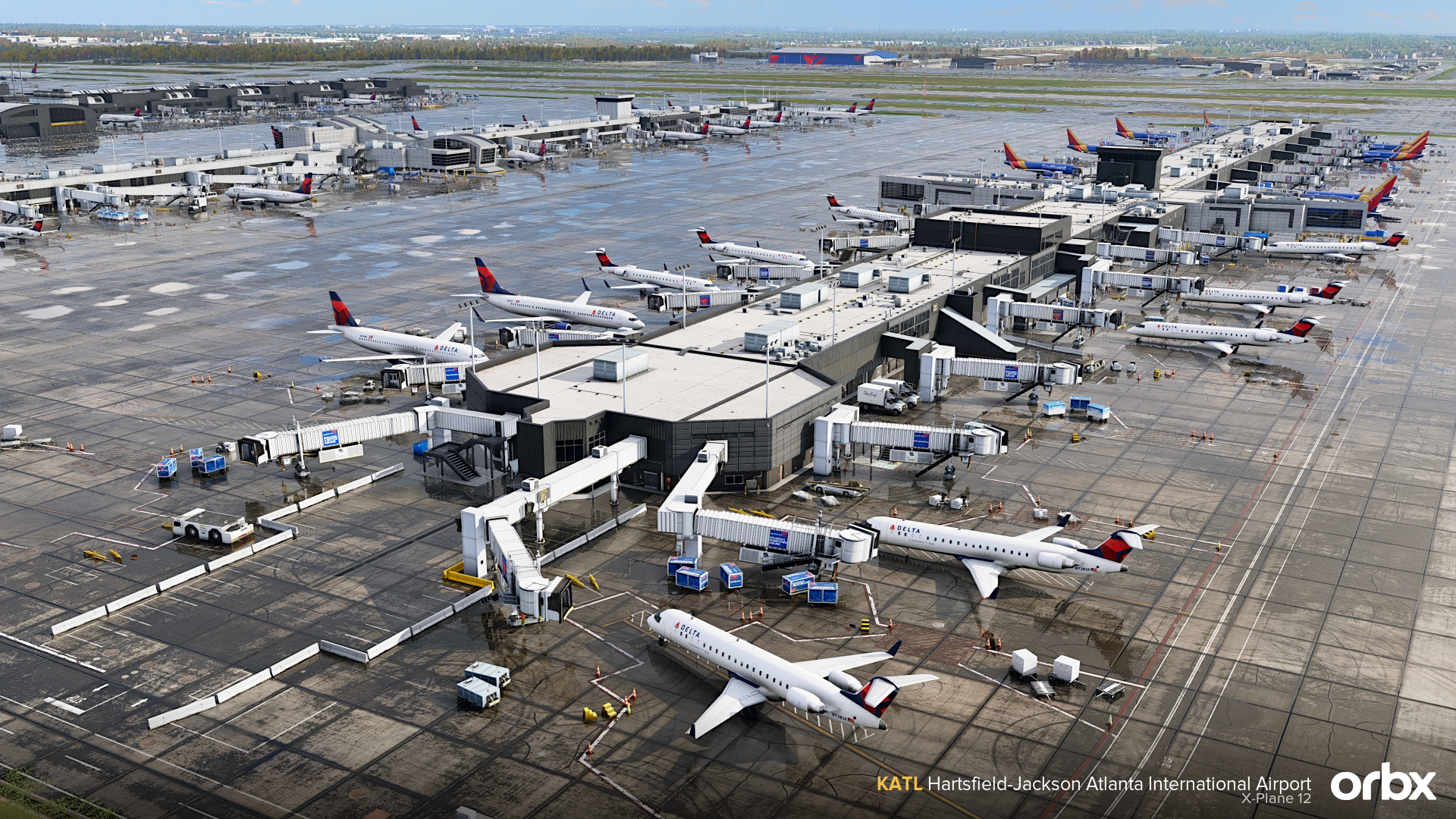
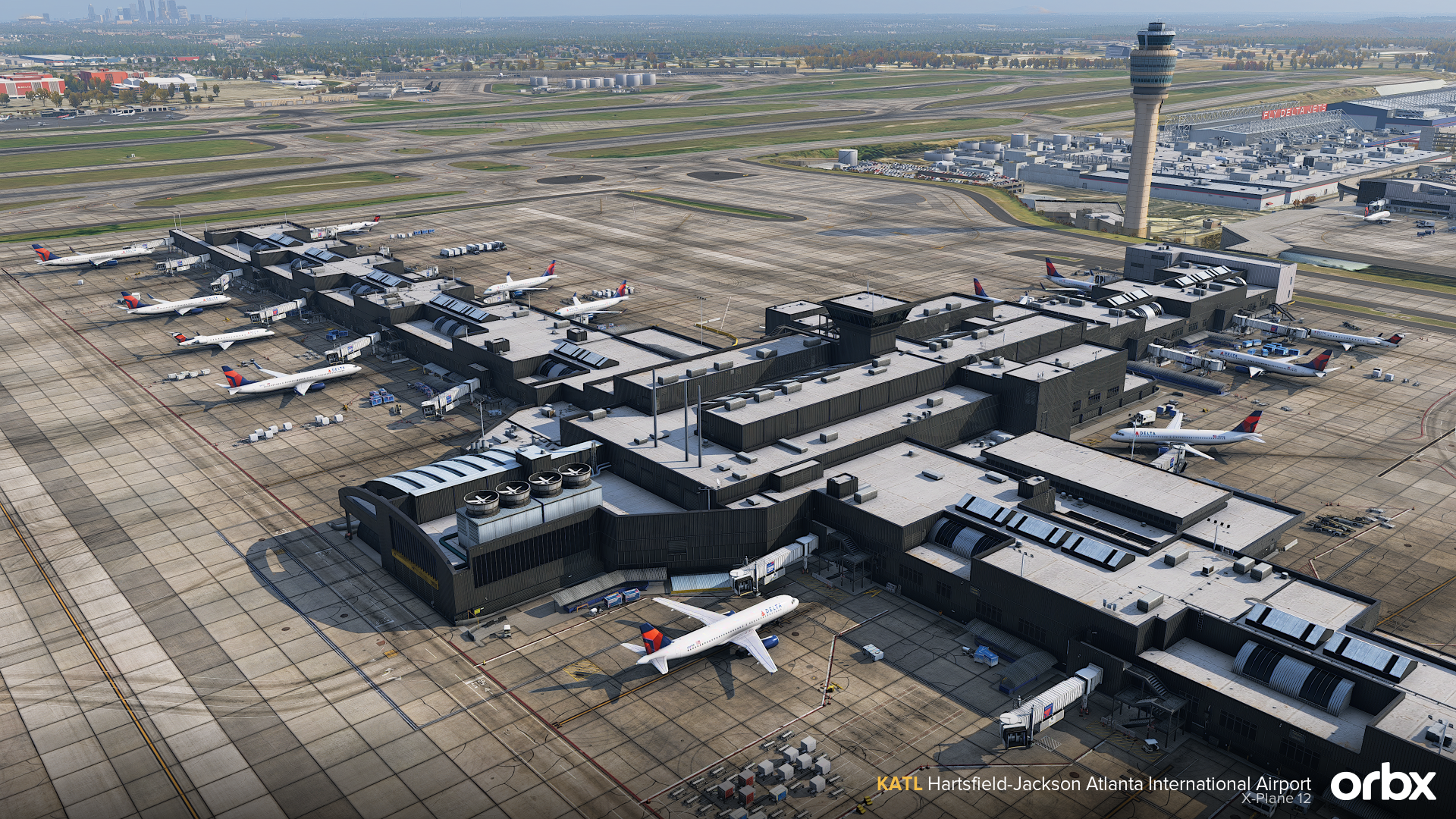
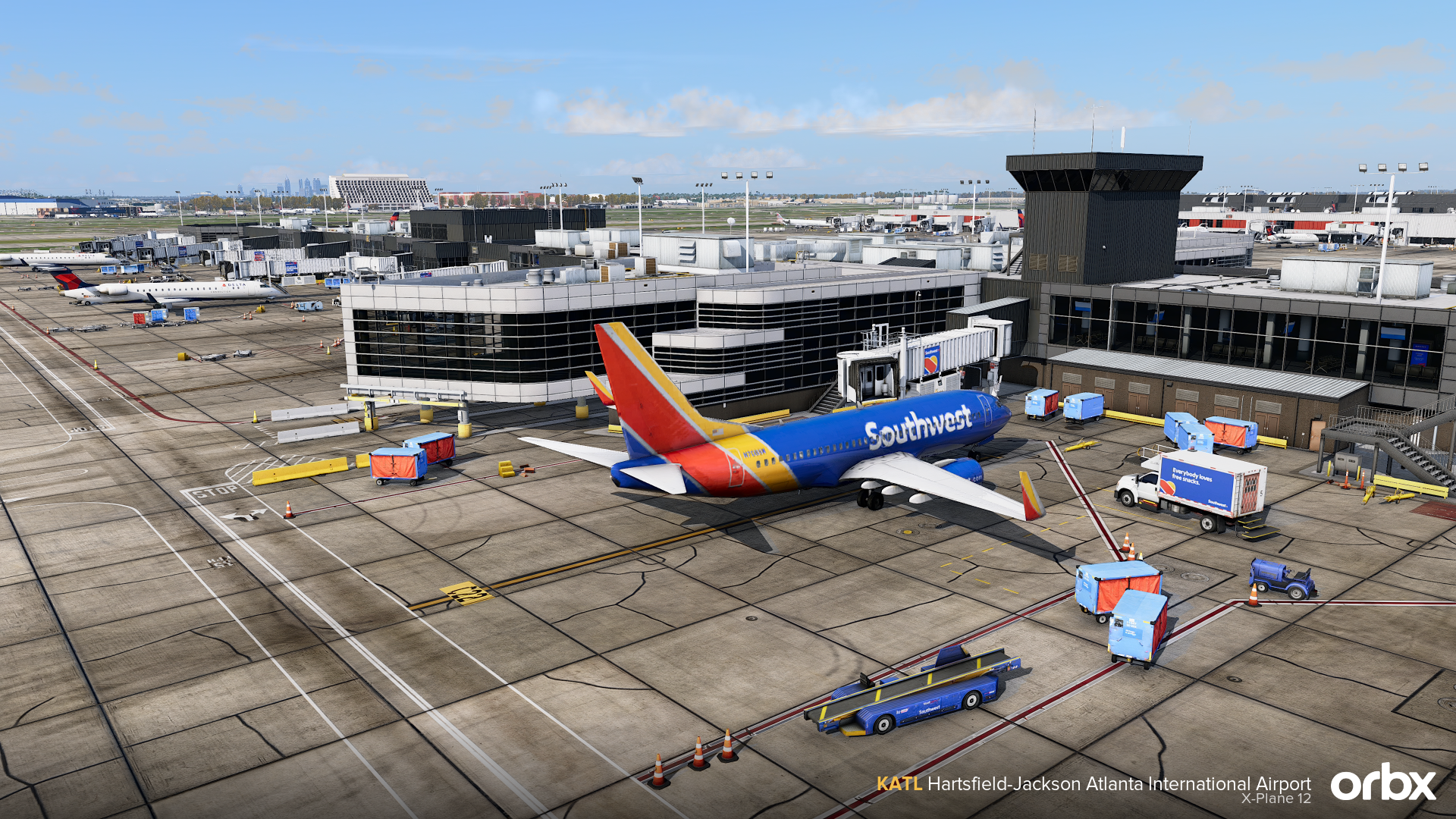
Hartsfield-Jackson Atlanta International Airport comes to X-Plane 12 in an exceptionally detailed recreation by Matteo Veneziani & Lee Miles.

As one of the busiest airports in the world, KATL is a demanding environment for both scenery design and simulator performance. This release focuses on capturing the scale, atmosphere, and complexity of Atlanta while maintaining strong optimisation throughout. Built entirely by a single developer, the airport delivers a consistent visual style across textures, modelling, lighting, and ground detail, with careful attention paid to real-world references throughout.

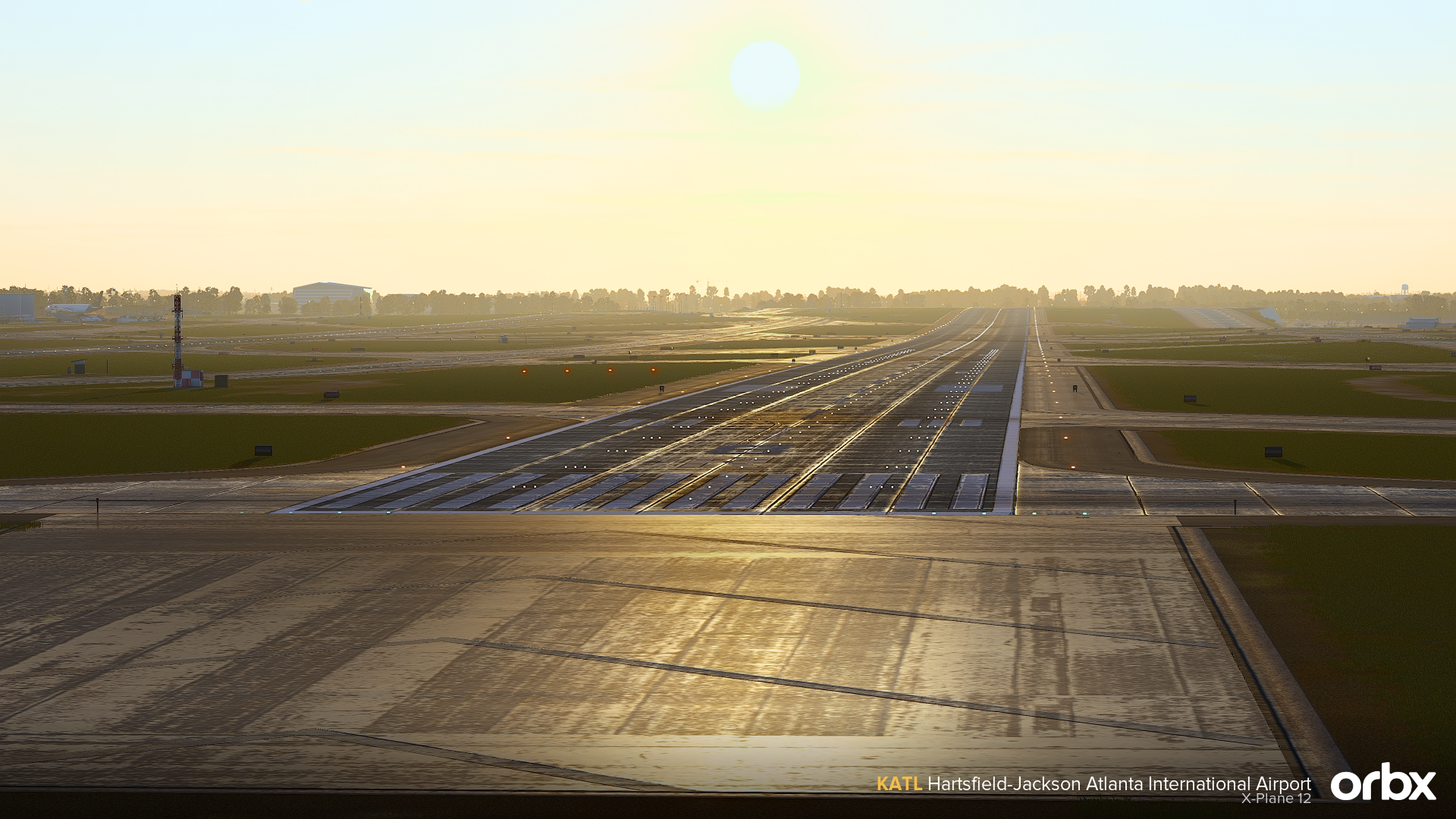
From Atlanta’s distinctive sloped runway profiles and terminal interiors to animated transport systems, custom ground operations, and handcrafted airport infrastructure, this is a comprehensive recreation of one of aviation’s most iconic hubs.

Key Features

  • Complete, up-to-date 2026 rendition of ATL airport
  • Updated airport layout
  • Expanded Terminal T expansion
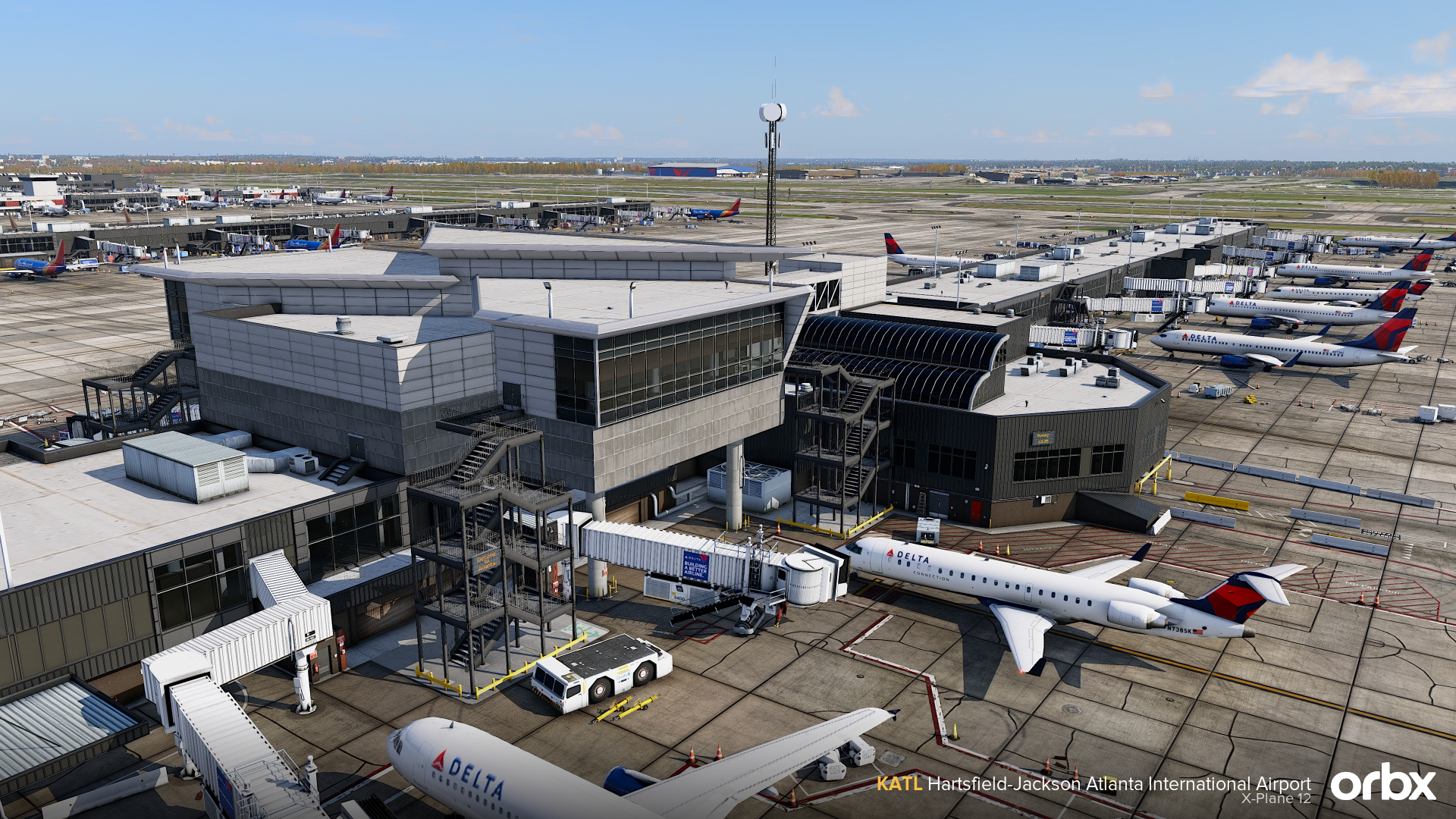
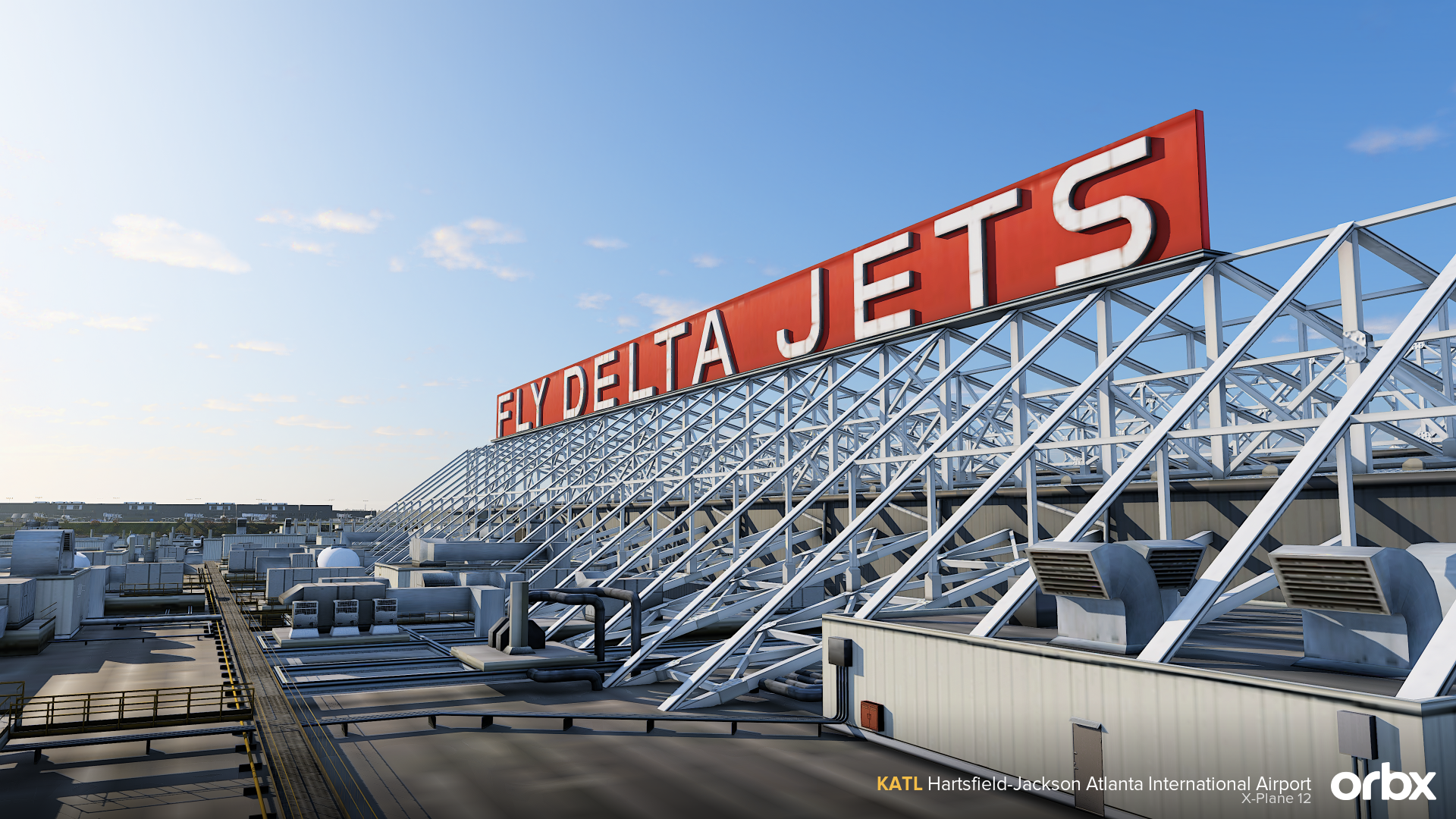
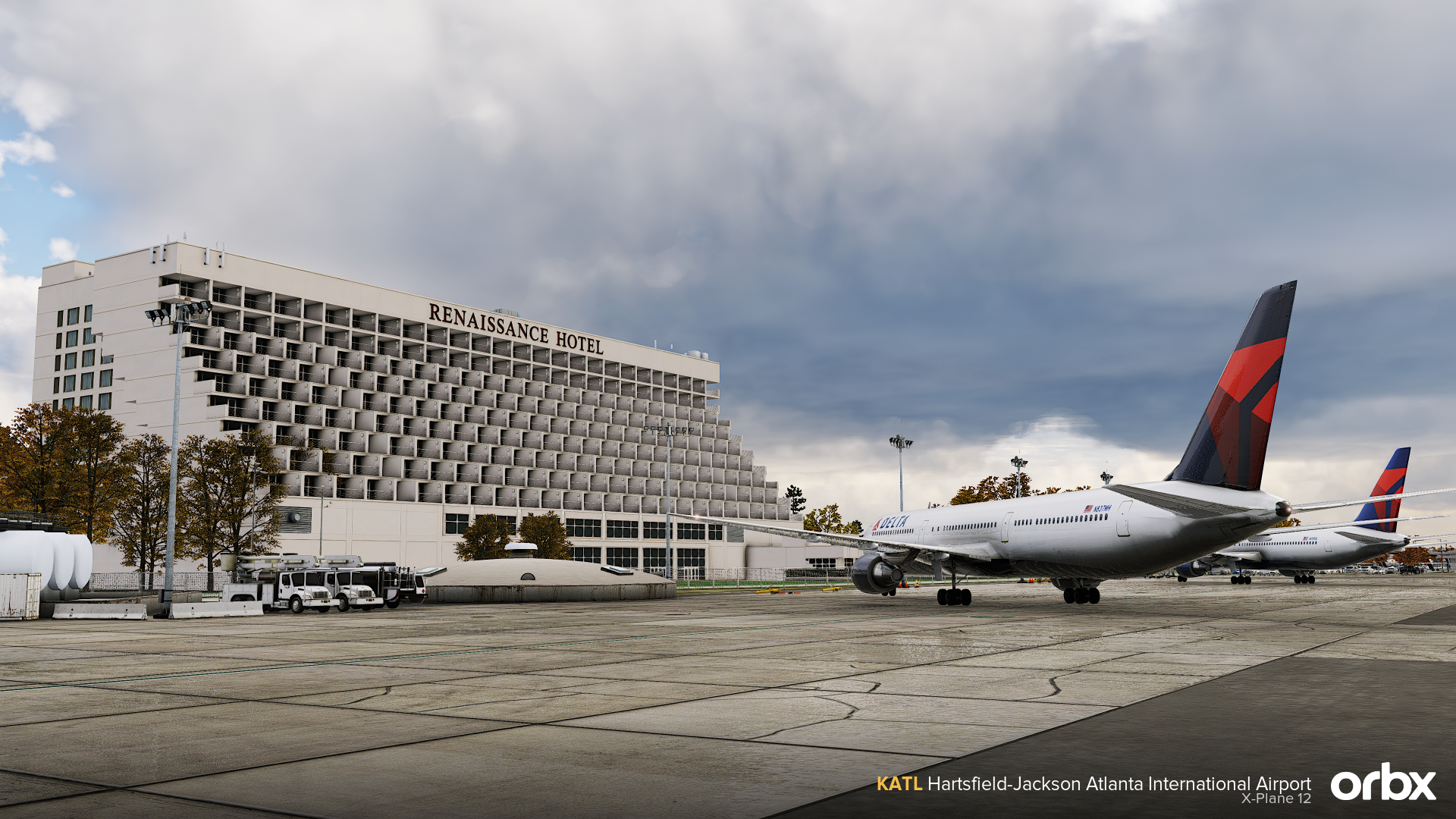
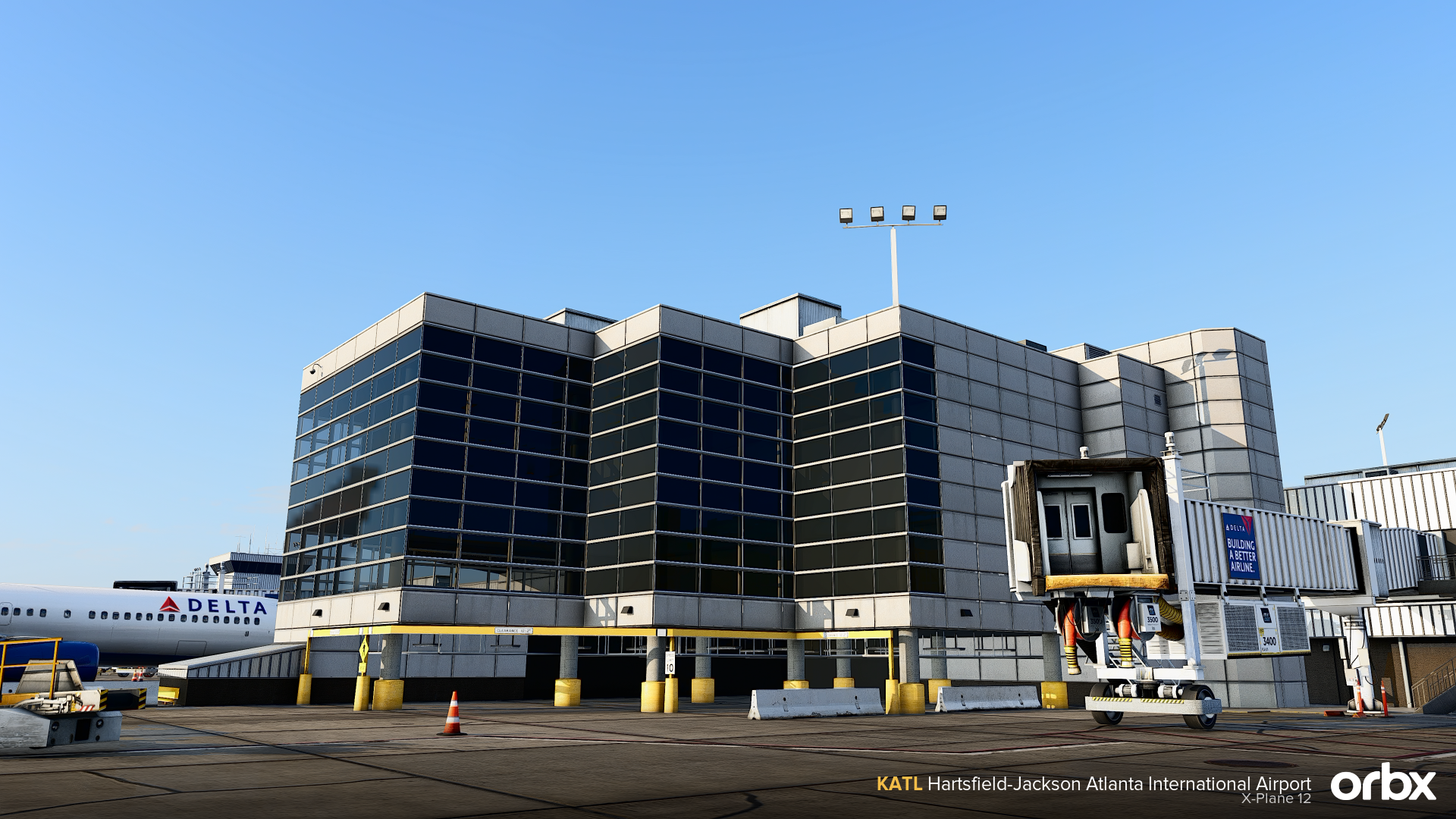
  • Highly detailed and optimized buildings, including the terminal, FBO interior, Hotel interior, and many more, using the LOD system
  • Highly accurate mesh/terrain based on real-world elevation data
  • Custom 3D taxiway lights, including various specific ground lighting
  • Custom 3D taxiway signs
  • Custom ground poly with advanced, highly detailed materials that simulate real-life dirt, cracks, and wear
  • Custom GSE vehicles in the entire airport, including baggage carts, tugs, buses, and many more
  • Custom animated jetways featuring Atlanta airport and airline brand logos using openSAM
  • Dynamic lighting across the entire airport
  • Surrounding vegetation of a 5-mile radius for ultra immersion on approach
  • Surrounding areas modeled
  • Custom 3D and animated grass courtesy of xCodr Designs
  • Use of LST (Living Scenery Technology) using xCodr's LST plugin

Screenshots


Compatibility

General

You will need Orbx Central to download and install this product. Orbx Central runs on Windows 7+, macOS and Linux. An internet connection is also required.

Supported Simulators

This product is compatible with the following simulators:

  • X-Plane 12

Supported Operating Systems

This product is compatible with the following operating systems:

  • Windows