
• Log In

RKSI Seoul Incheon International Airport

for Microsoft Flight Simulator
MSFS 2024 Compatible

SiamFlight | RKSI/ICN Incheon International Airport v0.9.5 (Early Access) for Microsoft Flight Simulator 2020 & 2024!

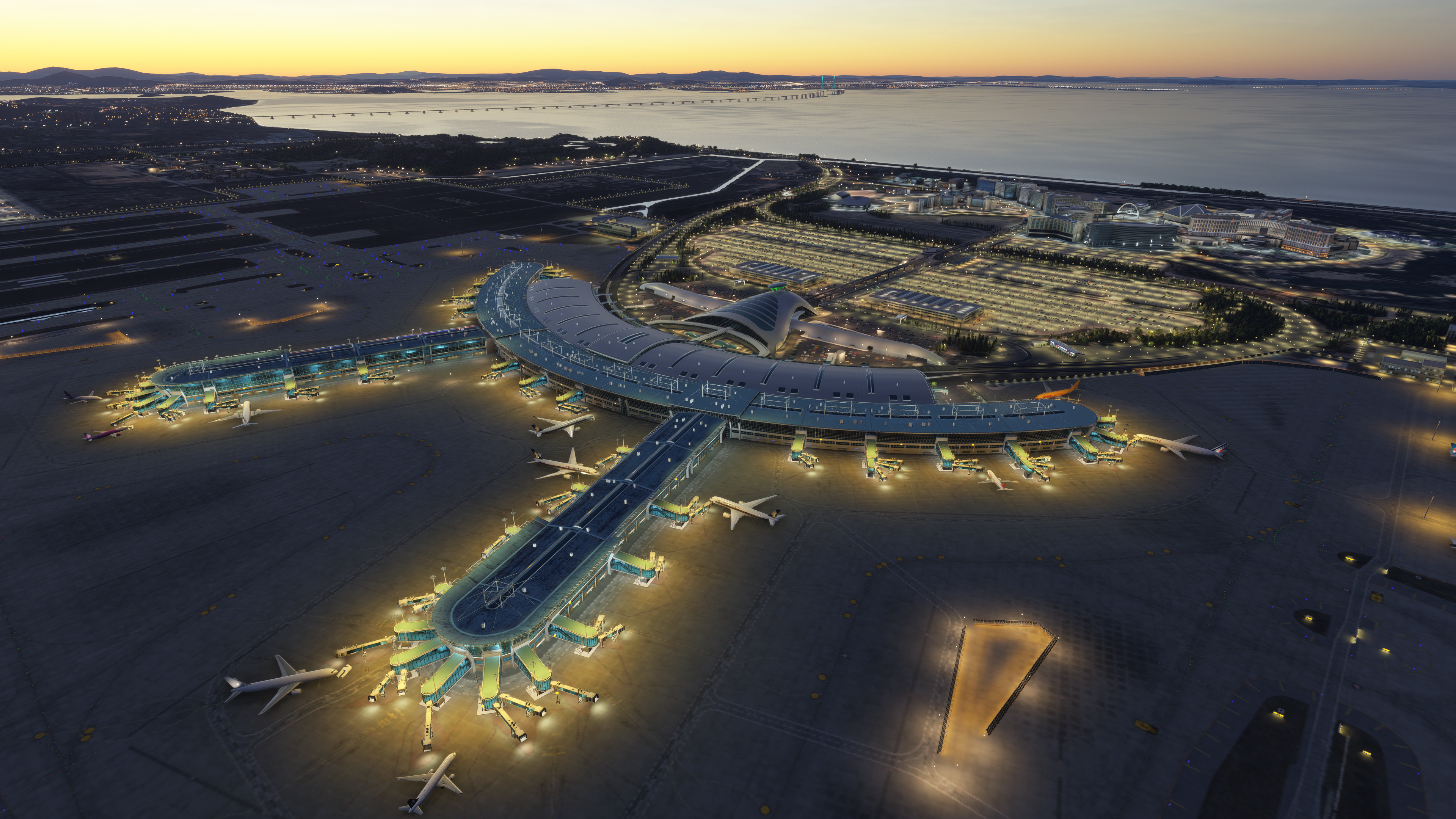
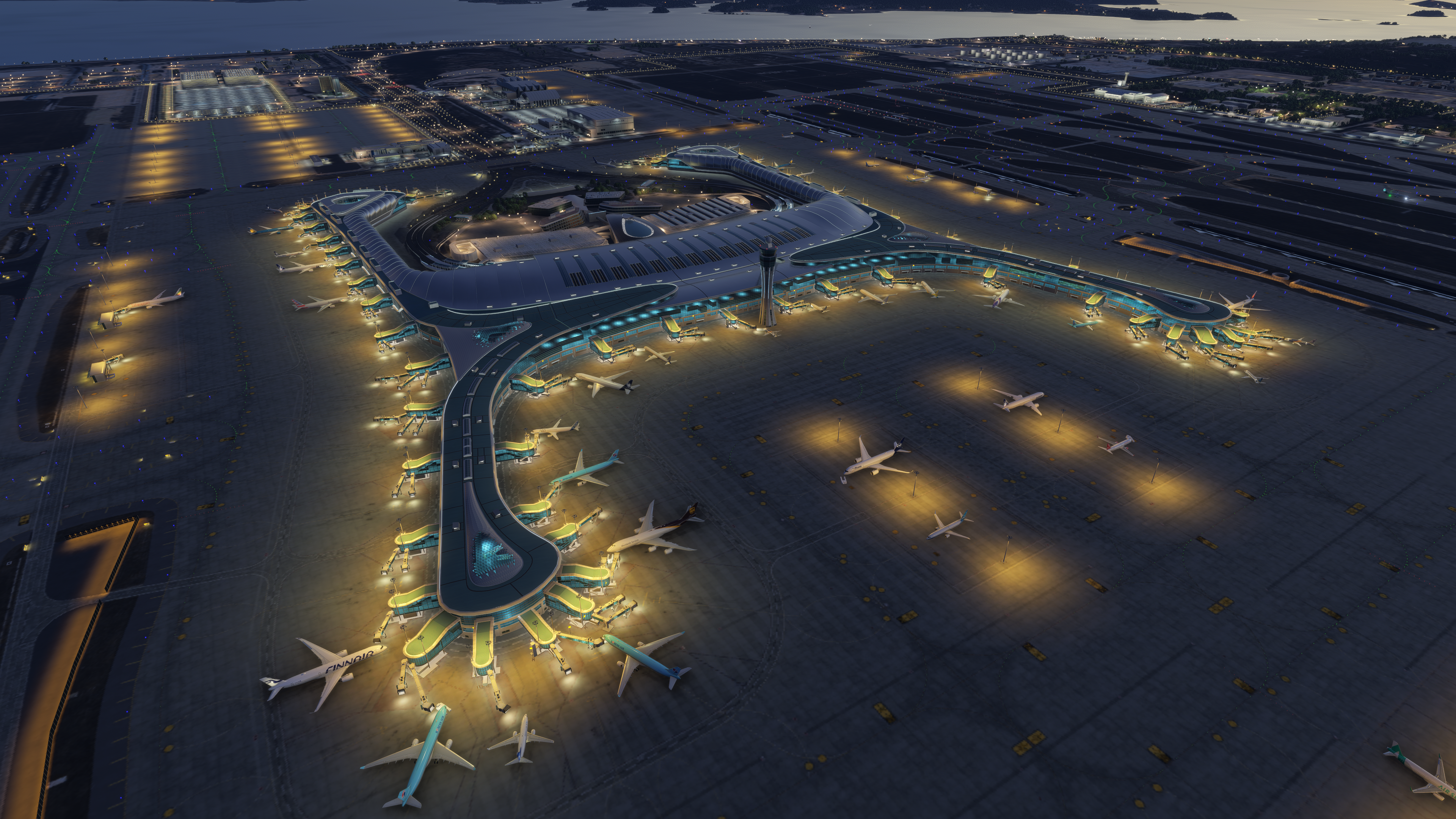
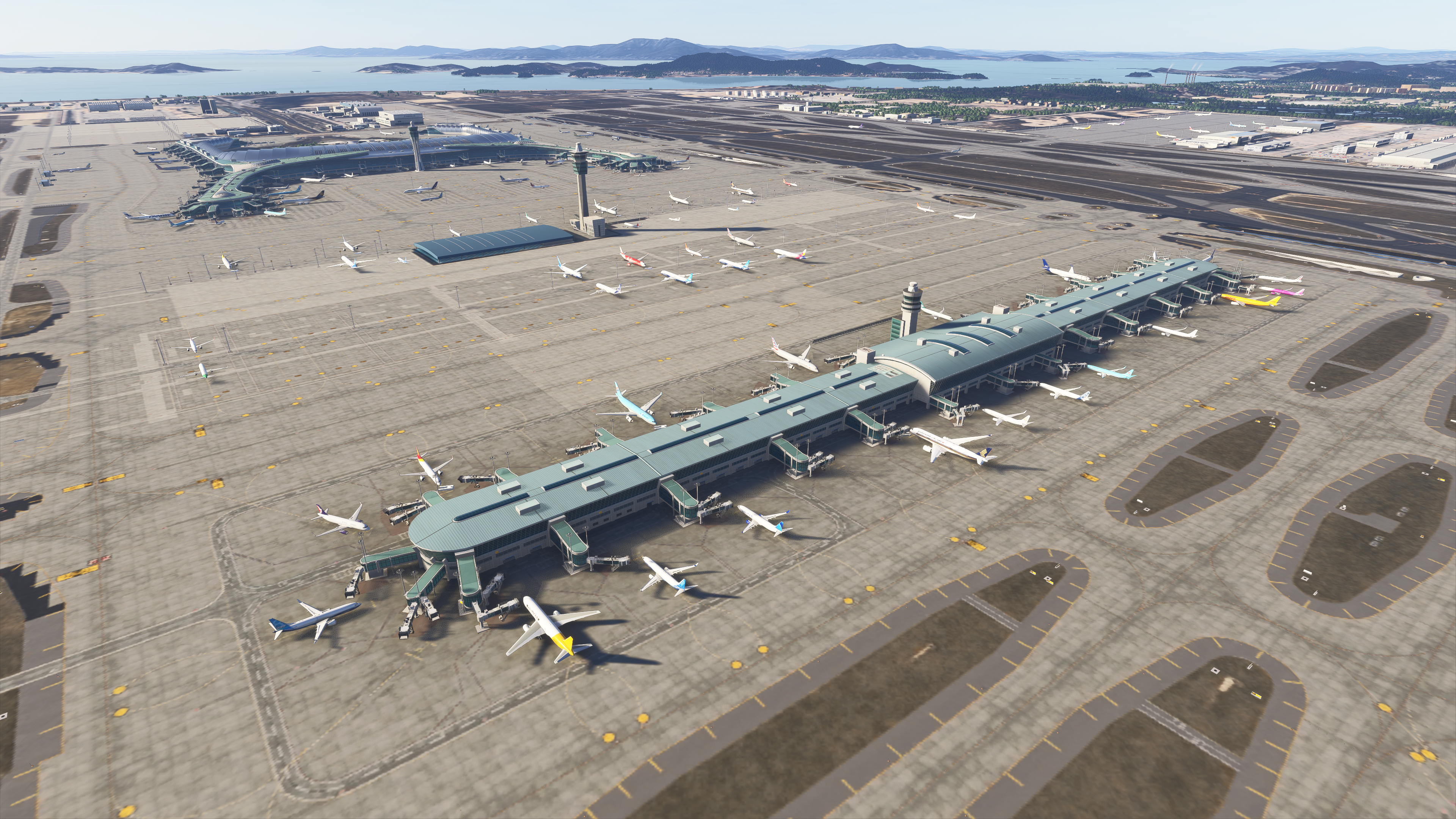
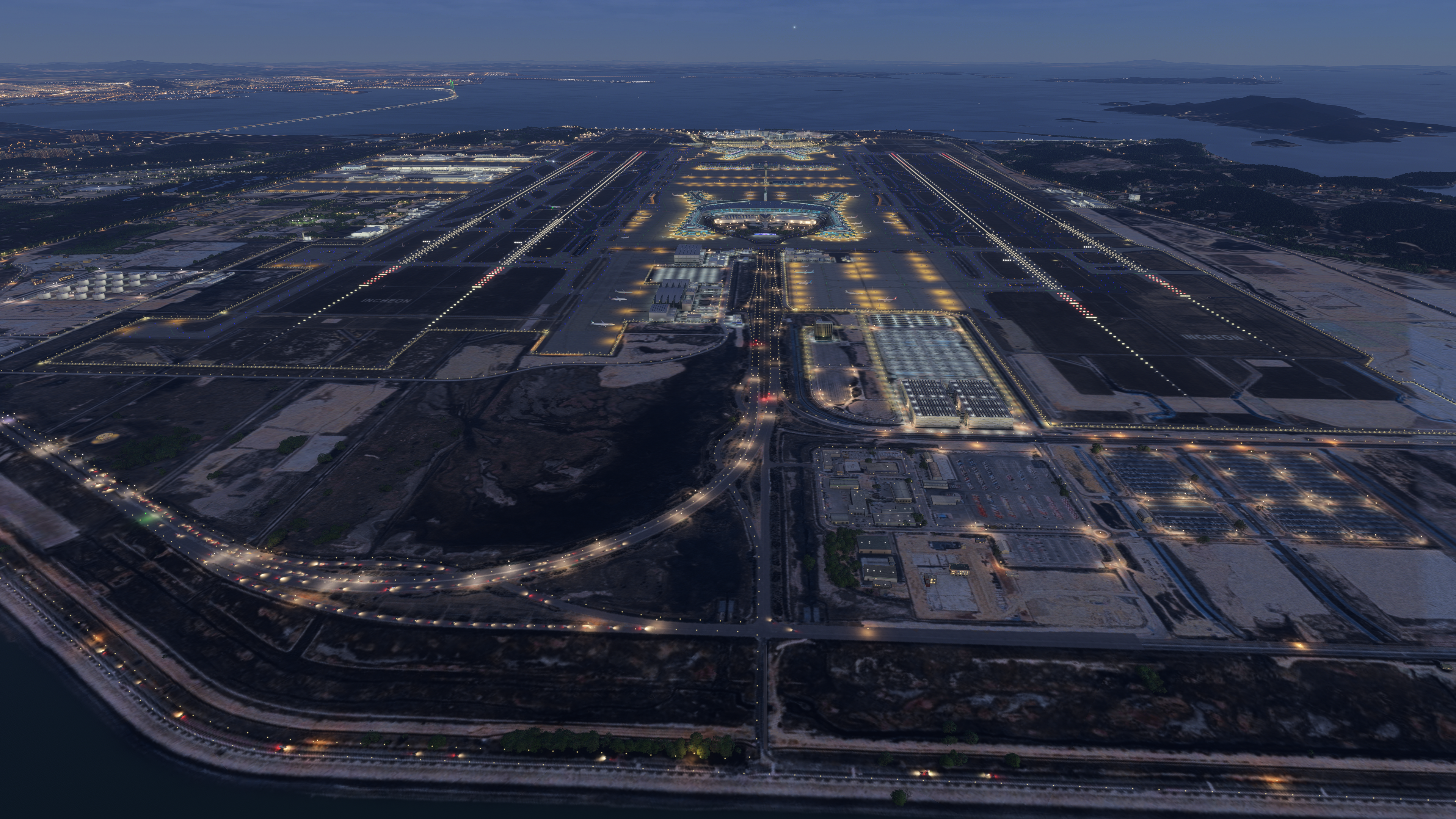
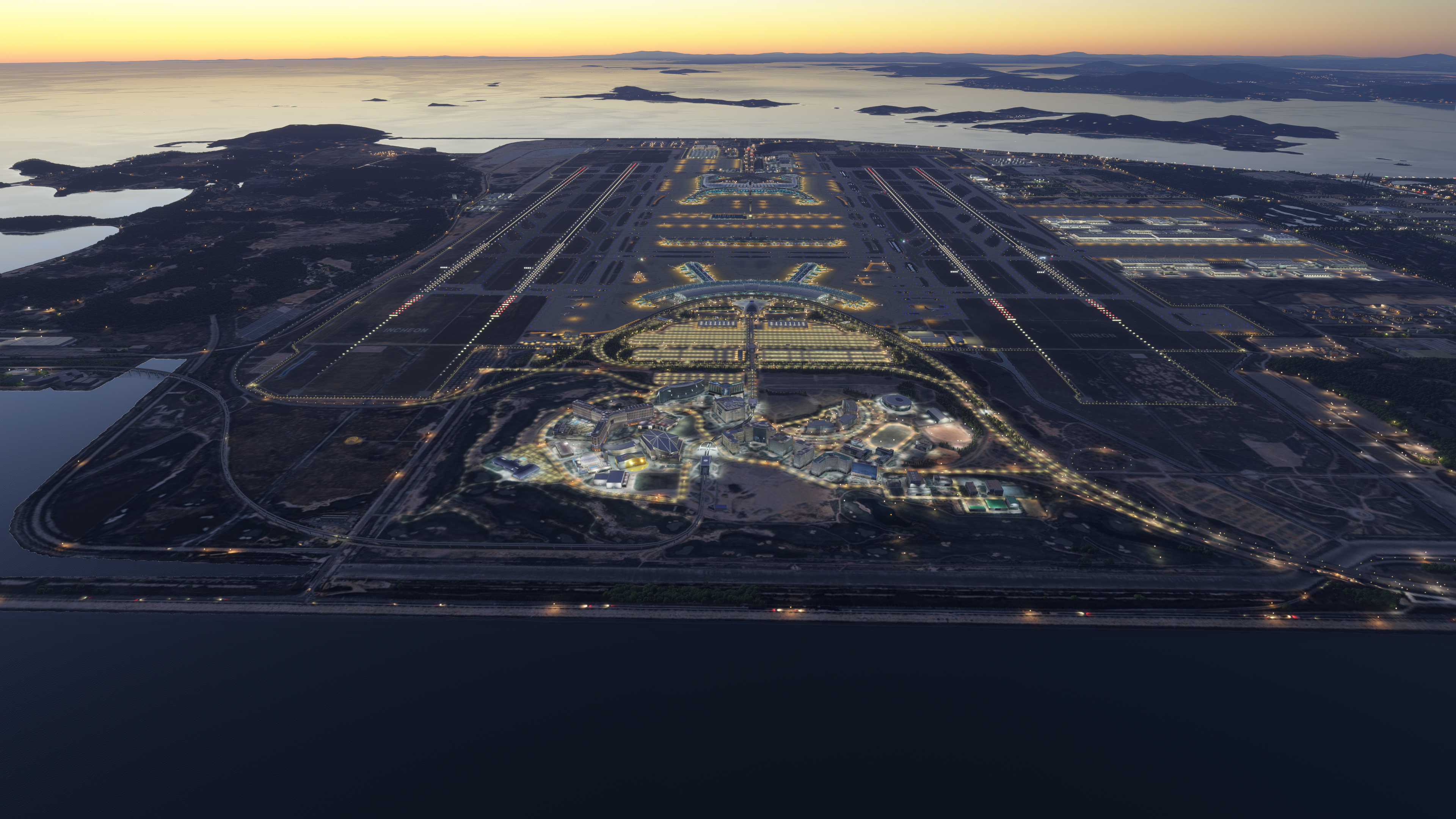
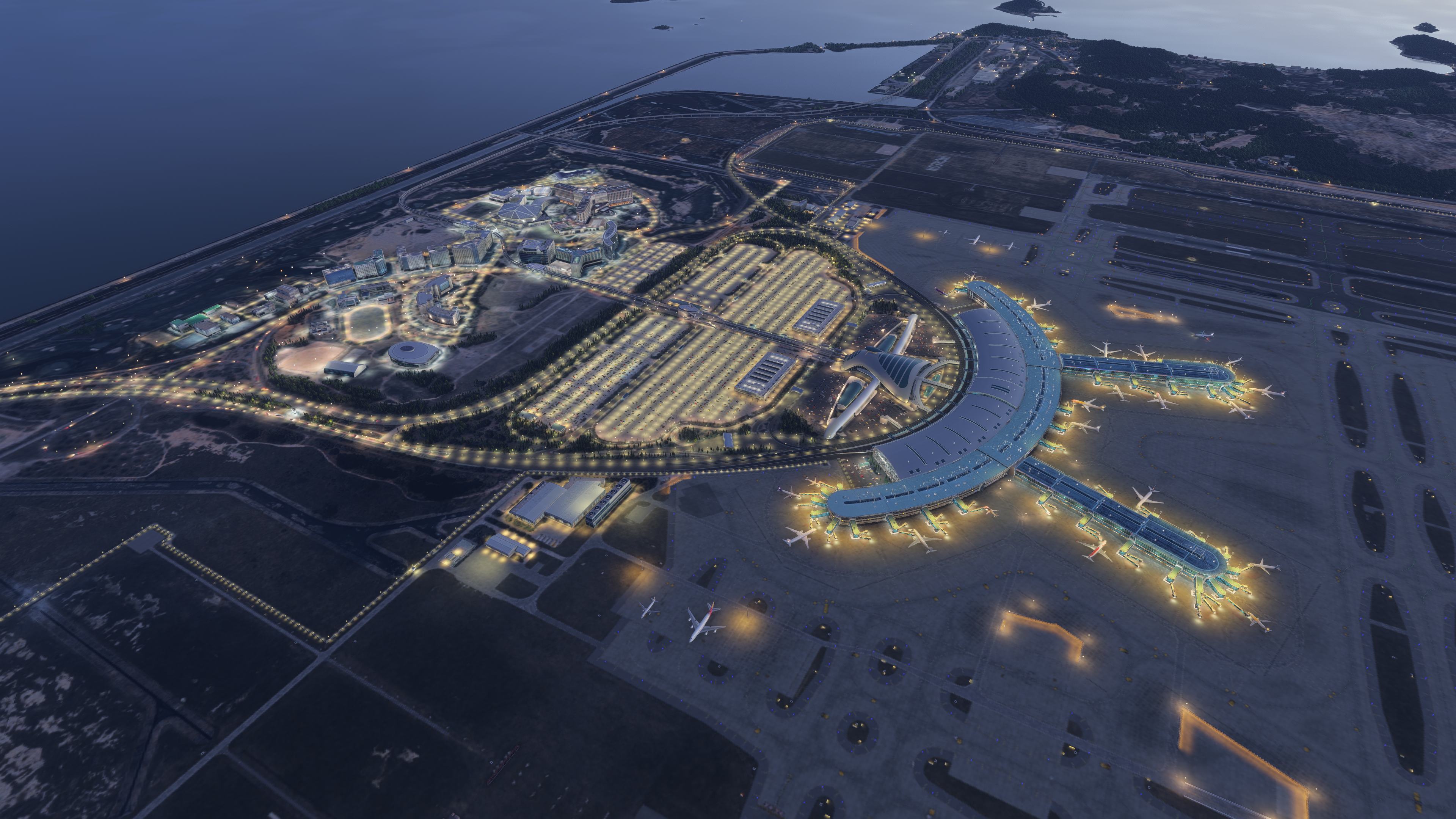
Incheon International Airport (ICAO: RKSI / IATA: ICN) is South Korea’s main international gateway, located on Yeongjong Island about 30–40 NM west of Seoul. Sitting at just 23 ft elevation, it features four long parallel runways — including the 4,000 m (13,123 ft) 16L/34R — making it ideal for heavy long-haul operations. The airport boasts two massive terminals (Terminal 1 mainly serving Korean Air, Terminal 2 serving Asiana and Star Alliance carriers) with a total of 111 gates and supports heavy widebody traffic, including A380s, 777s, 787s, and A350s. Known for its efficiency and modern design, Incheon is one of the world’s busiest and highest-rated hubs, offering realistic long taxi times, distinctive Korean signage, and impressive night lighting that flight simmers will appreciate.

Experience South Korea’s premier aviation gateway like never before! SiamFlight RKSI Incheon International Airport is a community-driven passion project created in close partnership with the dedicated South Korean flight simulation community. This scenery has been shaped by local simmers, real-world references, and countless hours of feedback from Korean pilots and enthusiasts who know the airport inside out.

Current Feature List:

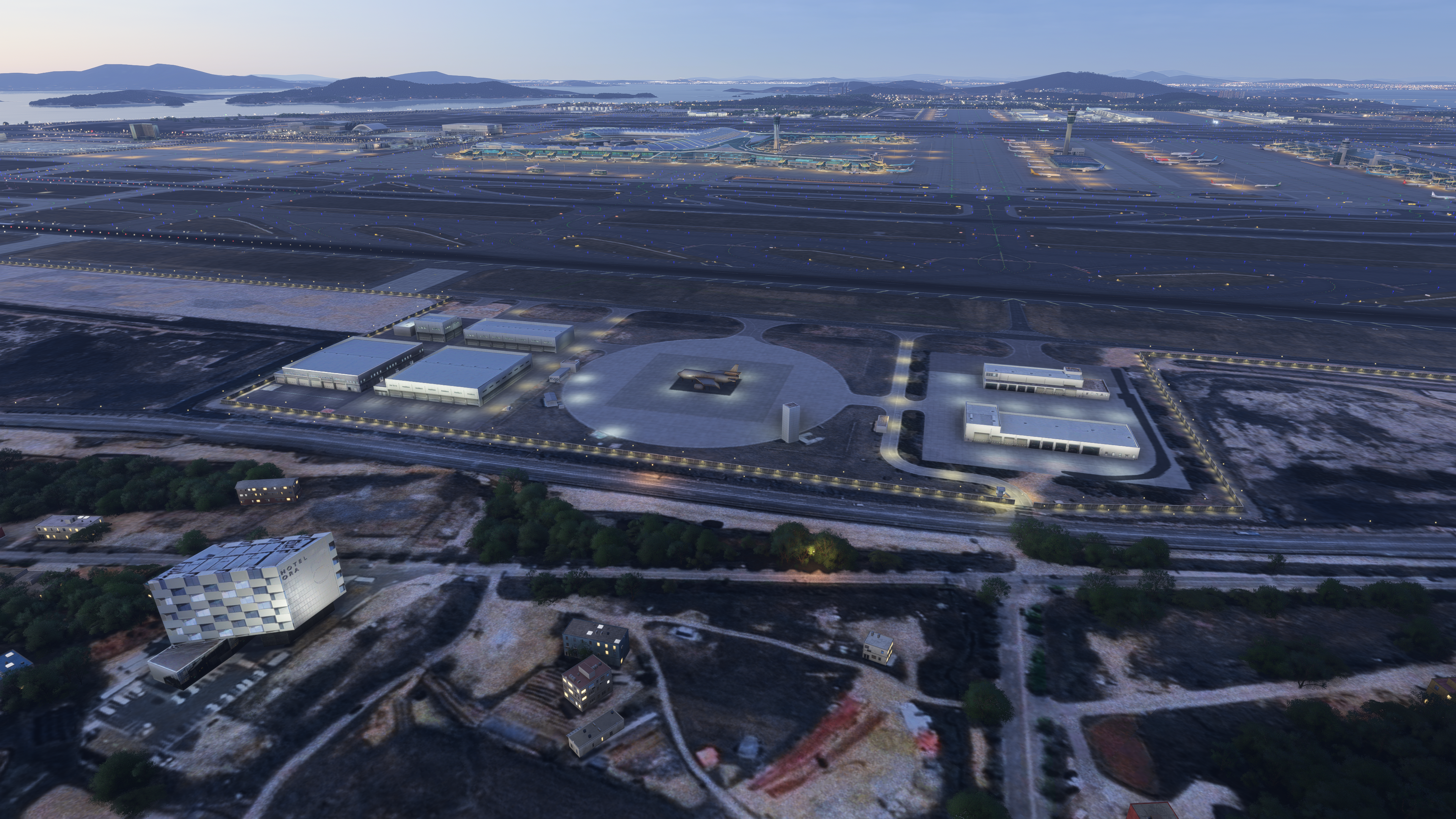
  • Fully modeled Terminal 1, Terminal 2 with the latest expansion, and all satellite concourses with accurate architecture.
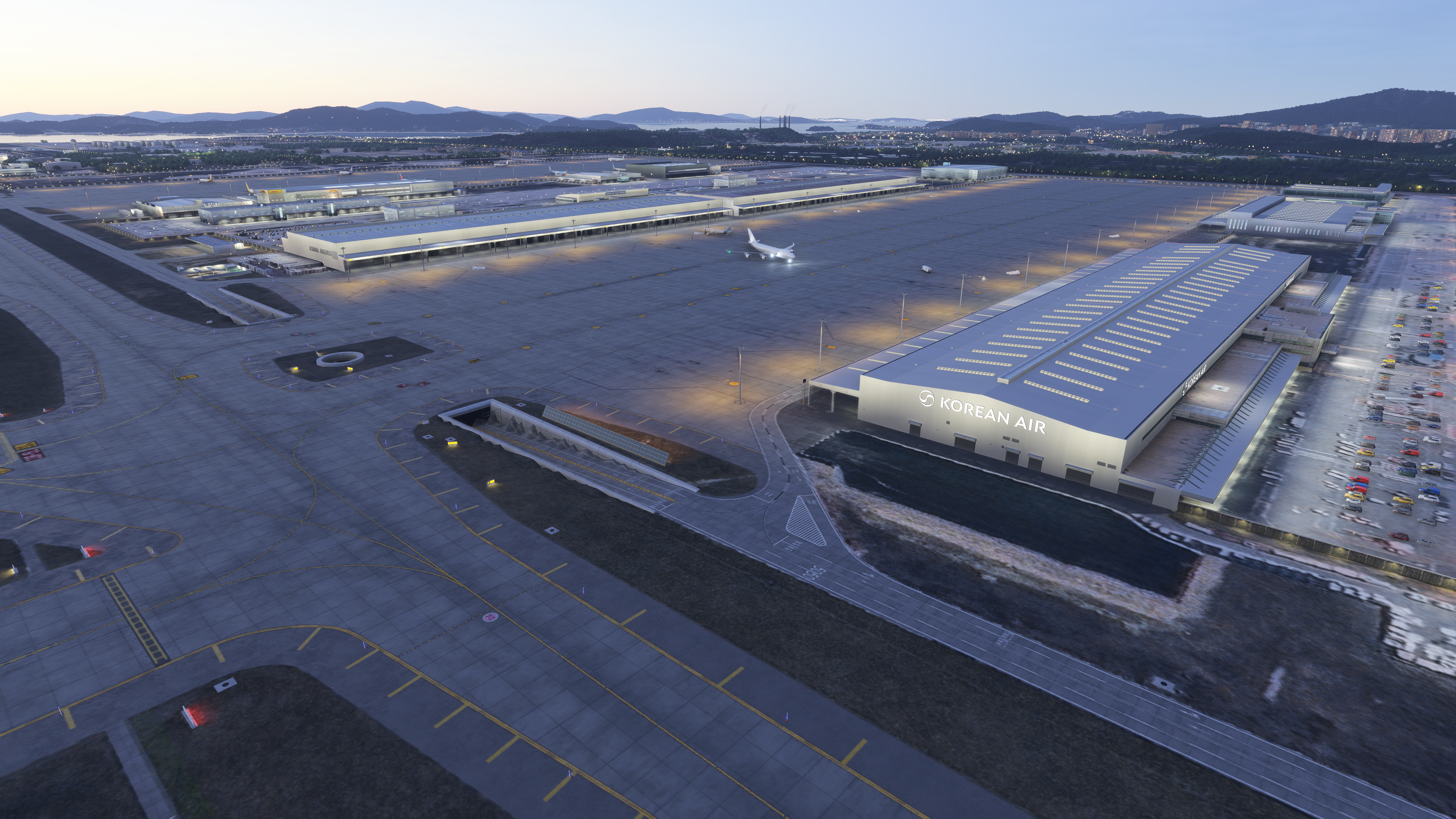
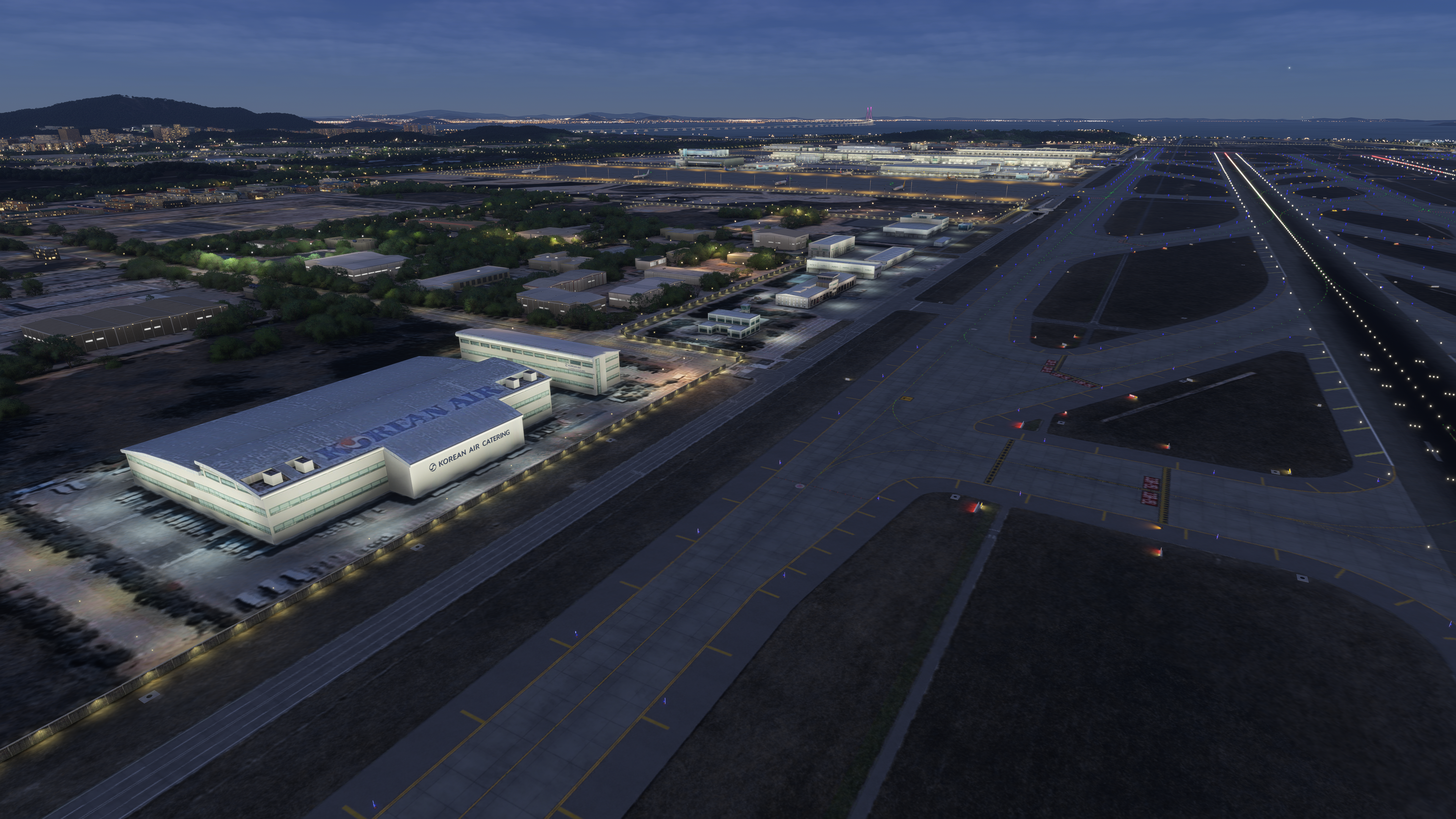
  • Cargo apron 1 and 2.
  • All parking spots as in the AIRAC document.
  • Highly detailed runways, taxiways, aprons, and service roads with precise markings.
  • Realistic custom ground polygons, jetways, lighting, and night illumination.
  • Optimized performance for both MSFS 2020 and MSFS 2024.
  • Full compatibility with default AI traffic, ground services, and live weather.
  • Hand-crafted ground markings and textures matched the real airport.
  • ILS, LOC, VOR/DME, and RVR.
  • Gates, stands, helipads, runways, and taxiways are properly named and connected.
  • Full Day/Night lighting.

Future updates:

  • More detail overall, both exterior and interior.
  • GSX pro profile for PC version.
  • Custom VDGS for the Xbox/marketplace version.
  • Ground cluster simobjetcs.
  • Living world airport service vehicles.
  • Complete parking gate sign(L,R and the north apron)
  • Improve the building night illumination map.
  • Cargo 2 apron warehouse texture improvement.
  • Improve ground texture for roads and highways around the airport.
  • More POI (INSPIRE Casino, Airport Railroad, Northern hangar, and more)

Key Features

  • Fully modeled Terminal 1, Terminal 2 with the latest expansion, and all satellite concourses with accurate architecture.
  • Cargo apron 1 and 2.
  • All parking spots as in the AIRAC document.
  • Highly detailed runways, taxiways, aprons, and service roads with precise markings.
  • Realistic custom ground polygons, jetways, lighting, and night illumination.
  • Optimized performance for both MSFS 2020 and MSFS 2024.
  • Full compatibility with default AI traffic, ground services, and live weather.
  • Hand-crafted ground markings and textures matched the real airport.
  • ILS, LOC, VOR/DME, and RVR.
  • Gates, stands, helipads, runways, and taxiways are properly named and connected.
  • Full Day/Night lighting.
Purchase $38.93 AUD
Sales tax will be calculated at checkout where applicable.
US$26.96 | €23,34 | £20.17
This purchase will earn you 19 Orbs!


Screenshots


Developer

This product has been produced by SiamFlight. For SiamFlight product support, please go to https://discord.gg/7rWR4bqve9

View SiamFlight on OrbxDirect


Compatibility

General

You will need Orbx Central to download and install this product. Orbx Central runs on Windows 7+, macOS and Linux. An internet connection is also required.

The download size of this product is 3.45 GB. It uses 4.77 GB when installed.

Supported Simulators

This product is compatible with the following simulators:

  • Microsoft Flight Simulator
  • Microsoft Flight Simulator 2024

Supported Operating Systems

This product is compatible with the following operating systems:

  • Windows